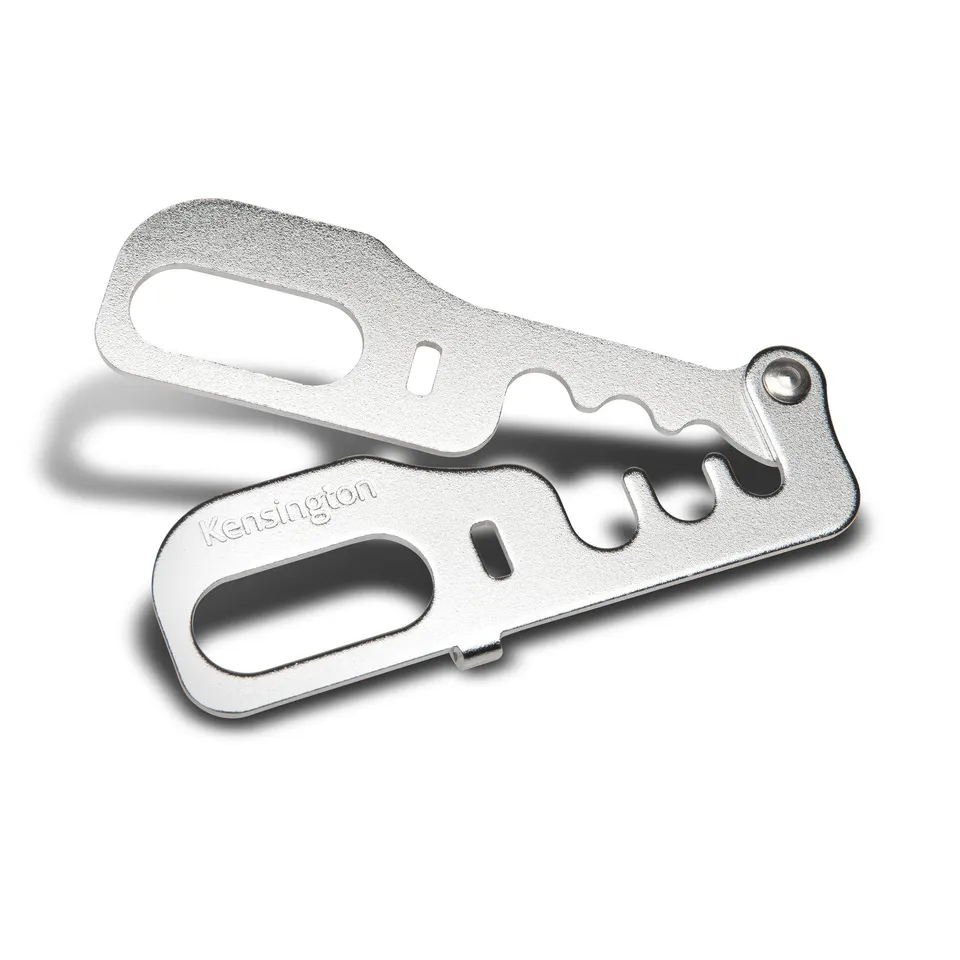
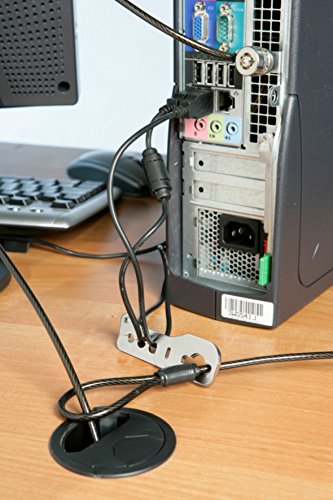
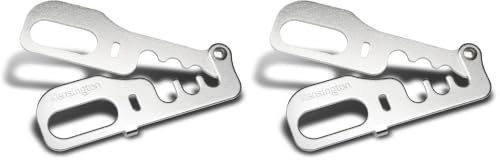
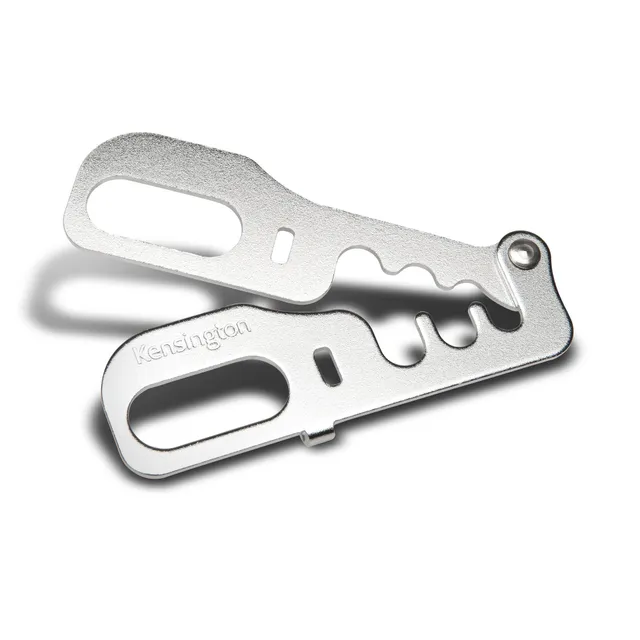
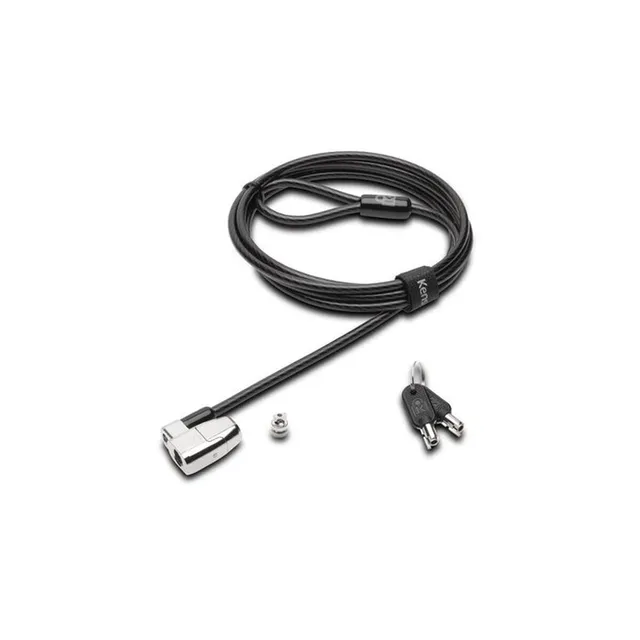
Secure up to 3 desktop accessories with the Kensington CableSaver K64519US at $7.06—a compact steel trap that locks cables with a MicroSaver lock (sold separately).
In Stock
Size
Size
1 Count (Pack of 1)
1 Count (Pack of 2)
-
1
+
Get it in 3–5 business days.
20 people are viewing this item.30 sold today.Only 11 left in stock.
Kensington CableSaver – Say Goodbye to Stolen Peripherals
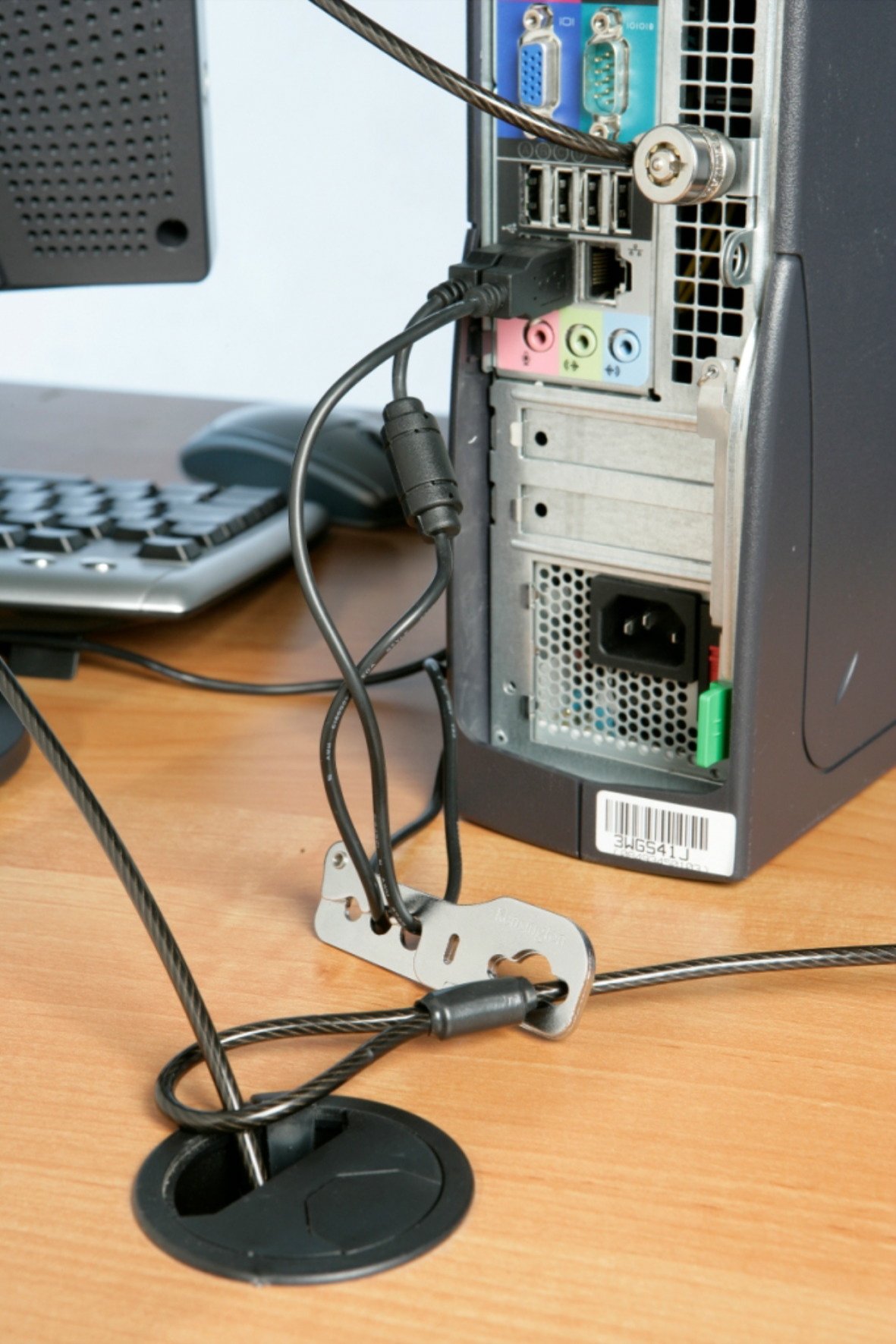
The Kensington CableSaver (K64519US) is a desk-mounted security anchor that secures up to three desktop accessories like mice, keyboards, and phones. Its steel trap holds cables securely, and the MicroSaver pass-through allows you to lock your laptop as well. At just $7.06, it's an affordable solution to prevent theft in open workspaces.
Key Features
Secures up to 3 desktop accessories simultaneously
Pass-through for a Kensington MicroSaver cable lock (sold separately)
Lightweight, slim design that doesn't add clutter
Strong steel trap for durability
TAA-compliant for government use
How to Use
Attach the CableSaver to a desk or fixed surface using the included hardware (adhesive or screws).
Place the cables of your accessories into the steel trap.
Insert your Kensington MicroSaver lock into the slot to secure the trap.
Price Value & Deals
At only $7.06, this security anchor is a minimal investment to protect your valuable peripherals. Use coupon code MEKIBO15 for an extra 15% off. Free shipping on orders over $45.
Features
Secures up to three desktop accessories to deter theft.
Compact design fits any workspace without clutter.
Steel construction ensures durability and security.
The Kensington CableSaver is a simple yet effective way to prevent theft of your keyboard, mouse, and other gadgets. At just $7.06, it's a tiny price for peace of mind.
Versatile & Easy to Install
Mount it anywhere, from desks to partitions. Its slim design doesn't interfere with your work. Use it in home offices, open plan offices, or shared spaces.
Buy Now & Save
Take advantage of the extra 15% off with code MEKIBO15. Free shipping on orders over $45. Secure your equipment today!
Frequently Asked Questions
How do I use the Kensington CableSaver to secure desktop accessories?
Attach the CableSaver to your desk using the adhesive or screws. Place the cables of your devices into the steel trap. Then, insert your Kensington MicroSaver lock into the opening to lock the trap shut, preventing removal of the cables.
What accessories can I secure with this?
You can secure any device with a cable, such as keyboards, mice, phones, tablets, and even laptop chargers. Up to three cables can be held simultaneously.
Does it come with a lock?
No, you need a Kensington MicroSaver lock (sold separately) to secure the trap. The CableSaver has a pass-through for the lock.
Can I mount it without drilling?
Yes, it comes with strong adhesive tape that can stick to a desk. For a more permanent installation, you can use screws.
Is it TAA-compliant?
Yes, it is TAA-compliant, making it suitable for use in U.S. government institutions.
4.0★★★★★★★★★★(6)
5 ★3
4 ★1
3 ★1
2 ★1
1 ★0
Customer Reviews
6
★★★★★★★★★★5.0
n**u
Verified
Great peace of mind
Easy to install on my desk and holds all my cables securely. Now I can leave my laptop and monitor without worrying.
★★★★★★★★★★4.0
j***r
Verified
Works as described
Does what it says. The steel trap is sturdy and the adhesive mount is strong. Just remember you need a Kensington lock for it.
★★★★★★★★★★5.0
n*****v
Solid anchor for multiple devices
I've been using this for a few weeks and it's fantastic. The anchor attaches firmly to my desk, and the cable loop is wide enough for three power bricks and a couple of USB cables. It gives me peace of mind when I step away in a shared office. The build quality is excellent for the price.
★★★★★★★★★★3.0
e*u
Verified
Needs a lock, but works
Make sure you have a Kensington lock, because this is just the anchor part. Once you have one, it's pretty secure.
★★★★★★★★★★5.0
i***p
Good buy
Simple and effective.
★★★★★★★★★★2.0
p*i
Adhesive didn't stick well
The adhesive pad didn't stick to the underside of my glass desk, so I had to screw it in. Otherwise it would be fine, but that was a hassle.