$20.00
We will hold your cart for 15:00.
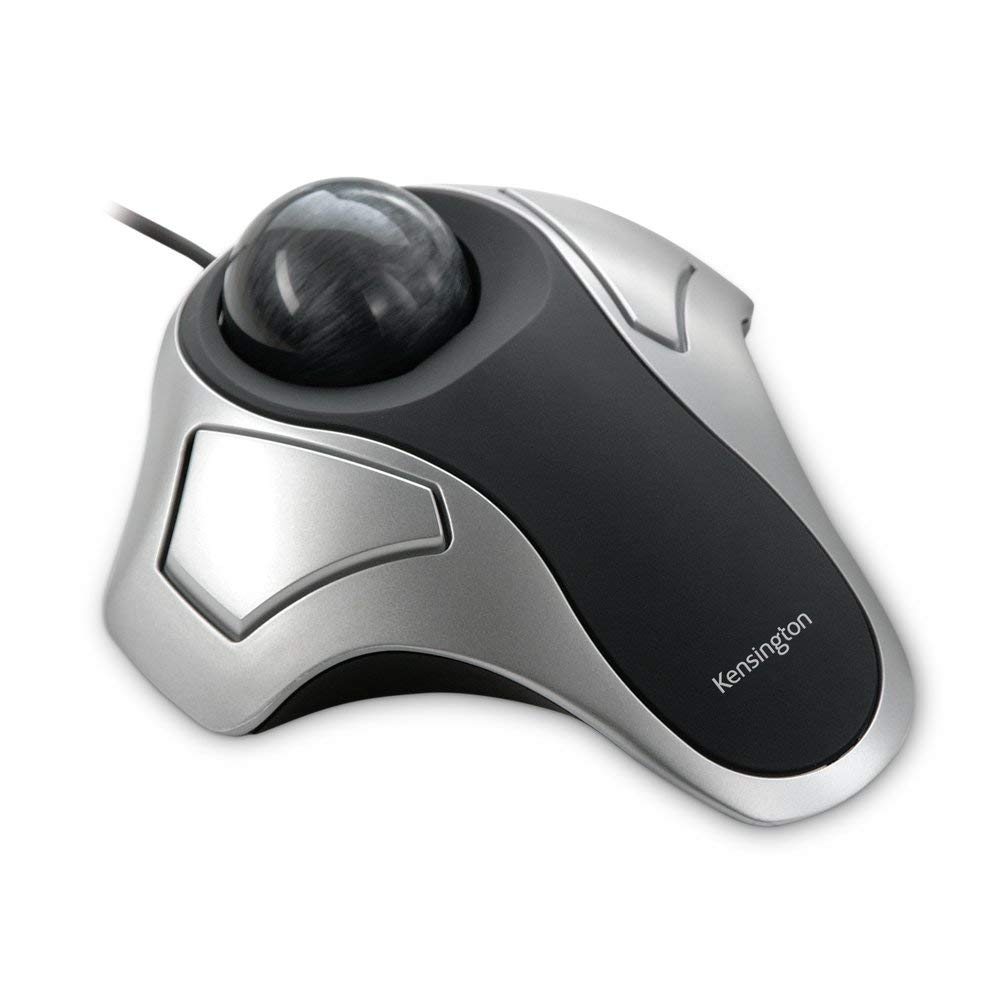
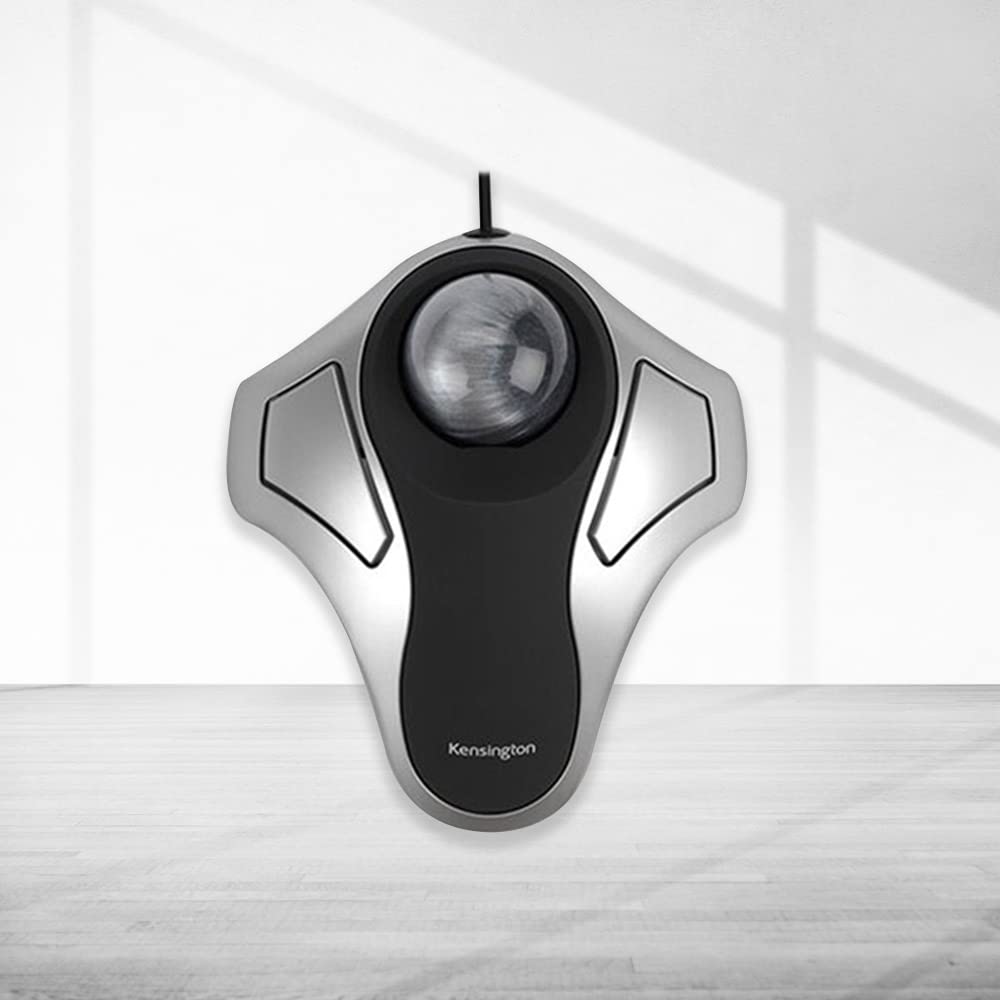
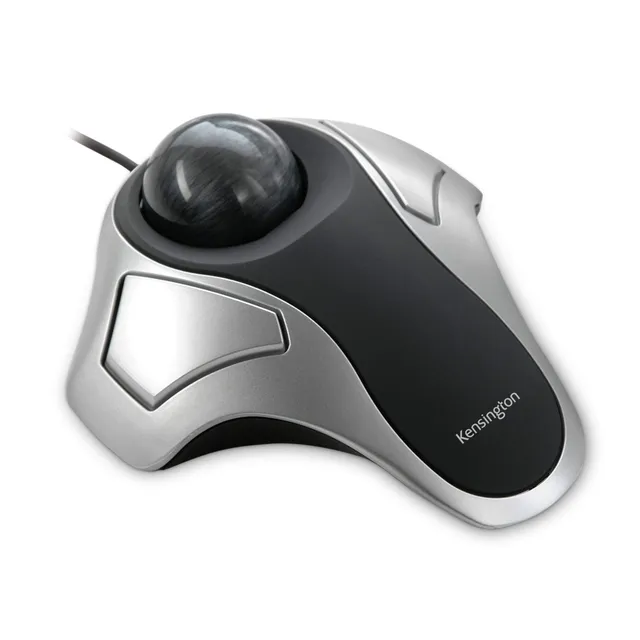
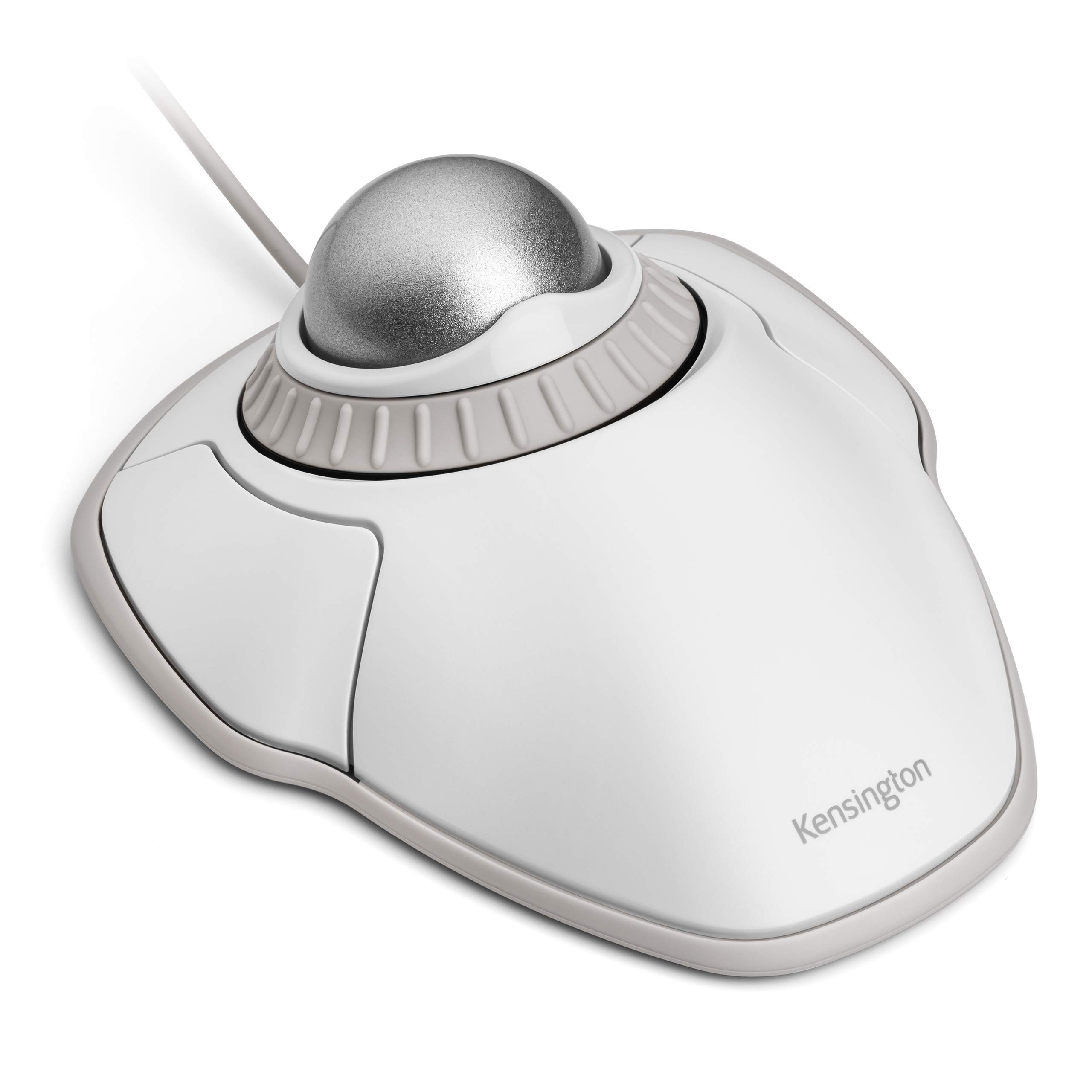
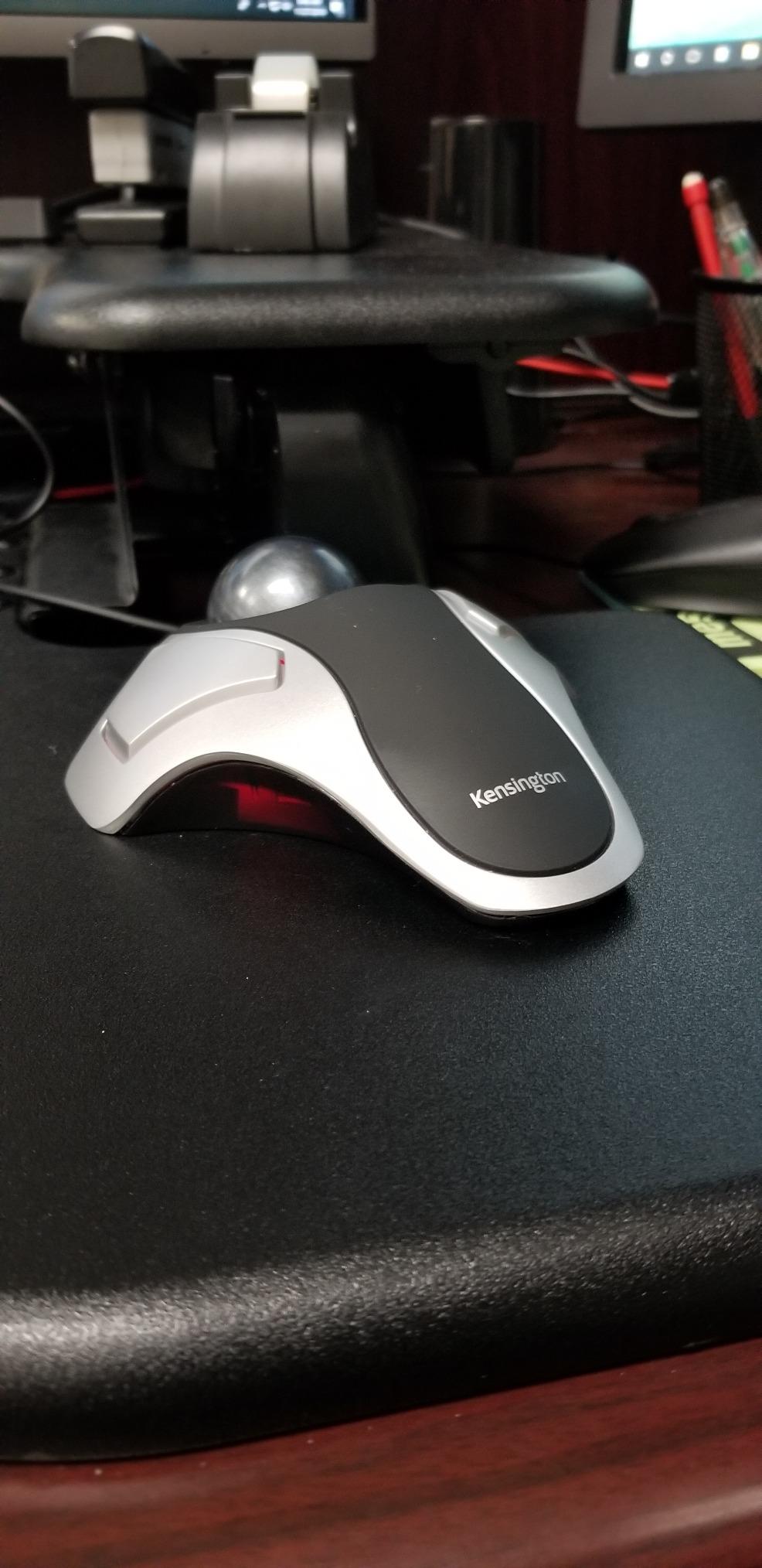
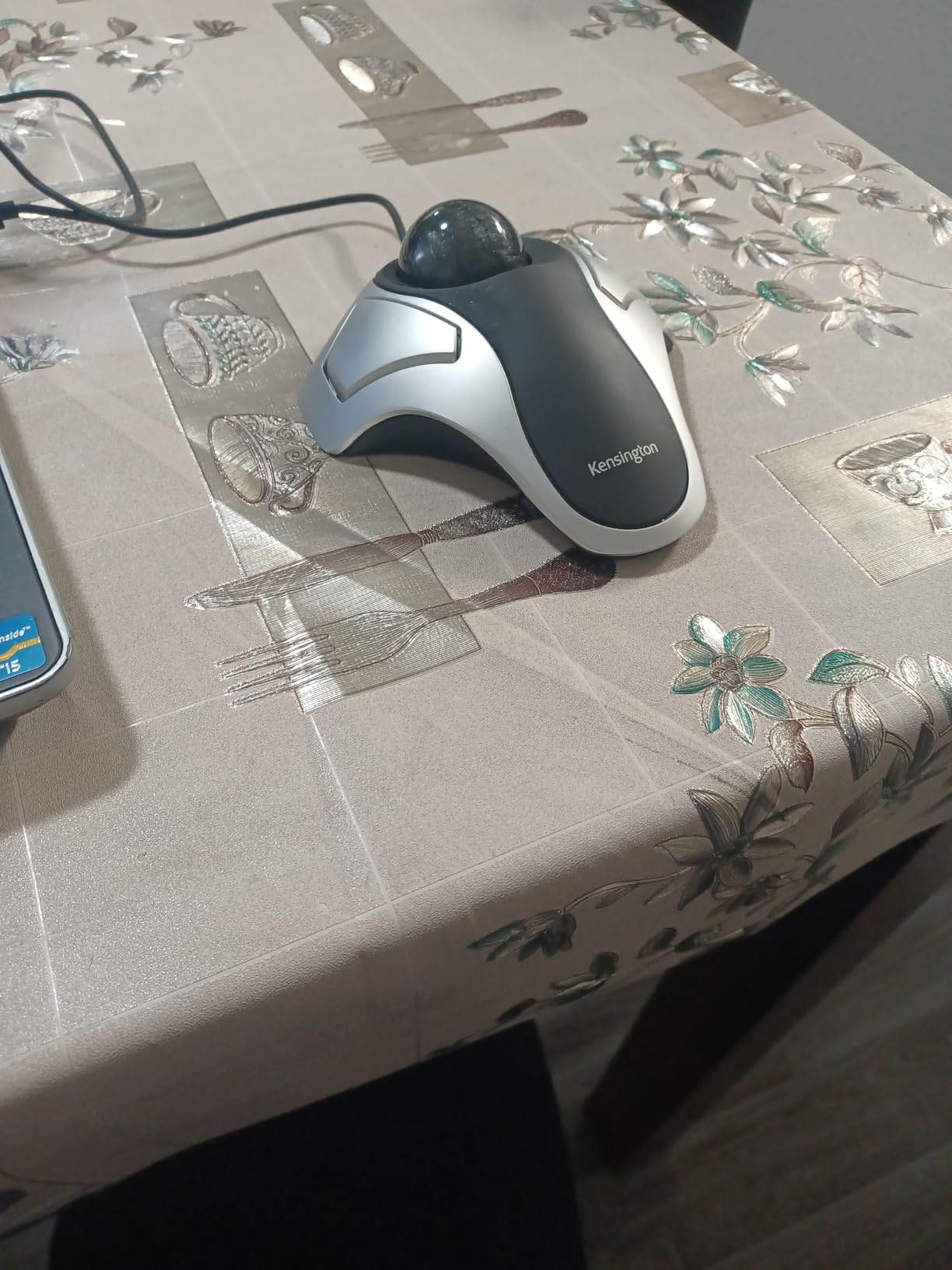
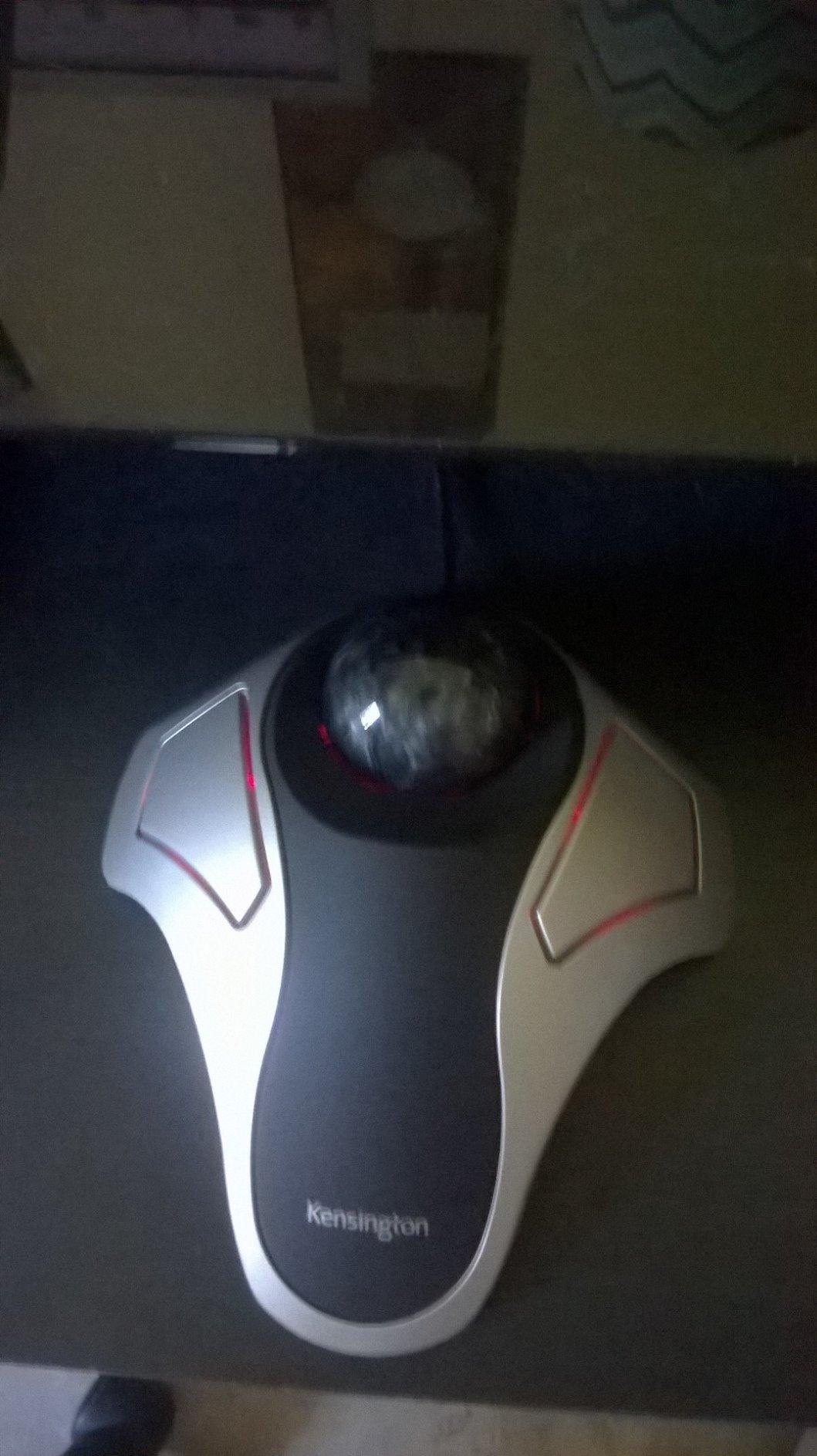
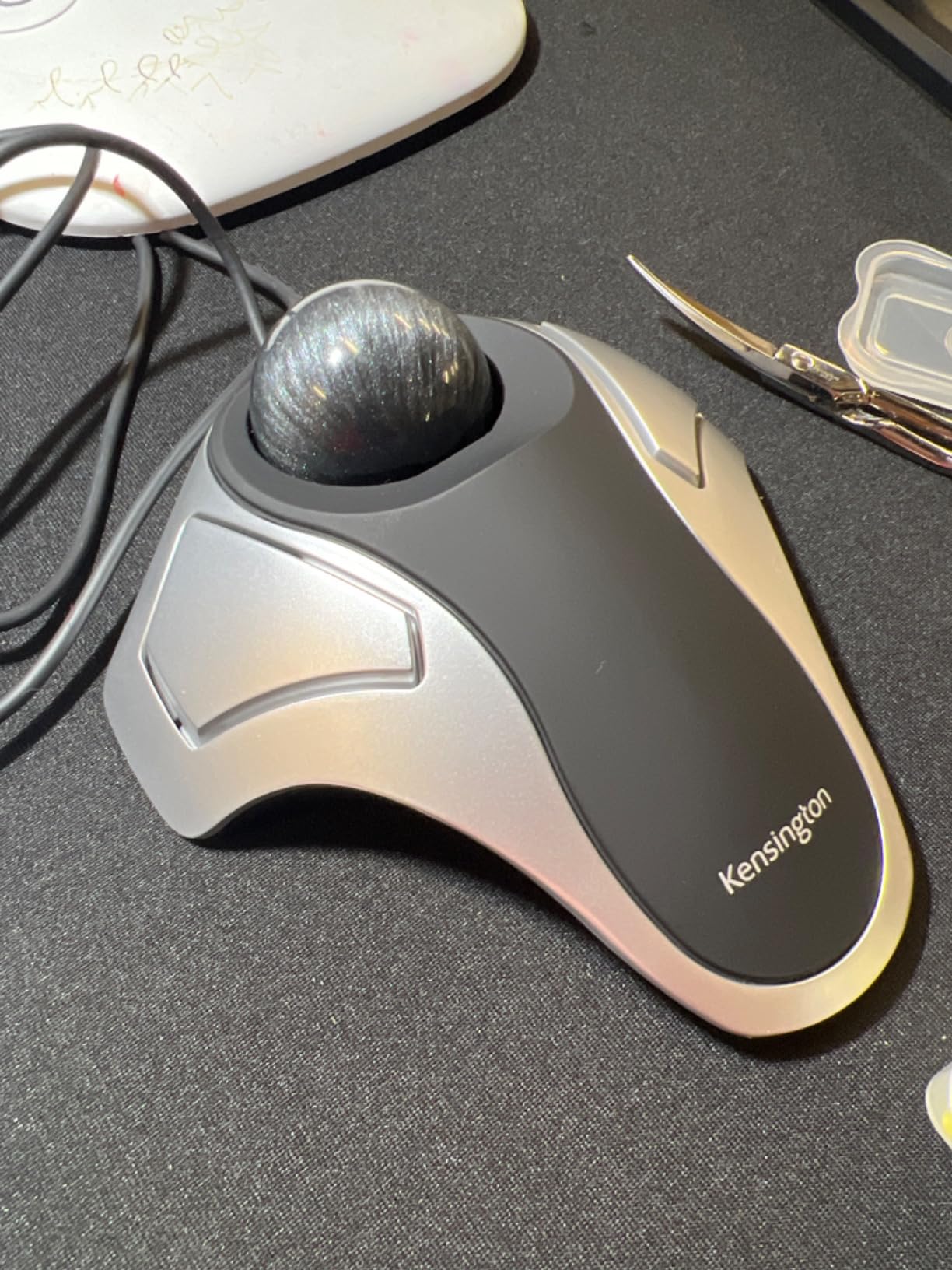
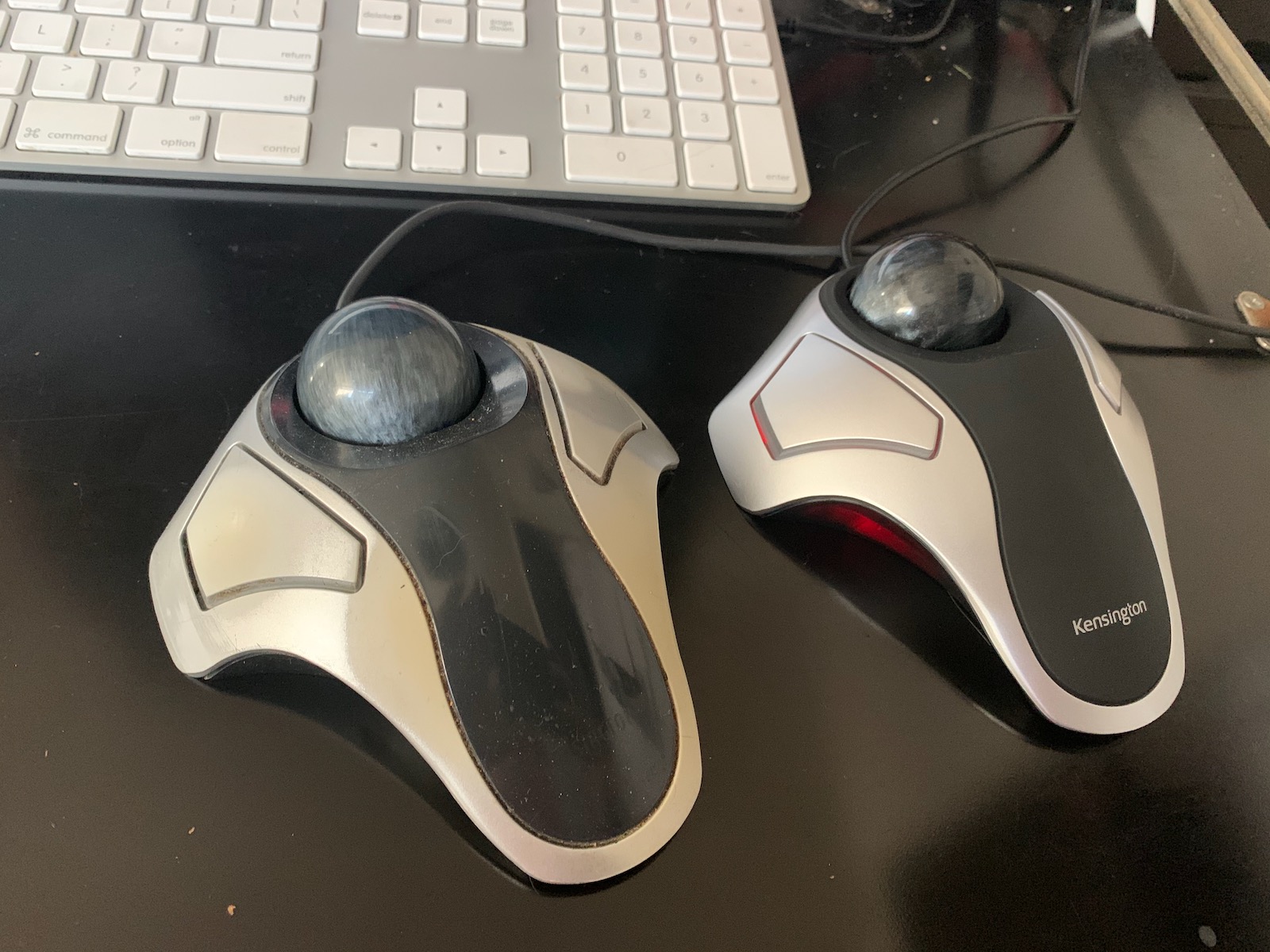
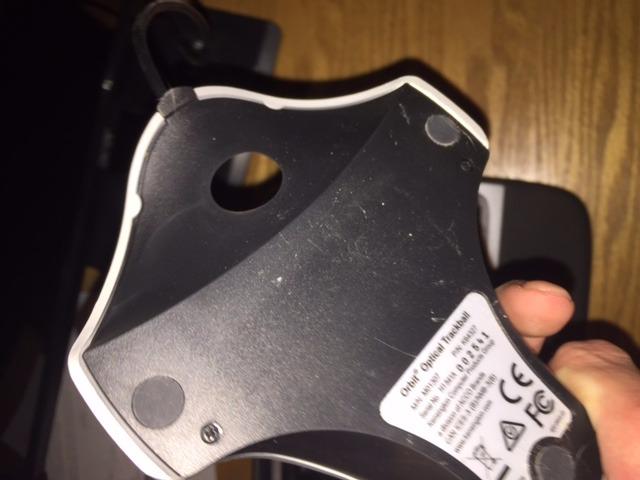
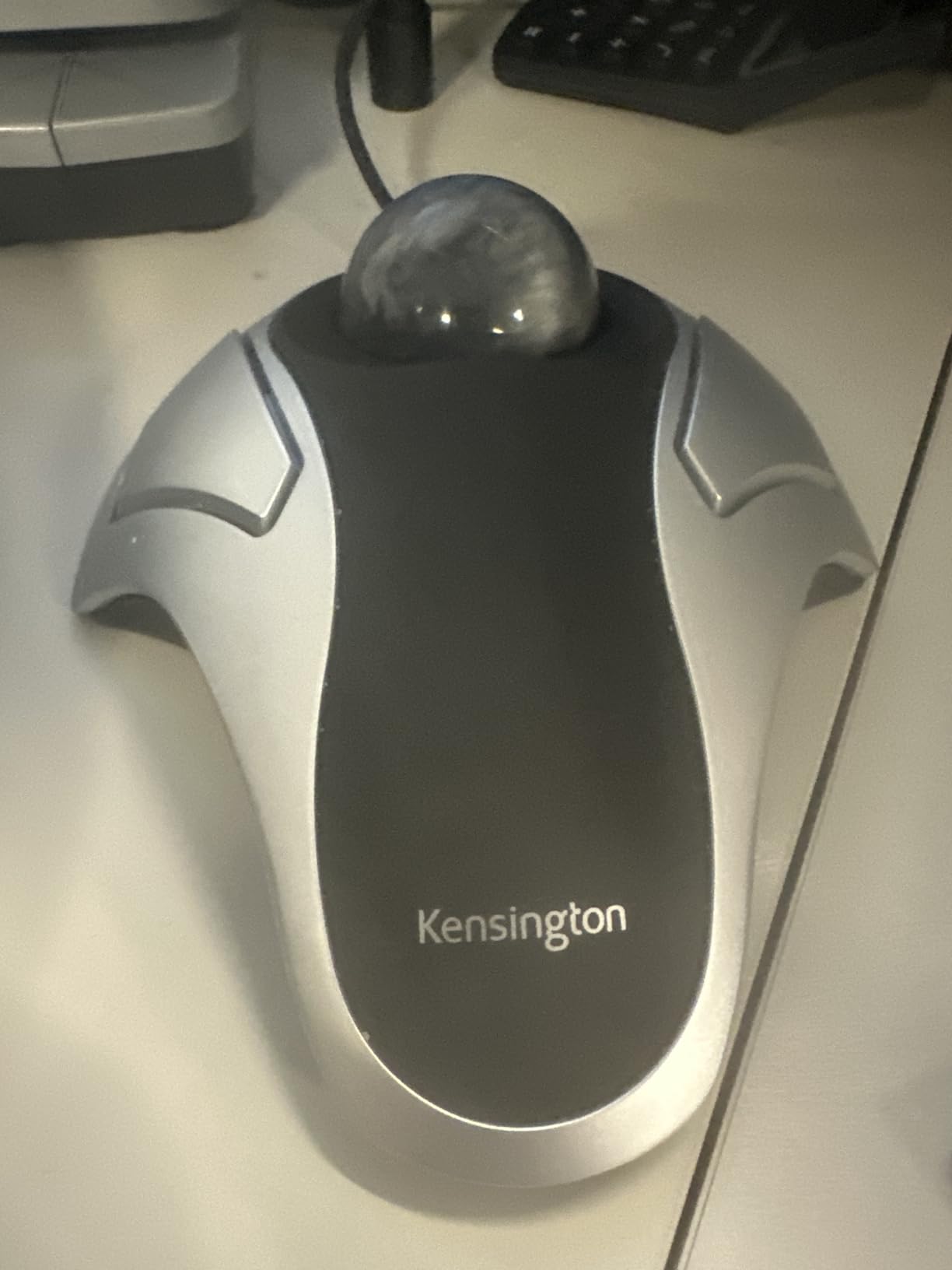
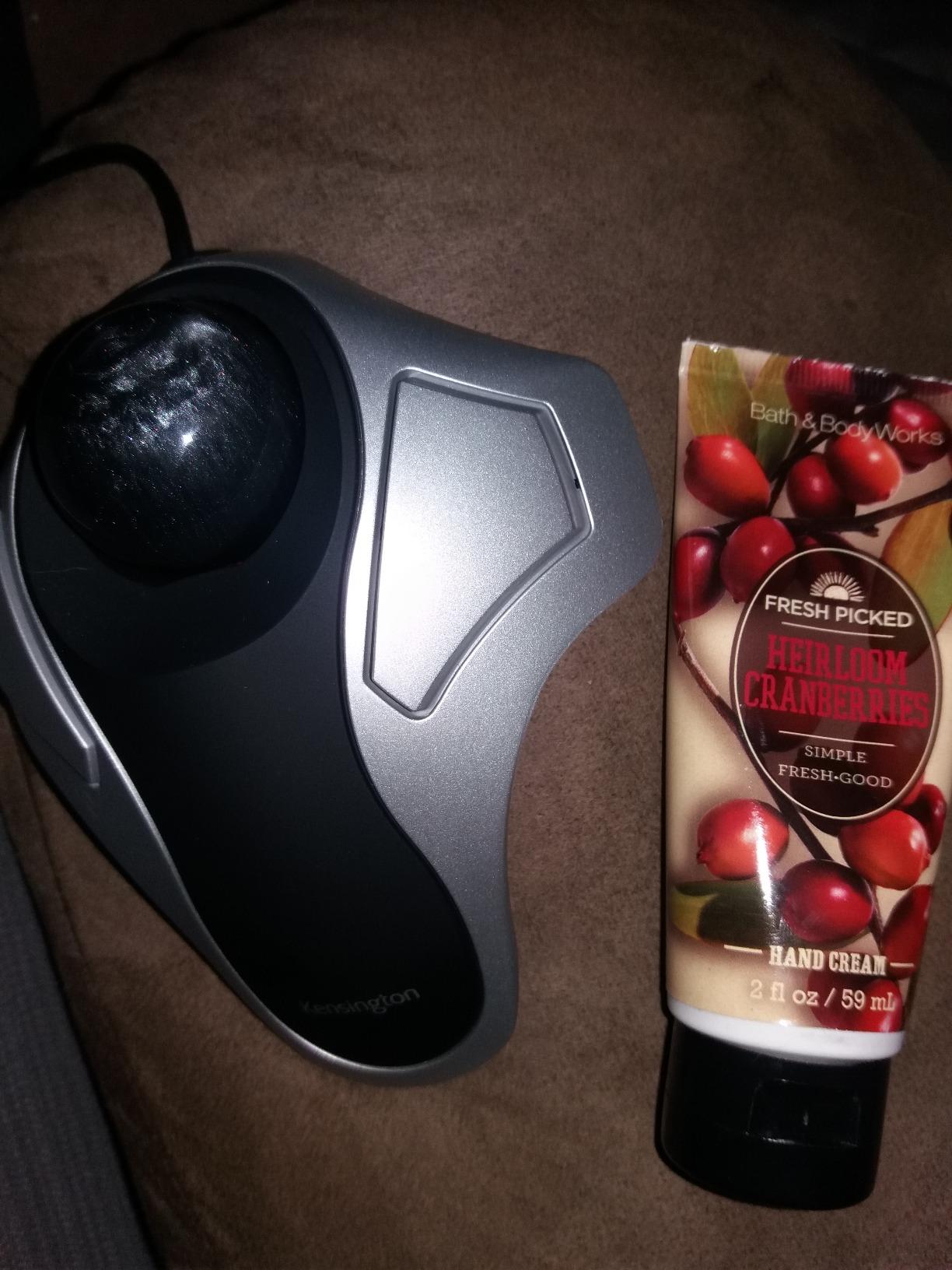
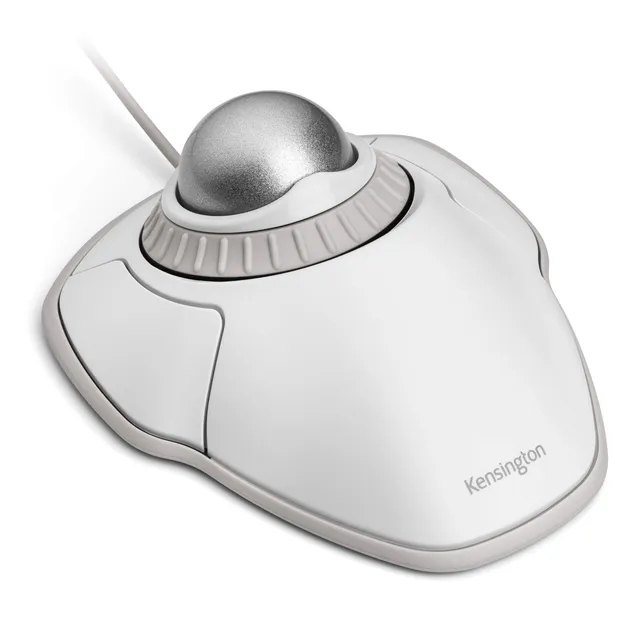
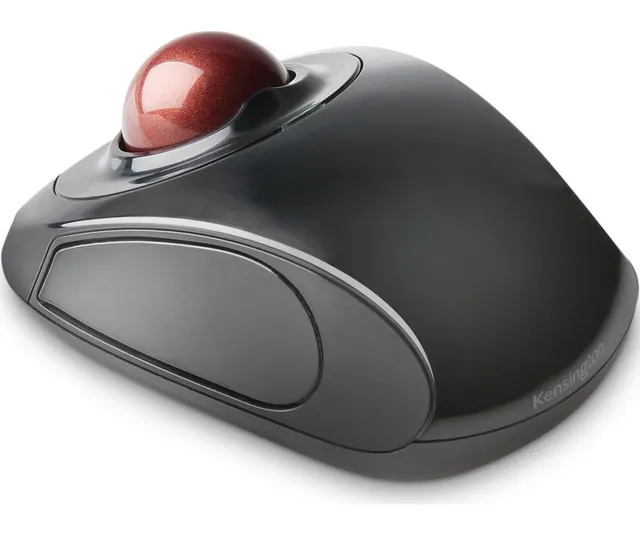
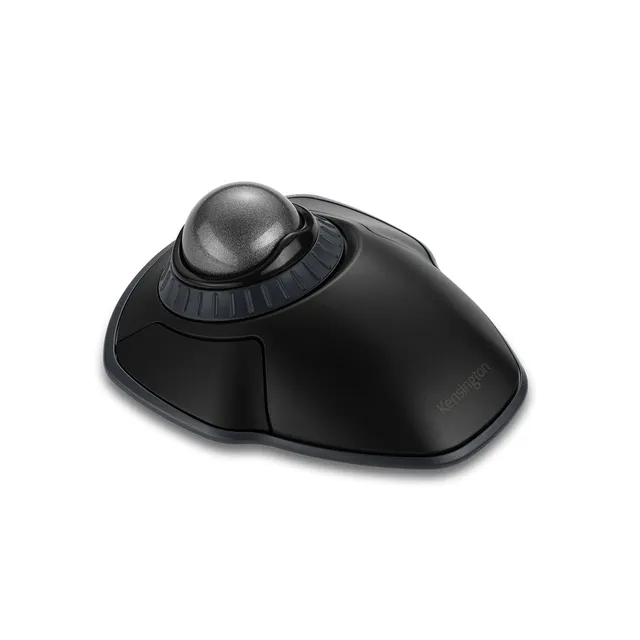
Buy the Kensington Orbit Trackball Mouse at a low price of $25.00, featuring a 40mm ball, ambidextrous design, and customizable buttons to reduce wrist strain and save desk space.
Pair withKensington Orbit Trackball Mouse with Scroll Ring$27.50
Categories : Series
SKU : MEK-SER-016
Upgrade to a trackball for better ergonomics and precision with the Kensington Orbit Trackball Mouse, now on sale for $25.00 (compare at $49.99). This compact, ambidextrous trackball reduces wrist strain and requires minimal desk space. Ideal for office work, graphic design, and users with limited mobility.
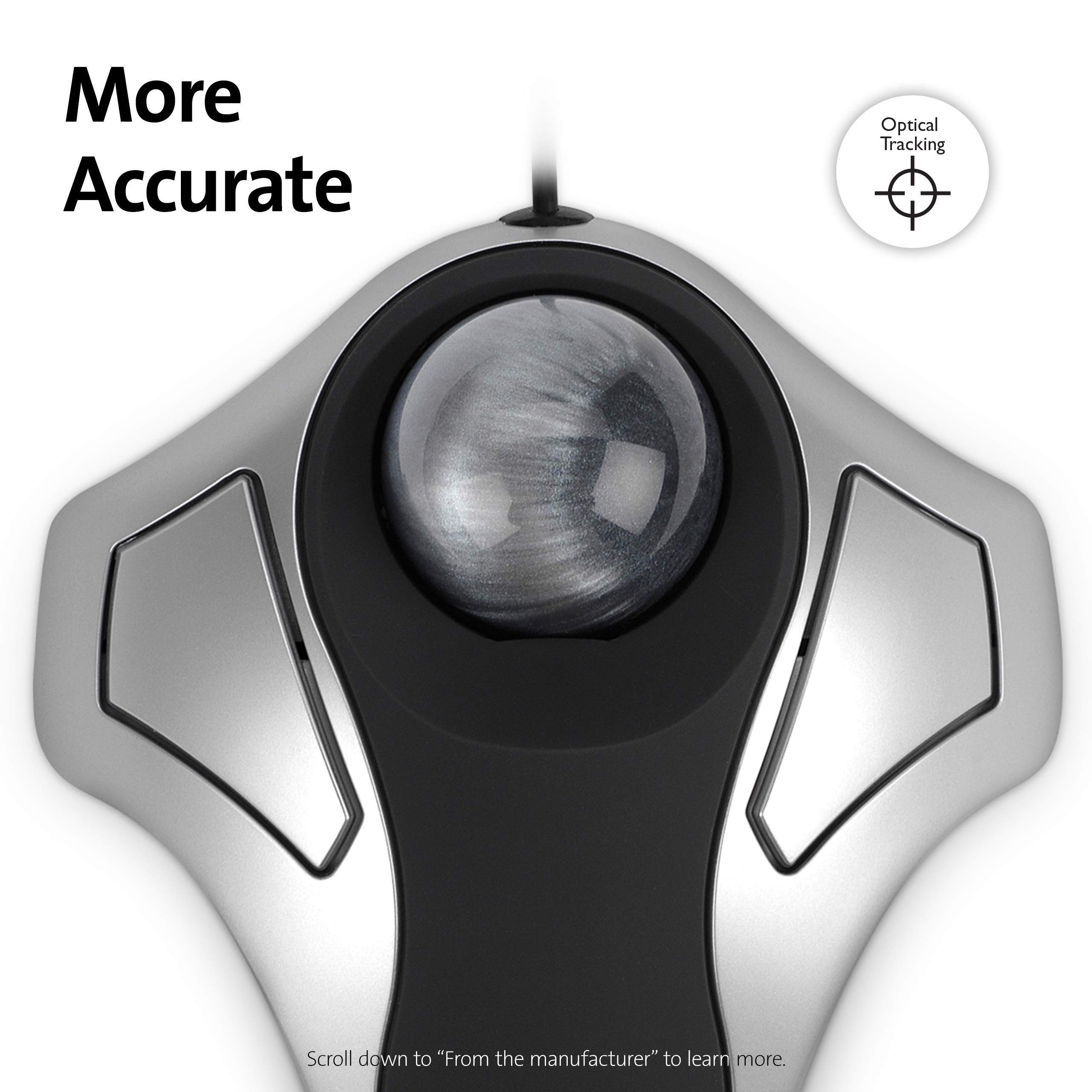
Internal red optics precisely track the medium 40mm ball for accurate cursor control, improving productivity.
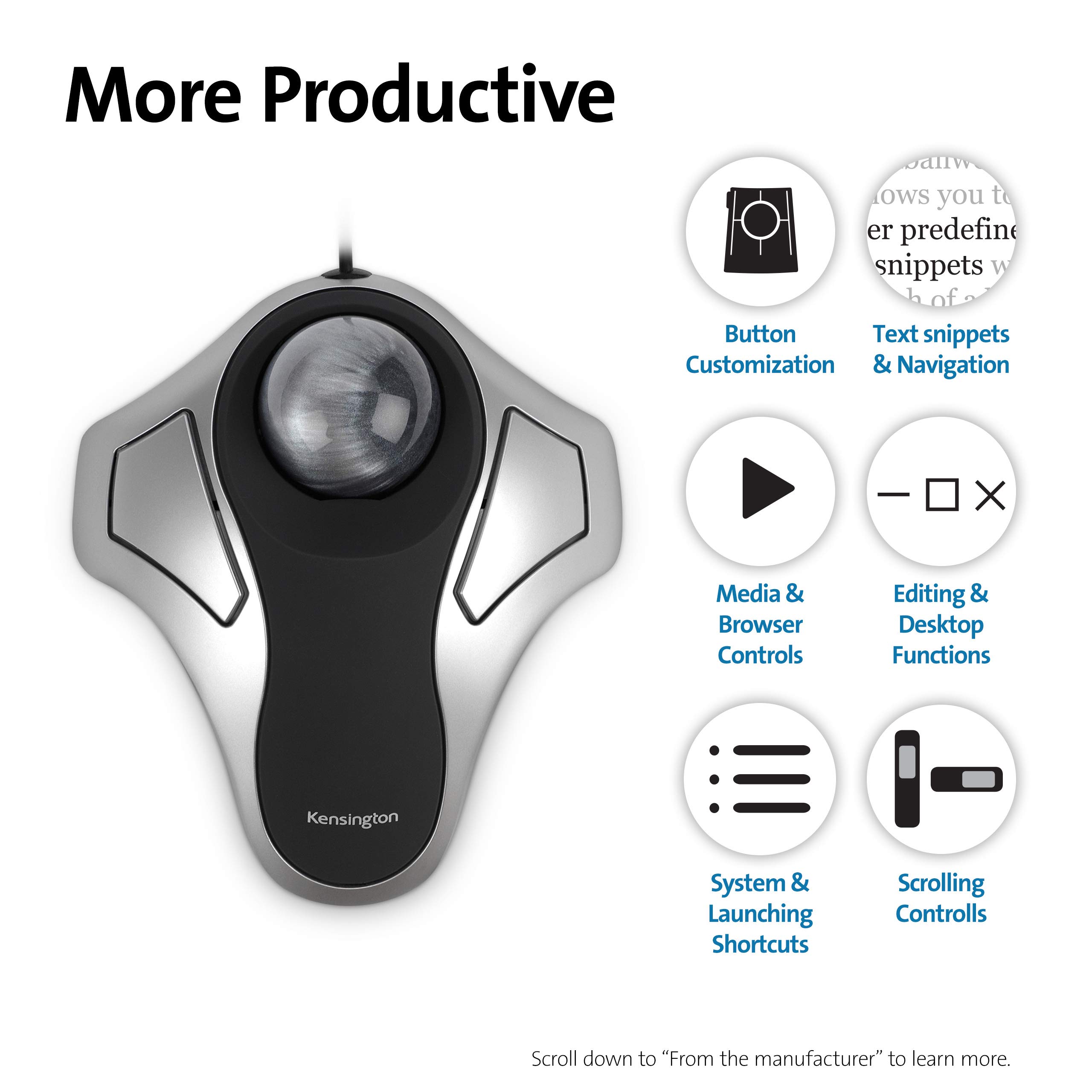
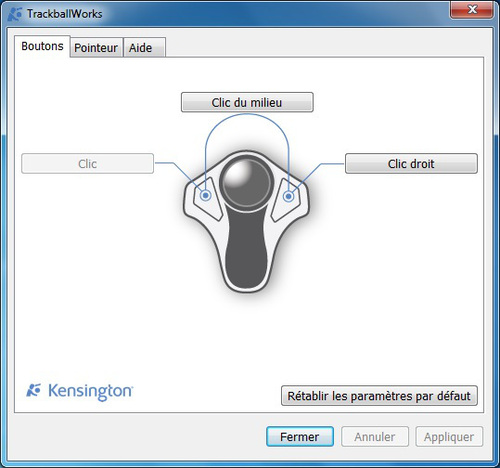
Two buttons can be customized using KensingtonWorks software to suit your workflow.
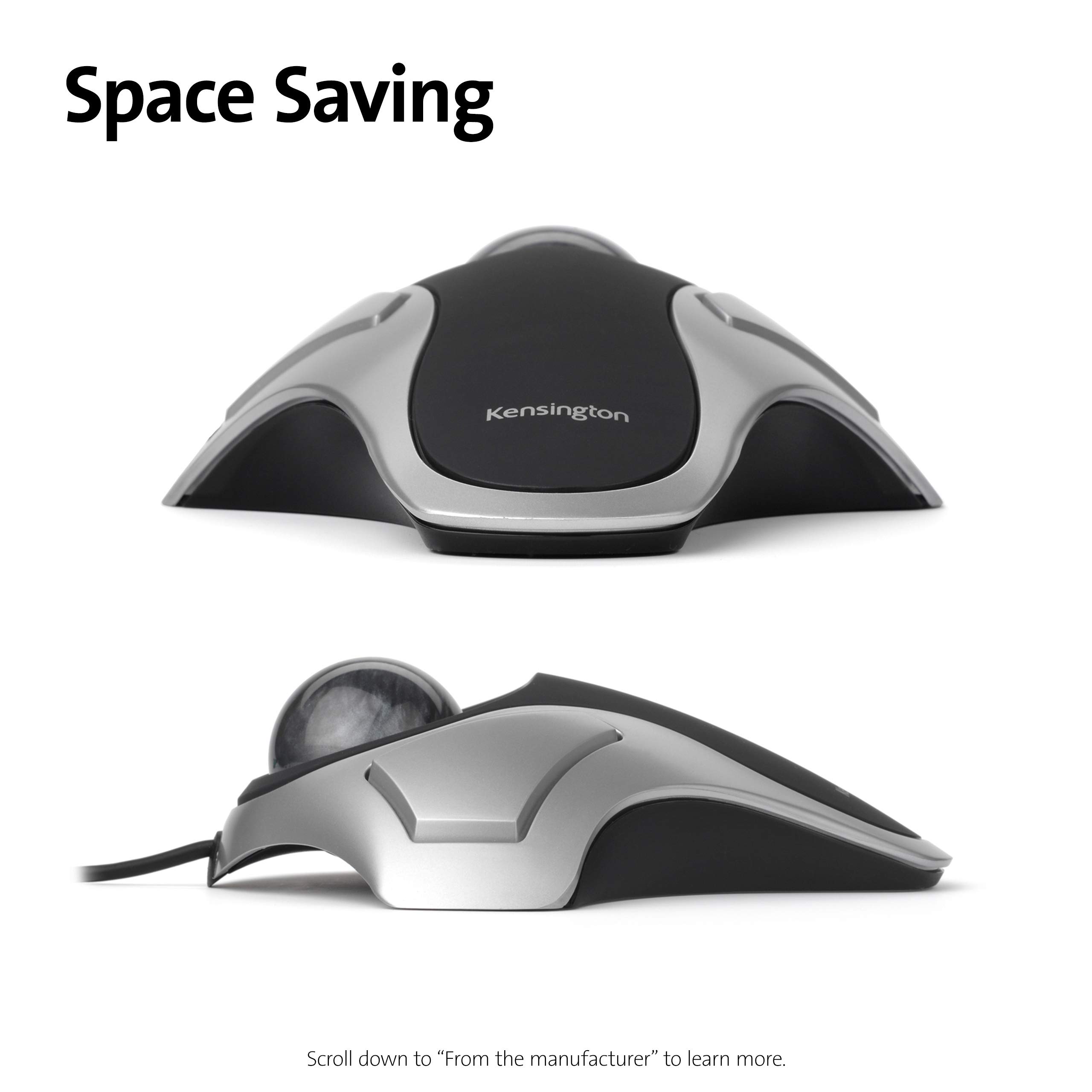
Designed for both left- and right-handed users, with a compact footprint that stays put.
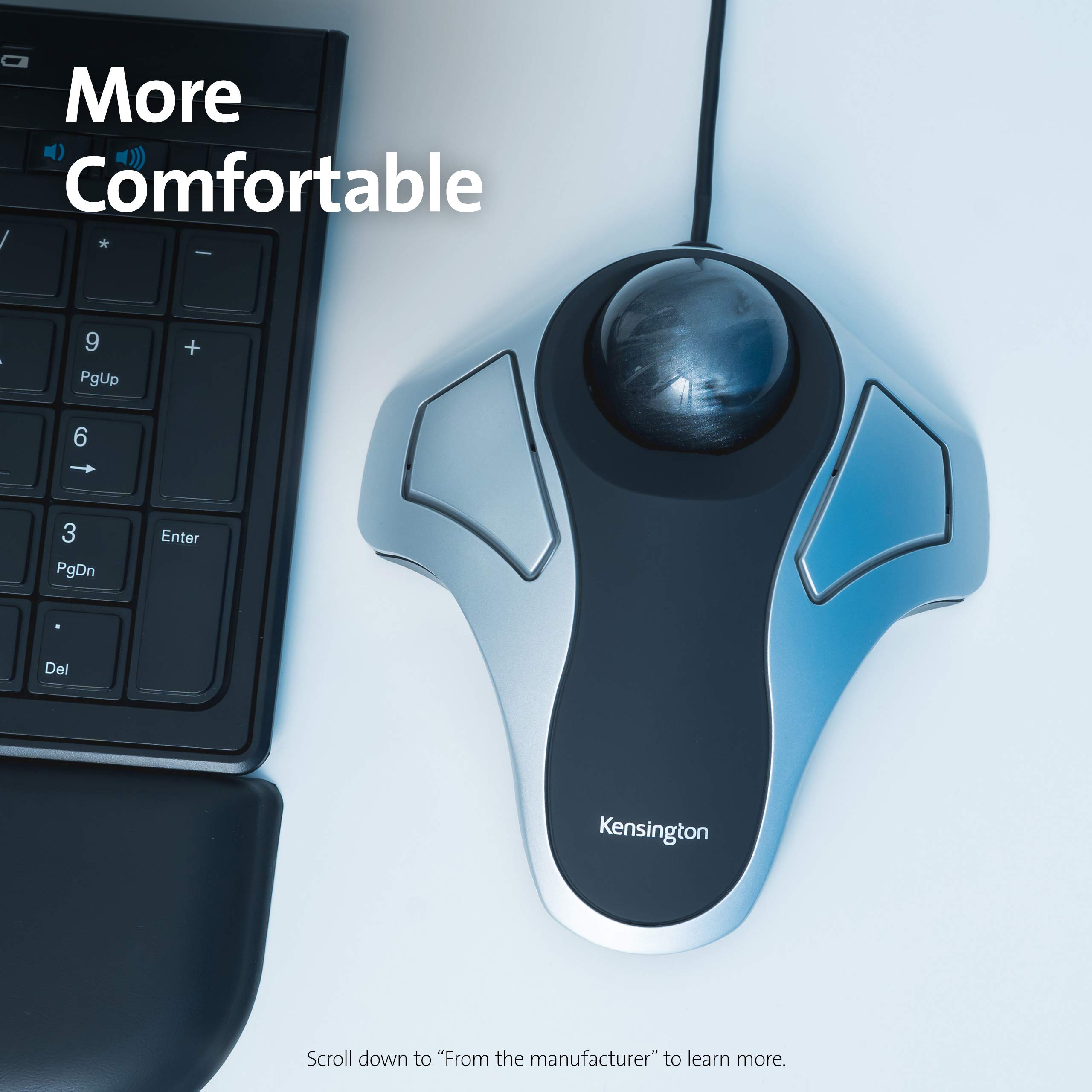
Trackball mice keep your hand stationary, reducing arm and wrist movements that cause strain.
At $25.00, you save 50% off the original price. Use coupon MEKIBO15 for an extra 15% off.
Free shipping on orders over $45. Standard shipping is $8.00. Apply MEKIBO15 at checkout for additional savings.
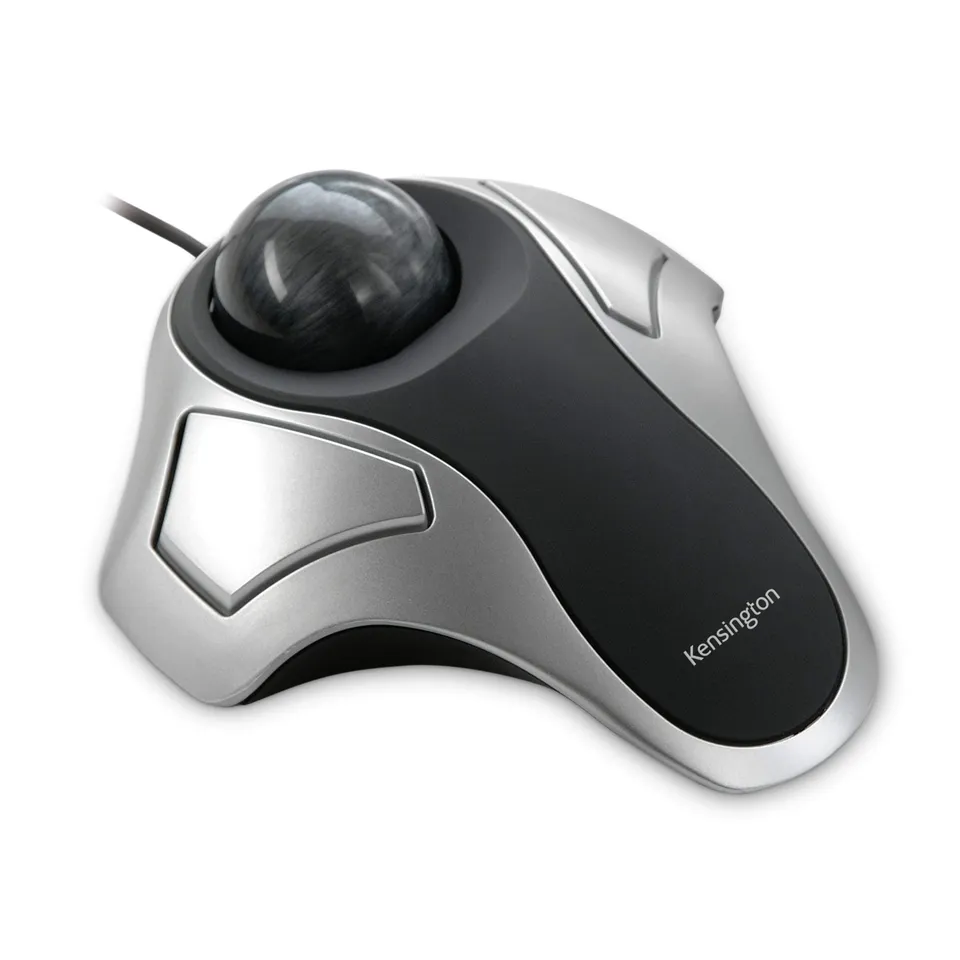
Precise 40mm trackball with optical tracking for accuracy and reduced wrist strain.
Ambidextrous design works for both left- and right-handed users.
Compact, stable footprint saves desk space and stays in place.
Model: Orbit
Buttons: 2
Tracking: Optical
Warranty: 2-Year
Ball Size: 40mm
Part Number: K64327F
Product Type: Trackball Mouse
Compatibility: Windows, macOS 10.8+, Chrome OS
Seller: Mekibo
MPN: Orbit
The Kensington Orbit Trackball reduces wrist strain and improves precision. Its compact design is perfect for small desks. At just $25, it's an affordable upgrade. Apply coupon MEKIBO15 for extra savings.
You can buy it here for $25.00, which is 50% off the original $49.99. Use coupon MEKIBO15 for an extra 15% off.
No, the Orbit K64327F does not have a scroll wheel. To scroll, you can use the KensingtonWorks software to set one of the buttons as a scroll modifier (hold button and move ball).
Since there is no scroll wheel, you can configure a button in KensingtonWorks as a 'shake' or 'scroll' modifier. Customize the button to enable scrolling when pressed while moving the ball.
Download KensingtonWorks software for Windows or macOS. In the software, you can assign functions to the two buttons, such as left-click, right-click, copy, paste, or scroll modifier.
Try cleaning the trackball and its socket to remove dust and debris. If the issue persists, replace the battery (if applicable) or check the USB connection. Also, ensure the software is up to date.


I've been using this trackball for a week now and the difference is incredible. No more aching wrist after long hours at the computer. The ball is smooth and responsive, and it fits perfectly in either hand. Highly recommend for anyone with RSI issues.
This trackball is perfect if you're tight on space. It doesn't need to move, so it stays put. The buttons are a bit stiff at first but they loosen up. Good value for the price.
It's a decent trackball, but the learning curve is real. The ball is a bit sticky at first, but after cleaning it with a cloth it's smoother. The scroll wheel is okay, not great. I'm keeping it because it does help with wrist strain, but don't expect to be productive immediately.
I've had this for over a year and it still works like new. The ball is precise, the buttons are responsive, and it's built to last. I use it for both work and gaming (though not FPS). Great trackball for the money.
As a trackball, it's great. The 40mm ball is large enough for accurate control, and the ambidextrous shape is comfortable. My only complaint is the scroll wheel feels a bit flimsy and not as smooth as I'd like. Otherwise, it's a solid purchase.
I really wanted to like this, but I just can't get the hang of it. The ball feels too stiff, and my thumb gets tired. Also, the left-click button started squeaking after a week. I'm returning it.
I'm a software developer and I was getting sharp pains in my wrist from using a regular mouse. This trackball has eliminated that completely. It took me a couple of days to adjust, but now I'm faster than ever. The build quality is excellent and it's very comfortable for long sessions. I even got one for the office.
I use this for everyday computing and it's great. The ball is smooth and the buttons are well-placed. However, for gaming, it's not ideal because the scroll wheel is not great and the DPI isn't adjustable. For work, though, it's a 5-star product.
I have small hands and this trackball fits me perfectly. It's lightweight and easy to use. The ambidextrous design means I can use it with either hand, which is a bonus. Highly recommended.
For the price, this is a very good trackball. It's well-made, the ball is smooth, and it takes up almost no desk space. The only reason I'm not giving 5 stars is that the scroll wheel feels a little cheap. But overall, I'm happy with it.
I've tried expensive trackballs and this one is just as good. It's plug-and-play, no drivers needed. The ball is responsive and the buttons have a nice click. Highly recommend for anyone looking to switch from a mouse.
Orders over $45.00 ship free. Otherwise, shipping is $8.00.
Hassle-free returns
SSL encrypted checkout
100% genuine products
Shop keyboards, mice, webcams, and more from HyperX, Kensington, and Perixx with easy comparison and fast shipping.
Email: support@mekibo.shop
Address: 4829 Market Street, Suite 210, San Diego, CA 92102, United States