Add 2 more items to unlock your free mystery gift.
Complimentary item.
Total
Recommended add-on
Home/Kensington/Docking Stations & Hubs/Kensington SD4780P USB-C Docking Station with DisplayLink, Dual 4K Video, 100W PD, for Windows, Mac & Surface
-54%
Series
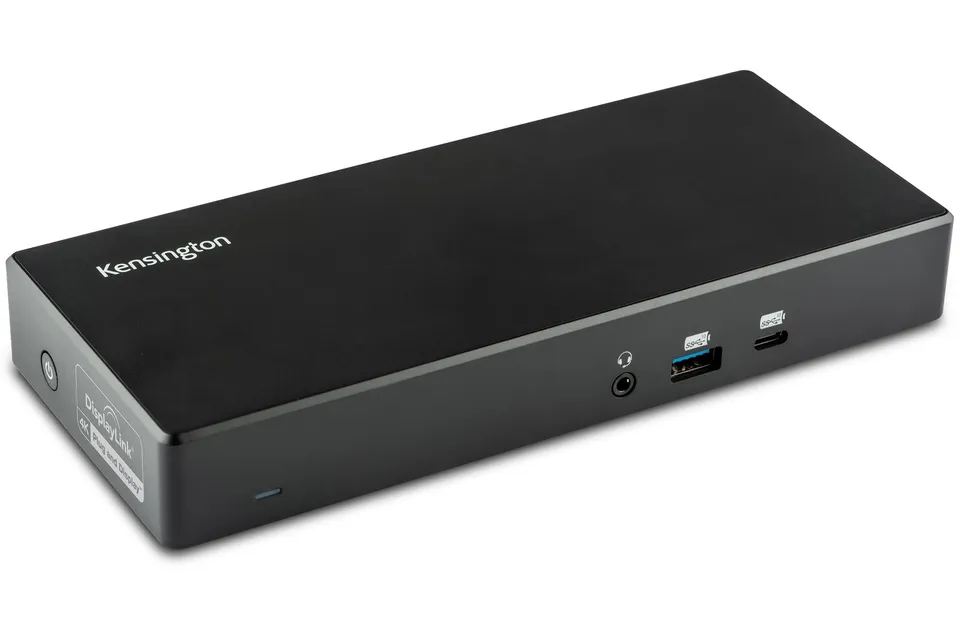
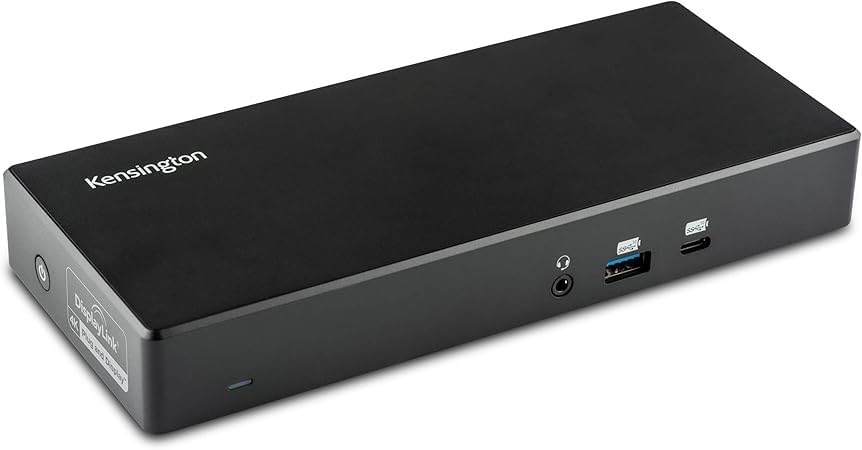
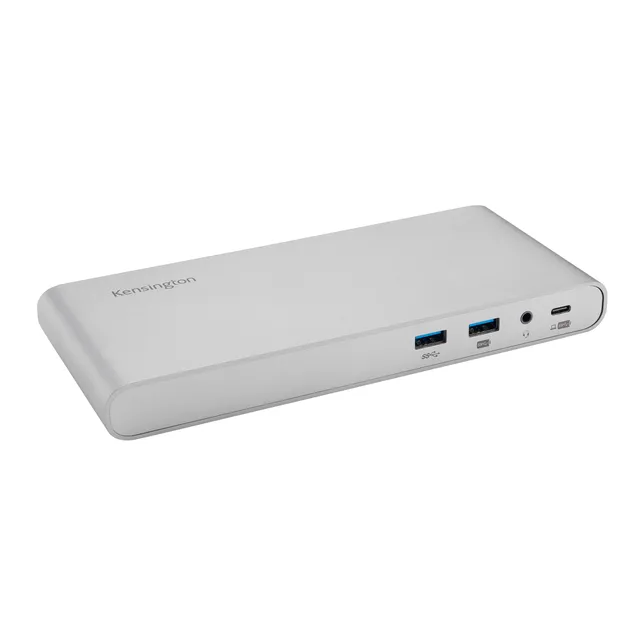
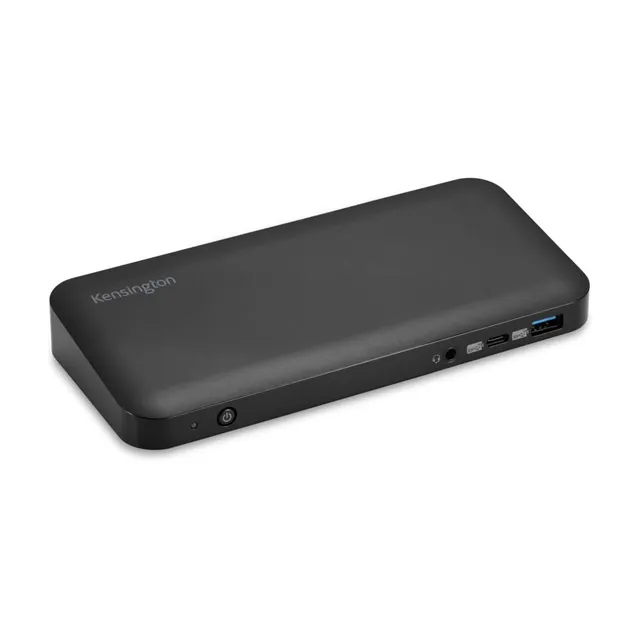
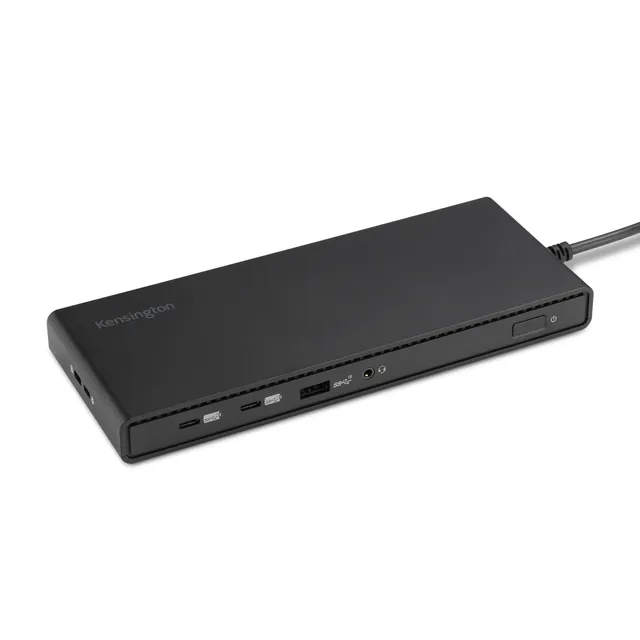
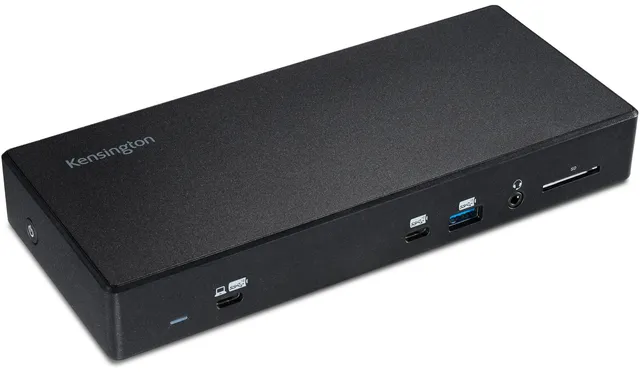
Kensington SD4780P USB-C Docking Station with DisplayLink, Dual 4K Video, 100W PD, for Windows, Mac & Surface
3.8 (5)
$139.99$64.00
Connect dual 4K monitors and more with the Kensington SD4780P USB-C dock with DisplayLink, 100W charging, and universal compatibility – now $64.00 (54% off $139.99), order now for a versatile docking solution.
In Stock
-
1
+
Get it in 3–5 business days.
12 people are viewing this item.26 sold today.Only 6 left in stock.
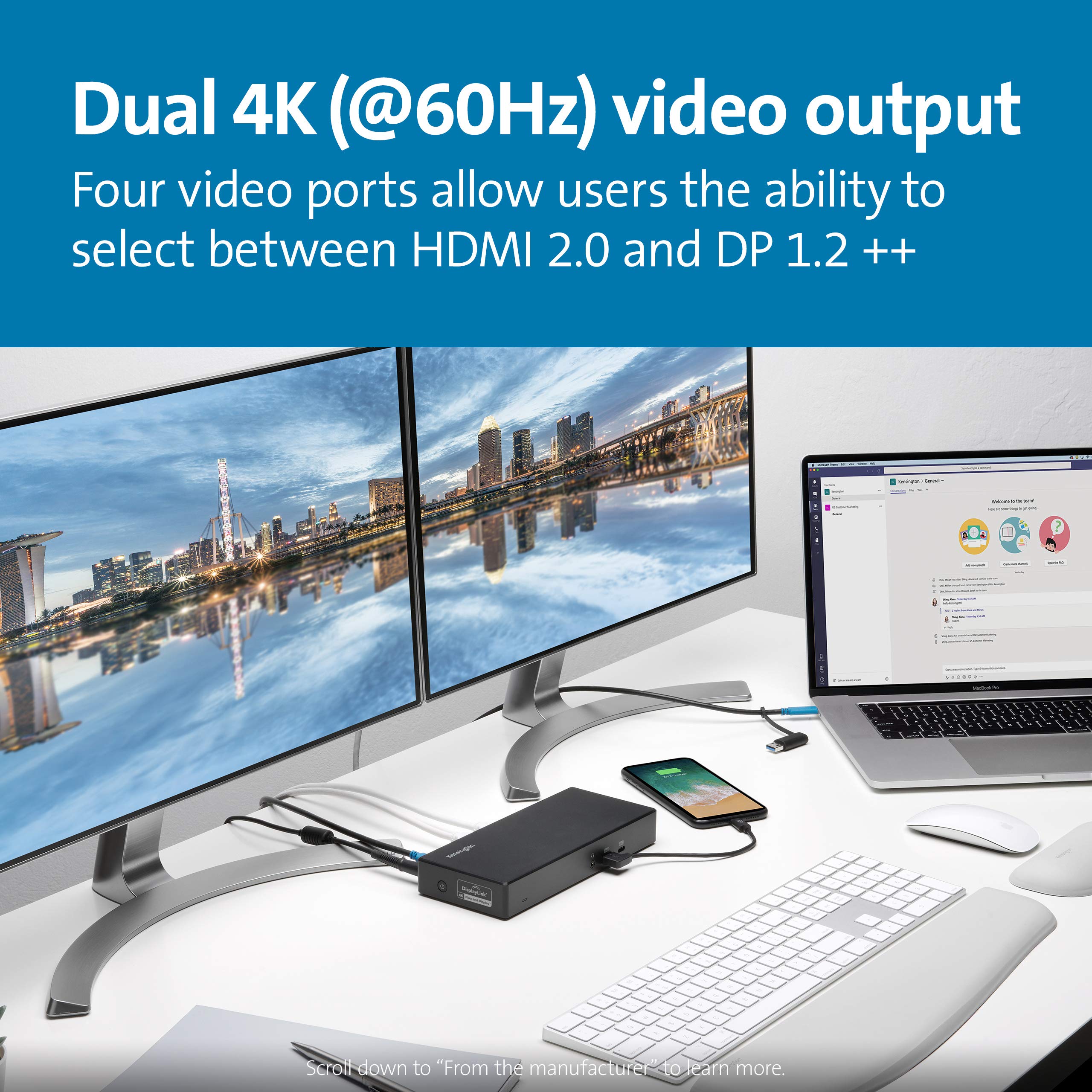
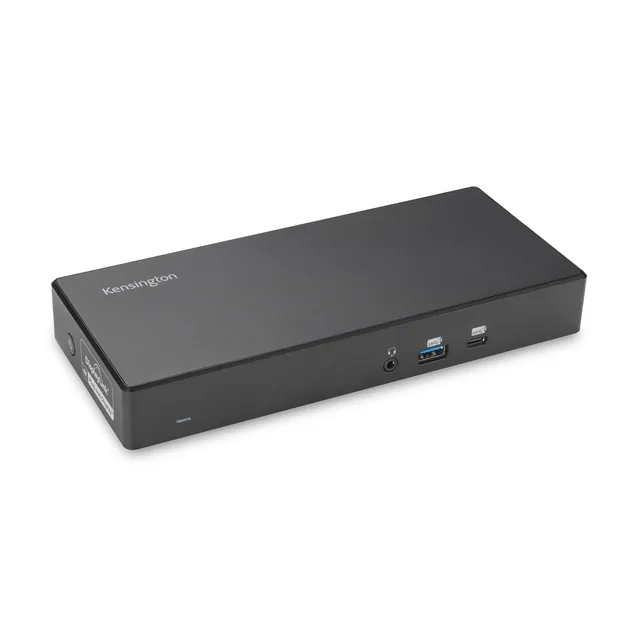
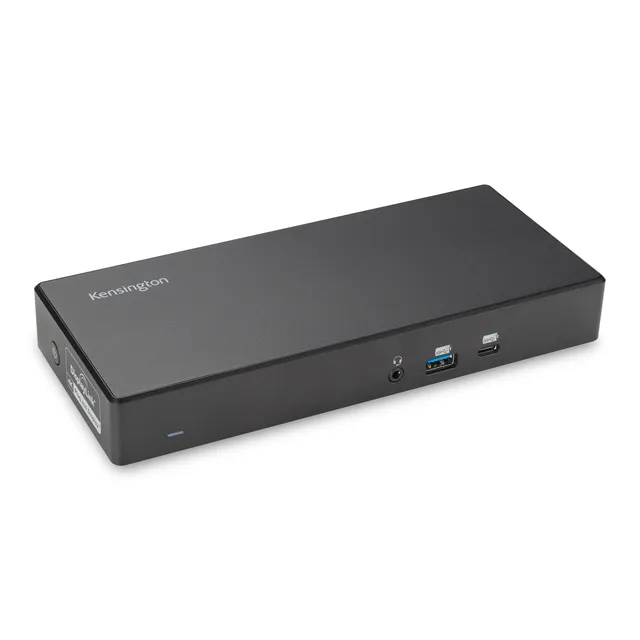
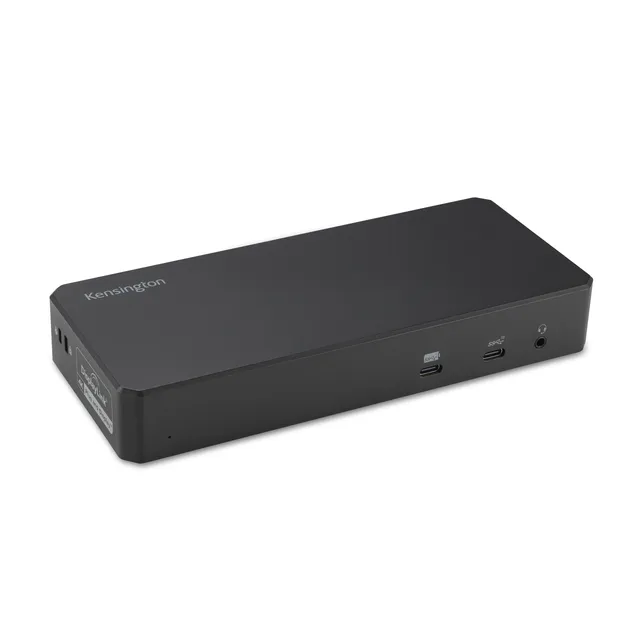
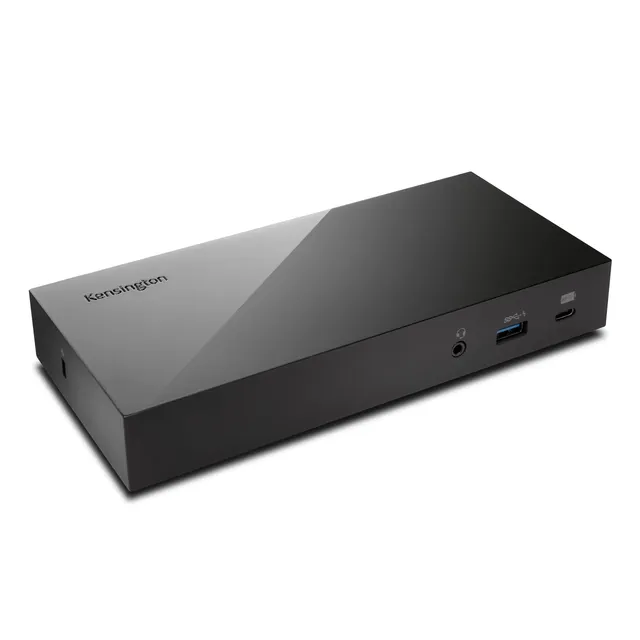
The Kensington SD4780P (K33620NA) is a DisplayLink-powered USB-C docking station that provides dual 4K@60Hz video, 100W Power Delivery, and six USB ports in one hub. It works with USB-C, USB-A, and Thunderbolt 3/4 laptops, making it one of the most flexible docks available. At $64.00 (compare at $139.99), you get incredible value. Buy online today!
Compatibility: Windows, Mac (including M1/M2/M3), Surface, Chromebook
Features & Benefits
Dual 4K for all Macs: DisplayLink enables dual monitors even on M1/M2/M3 chips.
Universal compatibility: Works with USB-C, USB-A via adapter, and Thunderbolt 3/4.
Fast charging: 100W PD powers even the most demanding laptops.
Buying Guide
This dock is perfect for professionals who need multiple monitors on a variety of laptops. DisplayLink driver is required for full functionality (download from synaptics.com). At $64.00, it's a cost-effective alternative to Thunderbolt docks.
Deal & Value
Save 54% today – $139.99 compare-at, now $64.00. Use MEKIBO15 for an extra 15% off, and free shipping on orders over $45. Elevate your workspace now!
Features
DisplayLink technology enables dual 4K@60Hz on any modern laptop, including M1/M2/M3 Macs
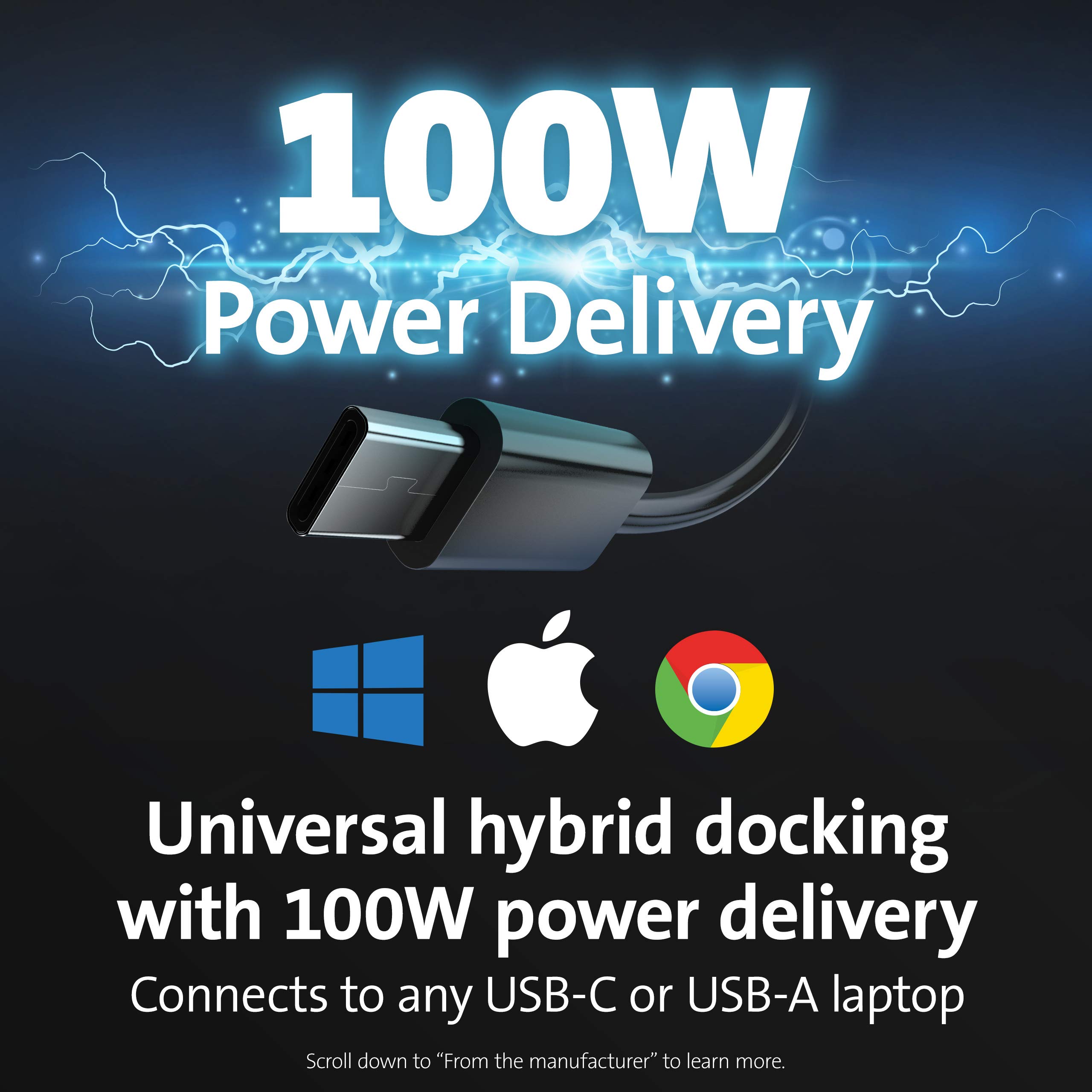
100W Power Delivery with PD 3.0 charges large laptops like MacBook Pro 16"
Versatile connectivity: USB-C, USB-A, and Thunderbolt 3/4 compatible
Model: SD4780P (K33620NA)
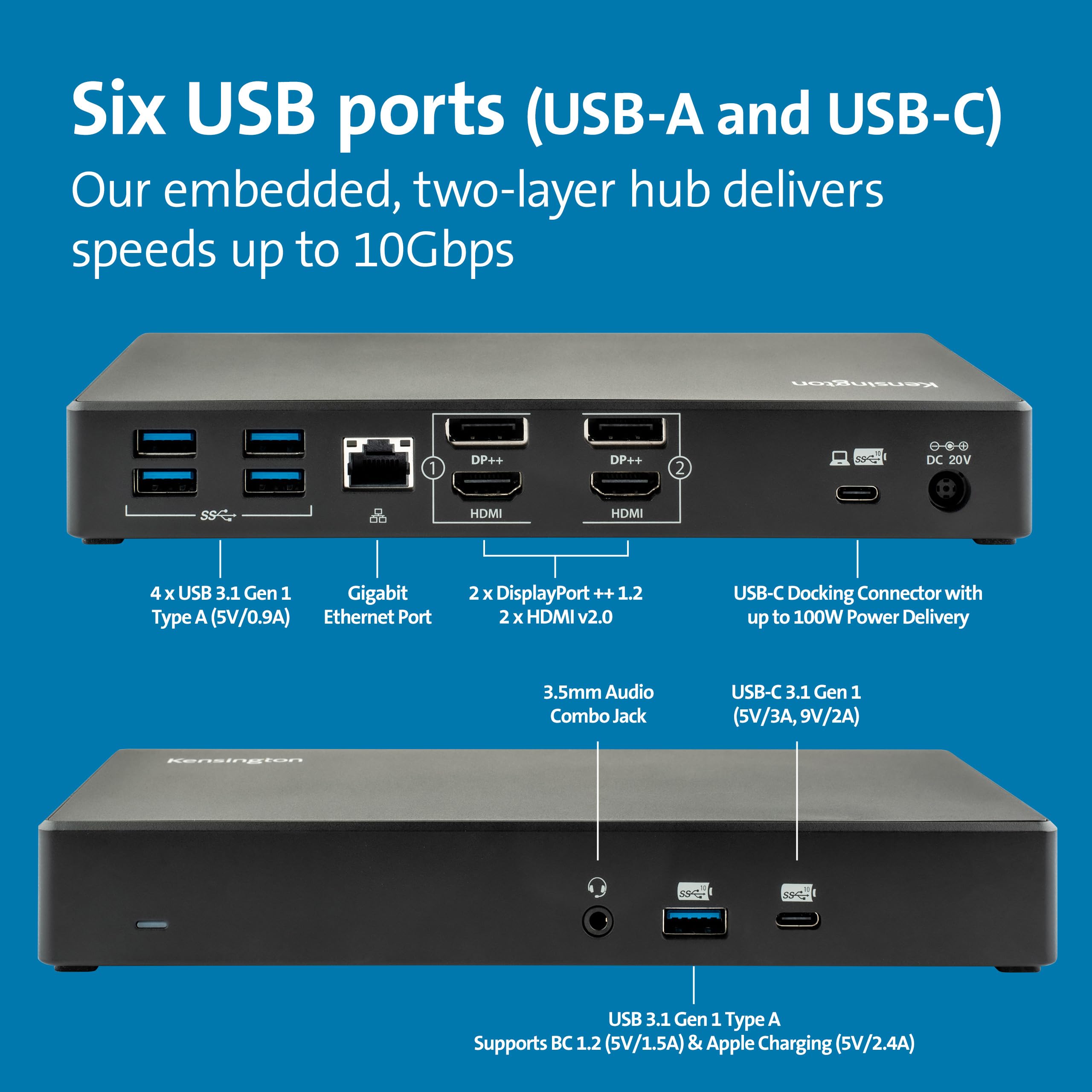
Ports: 6x USB (2x USB-C, 4x USB-A), Gigabit Ethernet, audio
Max Displays: Dual 4K @60Hz
Product Type: USB-C Docking Station with DisplayLink
Video Output: 2x DisplayPort++, 2x HDMI 2.0
Compatibility: Windows, macOS, Chrome OS, Surface
Power Delivery: Up to 100W PD 3.0
Driver Required: DisplayLink
Seller: Mekibo
MPN: SD4780P (K33620NA)
Product Details
Plug and Play Productivity
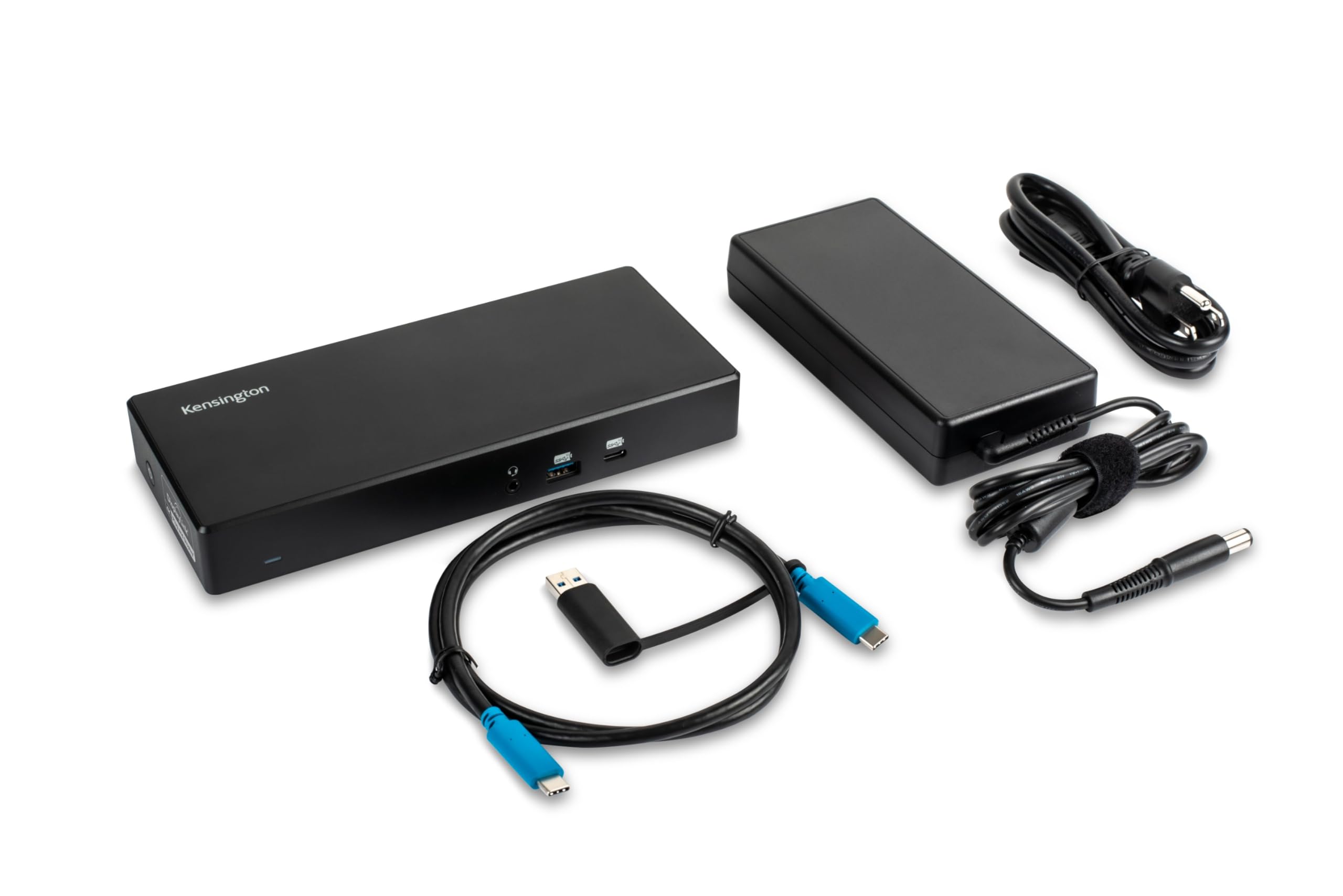
The SD4780P turns any USB-C laptop into a dual-monitor powerhouse. DisplayLink ensures compatibility with all chipsets, including Apple Silicon. Works with USB-A too via the included adapter.
Power Your Workstation
With 100W PD, your laptop stays charged even under heavy load. Six USB ports let you connect all your peripherals, and Gigabit Ethernet ensures fast wired networking.
Limited-Time Deal
Save 54% – only $64.00. Apply MEKIBO15 for 15% off. Shop now and transform your desk!
Frequently Asked Questions
Does the Kensington SD4780P need DisplayLink driver?
Yes, to enable dual 4K video and all features, you must install the DisplayLink driver from displaylink.com/downloads. It's free and works with Windows, macOS, and Chrome OS.
How to install DisplayLink driver for Kensington SD4780P on Mac?
Download the driver from displaylink.com, run the installer, and follow the prompts. After installation, restart your Mac and allow the necessary permissions (Screen Recording and Accessibility) in System Settings.
Kensington SD4780P dual 4K M1 MacBook not working – what to do?
Ensure you have installed the latest DisplayLink driver and granted permissions. Also, connect the dock via USB-C. If using a USB-A adapter, power delivery and display may be limited. Check cable quality and monitor inputs.
Can I use the SD4780P with a USB-A laptop?
Yes, the included USB-C to USB-A adapter allows connection to USB-A ports, but power delivery may be limited to 60W unless you use the optional power splitter (K38310NA). Video and data work via DisplayLink.
Where can I buy the Kensington SD4780P at the best price?
At our store, it's only $64.00 (was $139.99). Use coupon MEKIBO15 for an extra 15% off, and free shipping on orders over $45. Order now for the lowest price!
3.8★★★★★★★★★★(5)
5 ★2
4 ★1
3 ★1
2 ★1
1 ★0
Customer Photos
4
Customer Reviews
5
★★★★★★★★★★5.0
a**r
Verified
Fantastic dock for dual 4K
I've been using this dock for a week now and it's been flawless. Both 4K monitors came up instantly, and I love that it charges my laptop at full speed. Setup was a breeze with the DisplayLink drivers. Highly recommend for anyone needing a reliable multi-monitor setup.
★★★★★★★★★★4.0
t*****y
Verified
Great dock, but fans spin up
Works great with my MacBook Pro and two 4K monitors. The only downside is that the built-in fan can get a bit noisy under load. Also, the DisplayLink software needs to be updated regularly. But for the price, it's a solid choice.
★★★★★★★★★★5.0
u**p
Verified
Solves all my connectivity needs
This dock is a game-changer. I plugged in my USB-C cable and instantly got dual 4K, Ethernet, and multiple USB ports. The 100W power delivery keeps my laptop fully charged even while gaming. The DisplayLink drivers were easy to install, and it works perfectly with Windows and Mac. Worth every penny.
★★★★★★★★★★3.0
n*****u
Verified
Decent, but some quirks
It does what it's supposed to, but I had some issues with the DisplayLink software on Windows after a big update. Also, it can get a bit warm. But once it's working, it's stable. Just be patient with driver updates.
★★★★★★★★★★2.0
z*****v
Not compatible with my monitor
I couldn't get this dock to work with my older 4K monitor. The DisplayLink drivers seemed okay, but the monitor would flicker and sometimes go black. I spent hours trying to troubleshoot, but ended up returning it. Maybe it's just my setup, but it was frustrating.