Add 2 more items to unlock your free mystery gift.
Complimentary item.
Total
Recommended add-on
Home/Kensington/Trackballs/Kensington SlimBlade Trackball Mouse – Wired USB, Ergonomic Desktop Trackball, Laser Tracking, Ambidextrous, 4-Button (K72327U), Black – with KensingtonWorks Software
-51%
Series
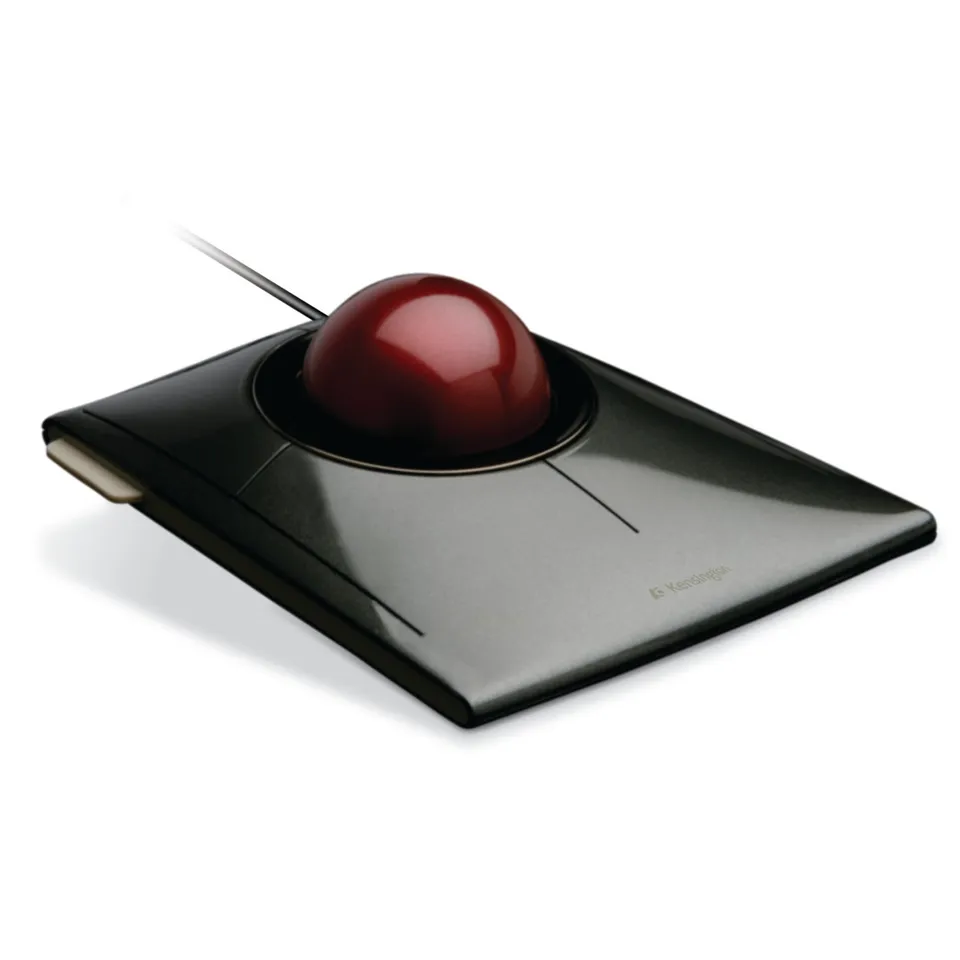
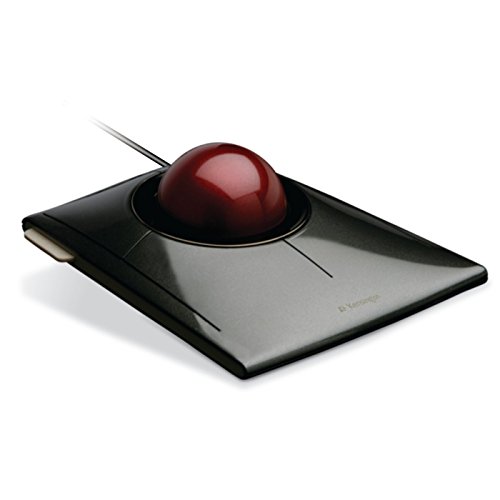
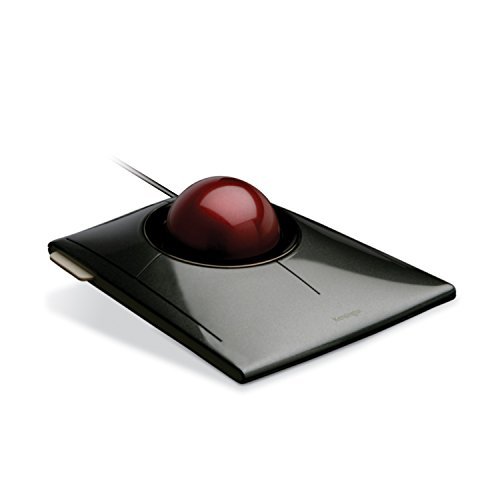
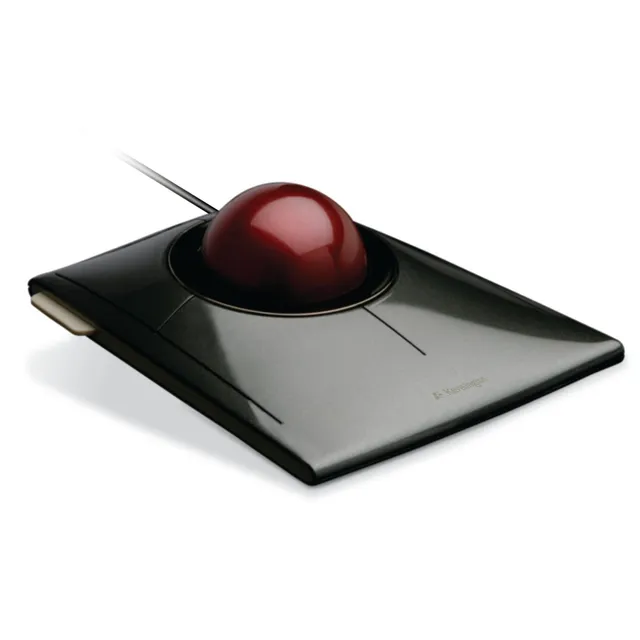
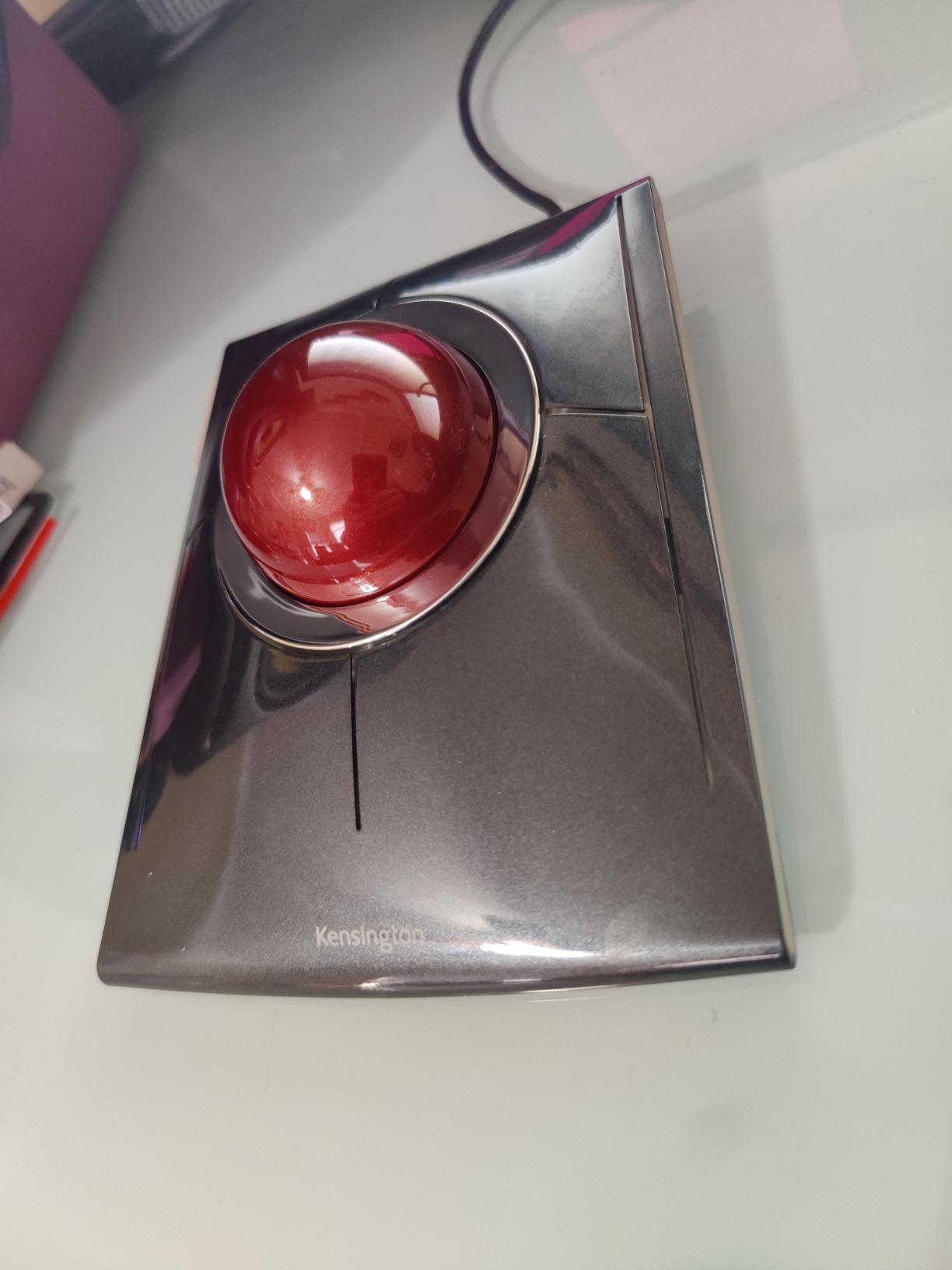
Kensington SlimBlade Trackball Mouse – Wired USB, Ergonomic Desktop Trackball, Laser Tracking, Ambidextrous, 4-Button (K72327U), Black – with KensingtonWorks Software
4.5 (12)
$108.66$53.03
Kensington SlimBlade Trackball offers precision cursor control and ergonomic comfort, now at $53.03 (compare at $108.66) with an extra 15% off using code MEKIBO15 – save big on this premium trackball.
In Stock
-
1
+
Get it in 3–5 business days.
18 people are viewing this item.18 sold today.Only 8 left in stock.
Kensington SlimBlade Trackball – Precision and Comfort
Improve productivity and reduce wrist strain with the Kensington SlimBlade Trackball, a world-class wired trackball from the leader in trackball innovation. Now at a special sale price of $53.03 (compare at $108.66) – a 51% savings. Apply code MEKIBO15 for an additional 15% off.
Key Specifications
Brand: Kensington
Model: SlimBlade Trackball (K72327U)
Product Type: Wired Trackball Mouse
Connectivity: USB wired
Tracking: Laser
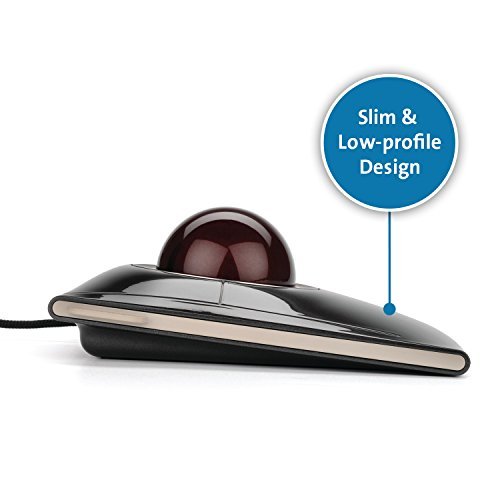
Design: Ambidextrous, low-profile with metallic finish
Trackball requires less arm and wrist movement than a traditional mouse, reducing fatigue and saving desktop space.
Precision and Control
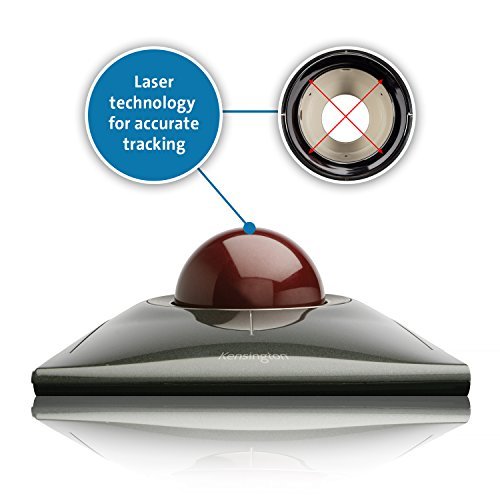
Laser tracking provides precise cursor control, and the large ball allows fluid movements with minimal effort.
Customization
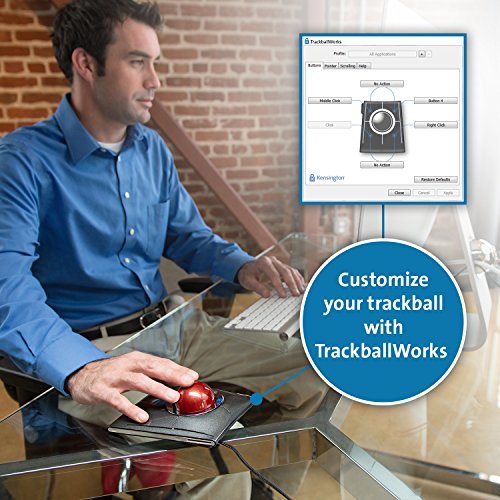
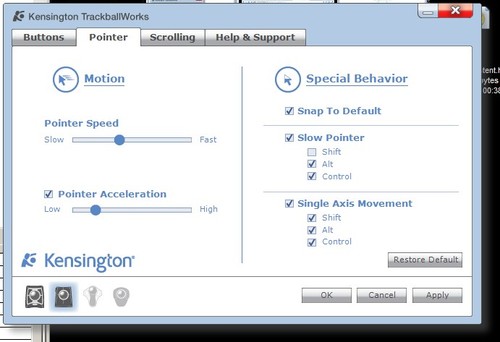
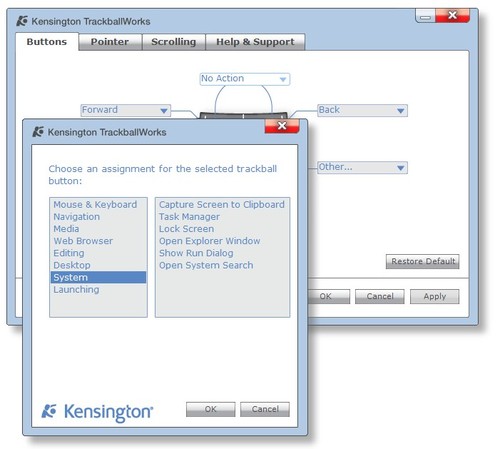
Download KensingtonWorks software to program button functions, settings, and shortcuts for a personalized experience.
Price Value and Deal
Save $55.63 – that's 51% off the original price. Use coupon code MEKIBO15 for an extra 15% off at checkout.
Features
Laser tracking delivers precision cursor control – now 51% off
Ergonomic ambidextrous design reduces wrist and arm strain
Fully customizable with KensingtonWorks software for personalized shortcuts
Model: SlimBlade Trackball (K72327U)
Design: Ambidextrous, low-profile
Buttons: 4 programmable
Software: KensingtonWorks (free download)
Connectivity: USB wired
Product Type: Wired Trackball Mouse
Compatibility: Windows, macOS
Tracking Technology: Laser
Seller: Mekibo
MPN: SlimBlade Trackball (K72327U)
Product Details
Why Choose a Trackball?
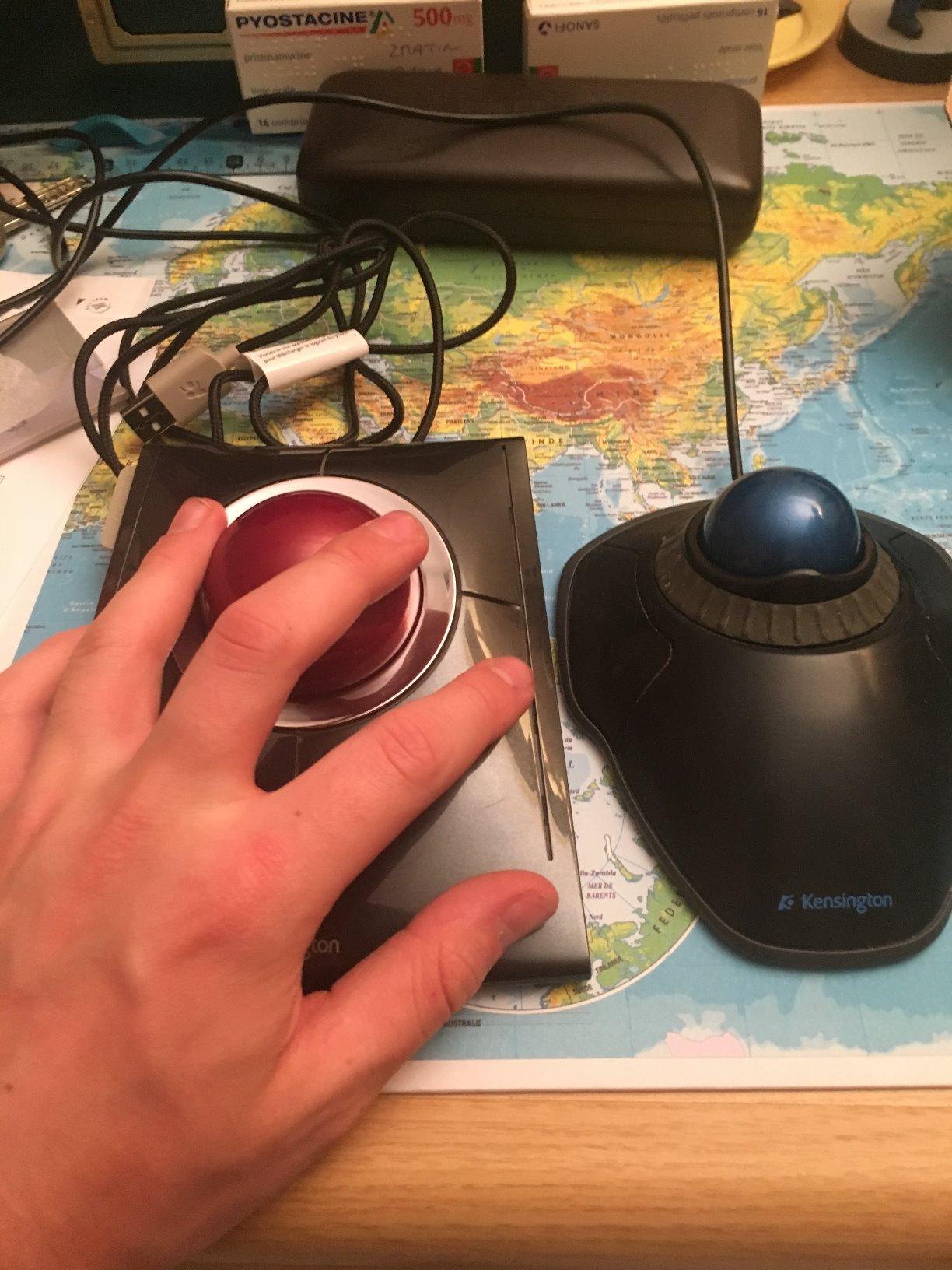
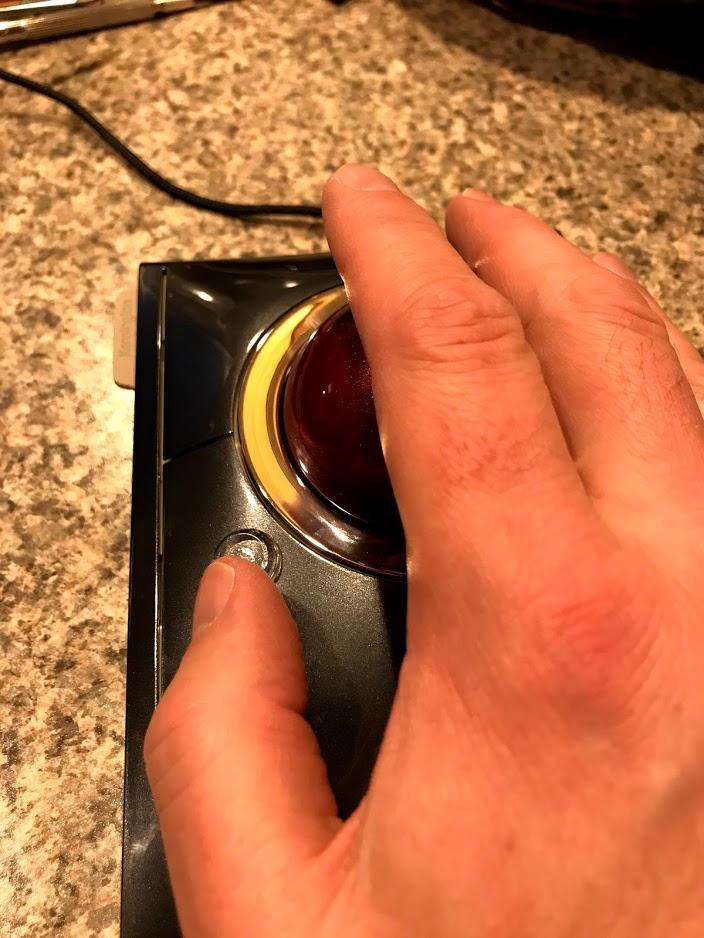
Trackballs keep your hand stationary, reducing the risk of repetitive strain injuries. The SlimBlade's design lets you control the cursor with just your fingers, relieving stress on your wrist and shoulder.
Save $55.63 Today
This premium trackball is now affordable at $53.03. Use code MEKIBO15 to save an additional 15%. Free shipping on orders over $45.
Frequently Asked Questions
Where can I buy the Kensington SlimBlade Trackball at the best price?
You can get it at Mekibo for $53.03, which is 51% off the $108.66 original price. Use coupon code MEKIBO15 for an extra 15% discount, bringing the price even lower.
How do I clean and maintain my SlimBlade trackball?
To clean the ball, remove it by turning the retaining ring counterclockwise. Clean the ball with a soft, dry cloth and use a cotton swab with rubbing alcohol to clean the roller sensors inside. Reassemble and enjoy smooth tracking.
How do I scroll on the SlimBlade trackball?
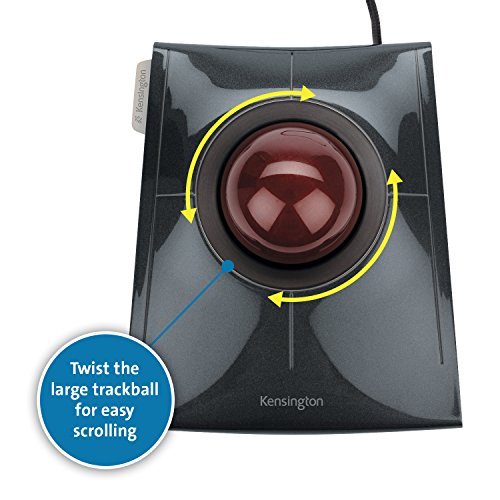
You can scroll by using the scroll ring (the outer ring around the ball) in a circular motion. Alternatively, you can use the KensingtonWorks software to enable 'twist-to-scroll' where you twist the ball itself.
Does KensingtonWorks work with the wired SlimBlade?
Yes, KensingtonWorks is compatible with the wired SlimBlade trackball and allows you to program buttons, adjust pointer speed, and set scrolling options.
Why is my trackball sticky and how do I fix it?
Sticky tracking is usually due to dirt or debris on the ball or sensors. Clean the ball and the inside of the housing as described above. If it persists, check if the ball surface is damaged and consider replacing it.
4.5★★★★★★★★★★(12)
5 ★7
4 ★4
3 ★1
2 ★0
1 ★0
Customer Photos
12
Customer Reviews
12
★★★★★★★★★★5.0
c*s
Verified
Best trackball I've used
The tracking is precise, and the ball glides smoothly. It's comfortable for long sessions, and the four buttons are programmable. Highly recommend.
★★★★★★★★★★4.0
r*****n
Verified
Great trackball, learning curve
Took me a few days to get used to the trackball, but now I love it. It's ergonomic and saves space. The software allows for customization, which is nice. The only downside is the buttons are a bit stiff.
★★★★★★★★★★5.0
l*****c
Verified
Precision and comfort
As an engineer, I spend hours at my computer, and this trackball has been a game-changer. The laser tracking is precise, and the ergonomic design reduces hand strain. The KensingtonWorks software lets me set up gestures and button actions. Worth the price.
★★★★★★★★★★5.0
t**w
Verified
Smooth and responsive
I've been using trackballs for years, and this is one of the best. The ball is smooth, and the tracking is accurate. The ambidextrous design works well for me (left-handed). The build quality is solid. Highly recommend.
★★★★★★★★★★4.0
r**b
Verified
Good but not perfect
The trackball is great for ergonomics, but I wish the scroll function was better. You have to roll the ball in a certain way to scroll, which takes practice. Other than that, it's a solid device.
★★★★★★★★★★5.0
t***z
Verified
Excellent for productivity
The SlimBlade is fantastic for productivity. I can move the cursor across the screen with a flick of my thumb, and the customizable buttons speed up my workflow. The quality is top-notch, and it's built to last.
★★★★★★★★★★3.0
t*z
Verified
Not for everyone
I wanted to like this trackball, but I couldn't get used to it. The ball is heavy, and my hand got tired after a while. The buttons are also a bit hard to press. Maybe it's just not for me.
★★★★★★★★★★4.0
q*****w
Verified
Good value on sale
I got this on sale, so it was a great deal. It's comfortable, and the tracking is accurate. The software is a bit dated, but it works. Overall, happy with the purchase.
★★★★★★★★★★5.0
b*v
Verified
Love it!
I've been using this trackball for a few months now, and it's perfect. It's smooth, precise, and easy on the wrist. The laser tracking is on point, and the build quality is excellent. Highly recommend to anyone looking for an ergonomic mouse alternative.
★★★★★★★★★★5.0
c**n
Verified
Perfect for my setup
I have a compact desk, and this trackball saves so much space. It's comfortable, and the tracking is great. The KensingtonWorks software is a nice addition for customizing the buttons. The price is a bit high, but it's worth it for the quality.
★★★★★★★★★★4.0
c*u
Verified
Good trackball, but software needs work
The hardware is excellent, but the software is a bit clunky. It took me a while to configure the buttons the way I wanted. However, once set up, it works well. The trackball itself is smooth and precise.
★★★★★★★★★★5.0
k*****o
Verified
Ergonomic and precise
I've had wrist issues for years, and this trackball has eliminated that pain. The design is comfortable, and the laser tracking is very accurate. The four buttons are easily programmable. It's a bit pricey, but it's an investment in your health. Highly recommend.