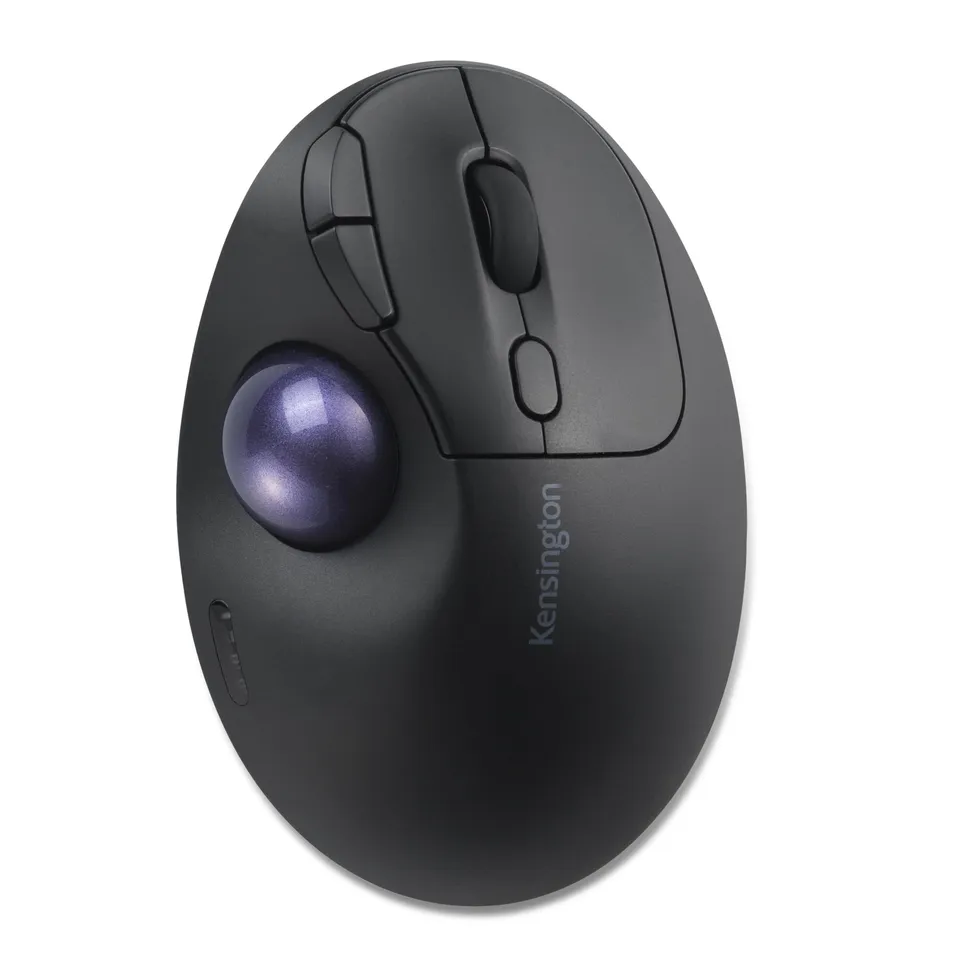
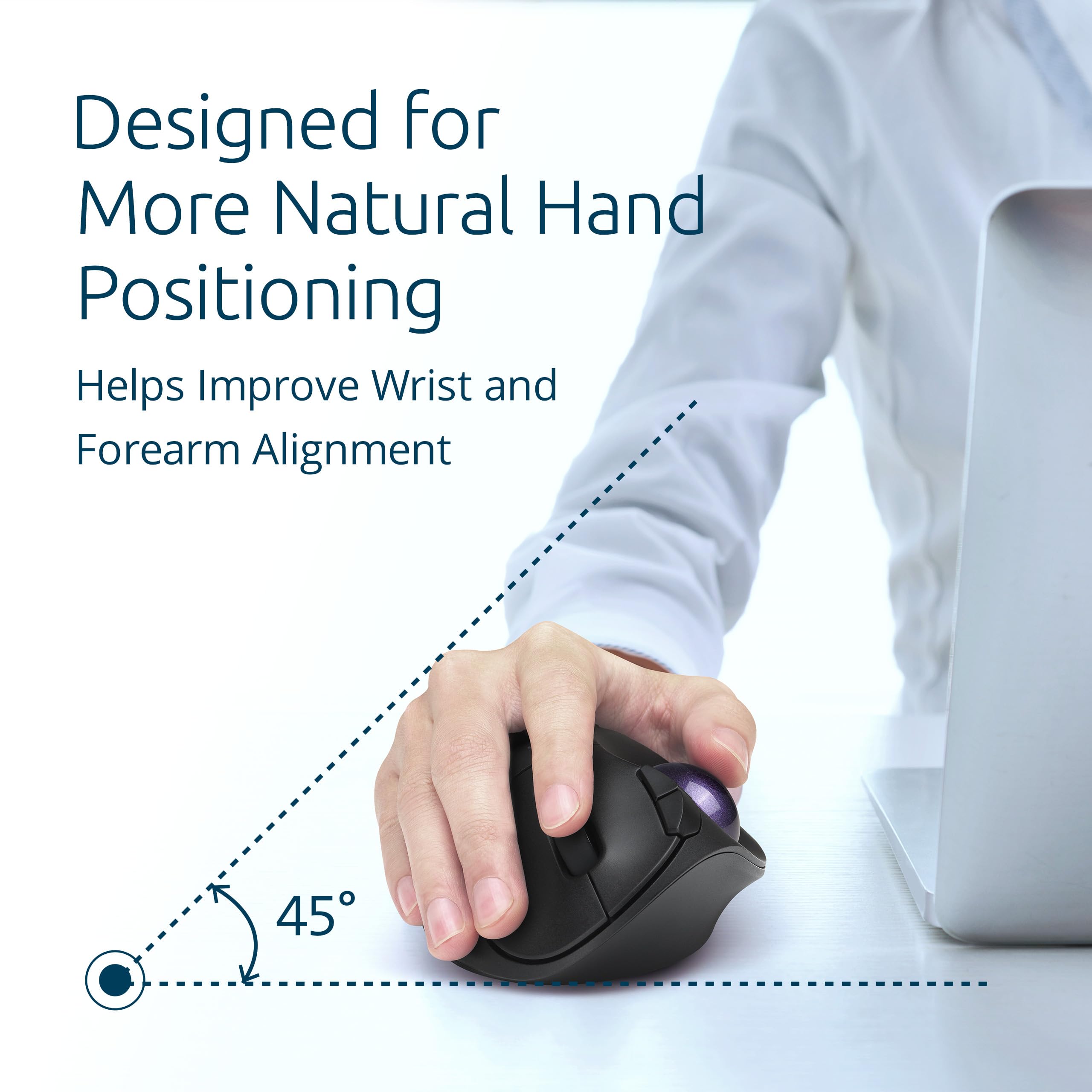
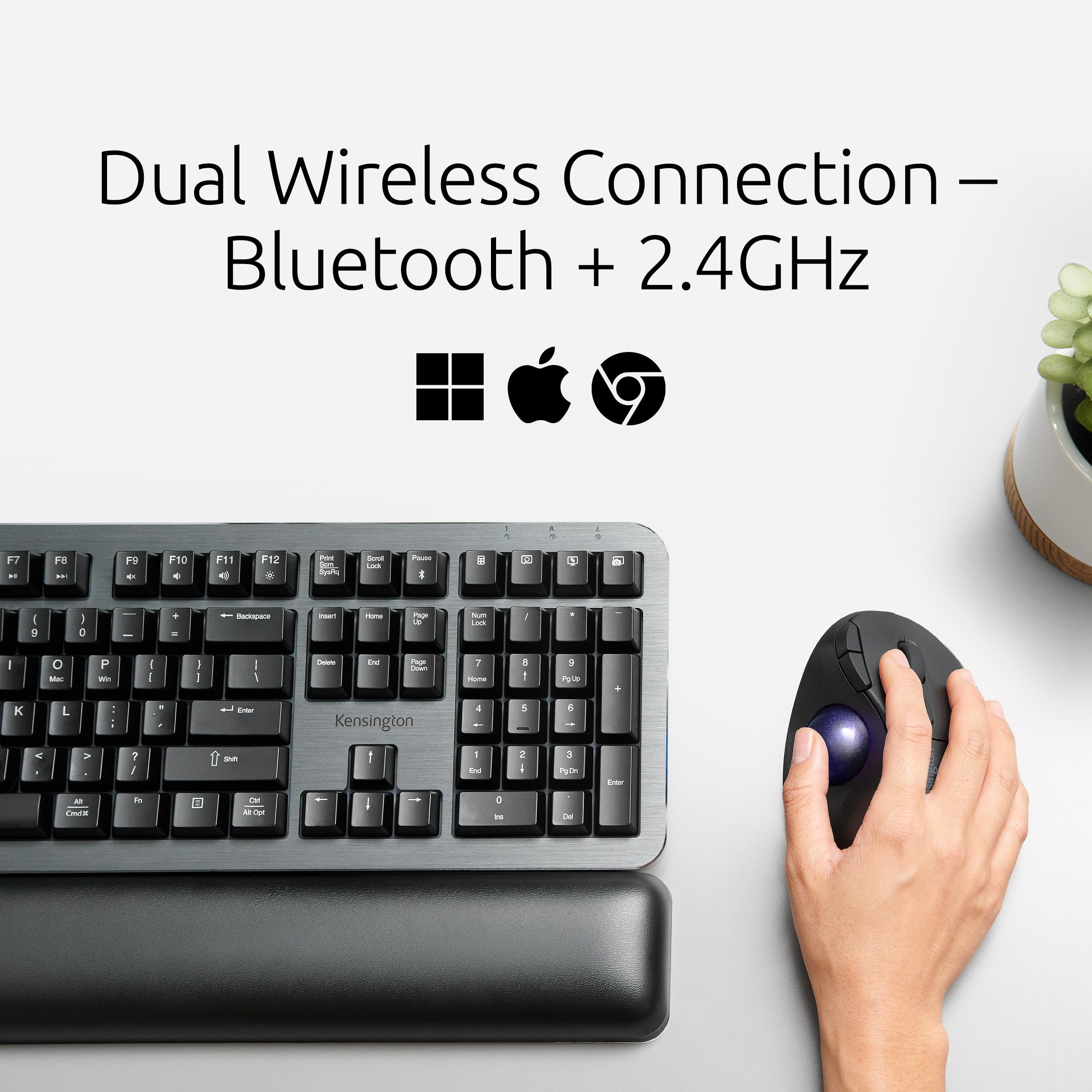
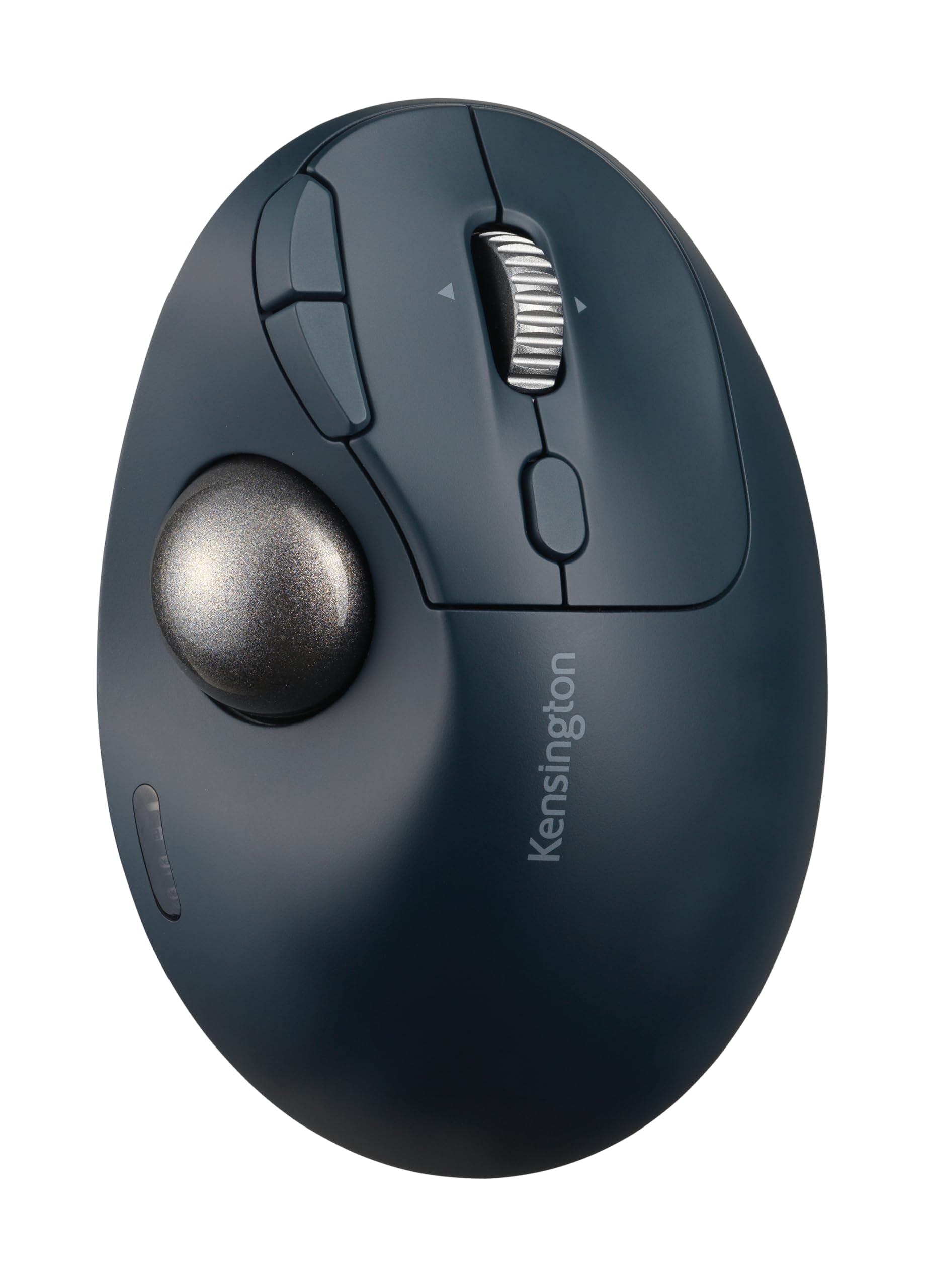
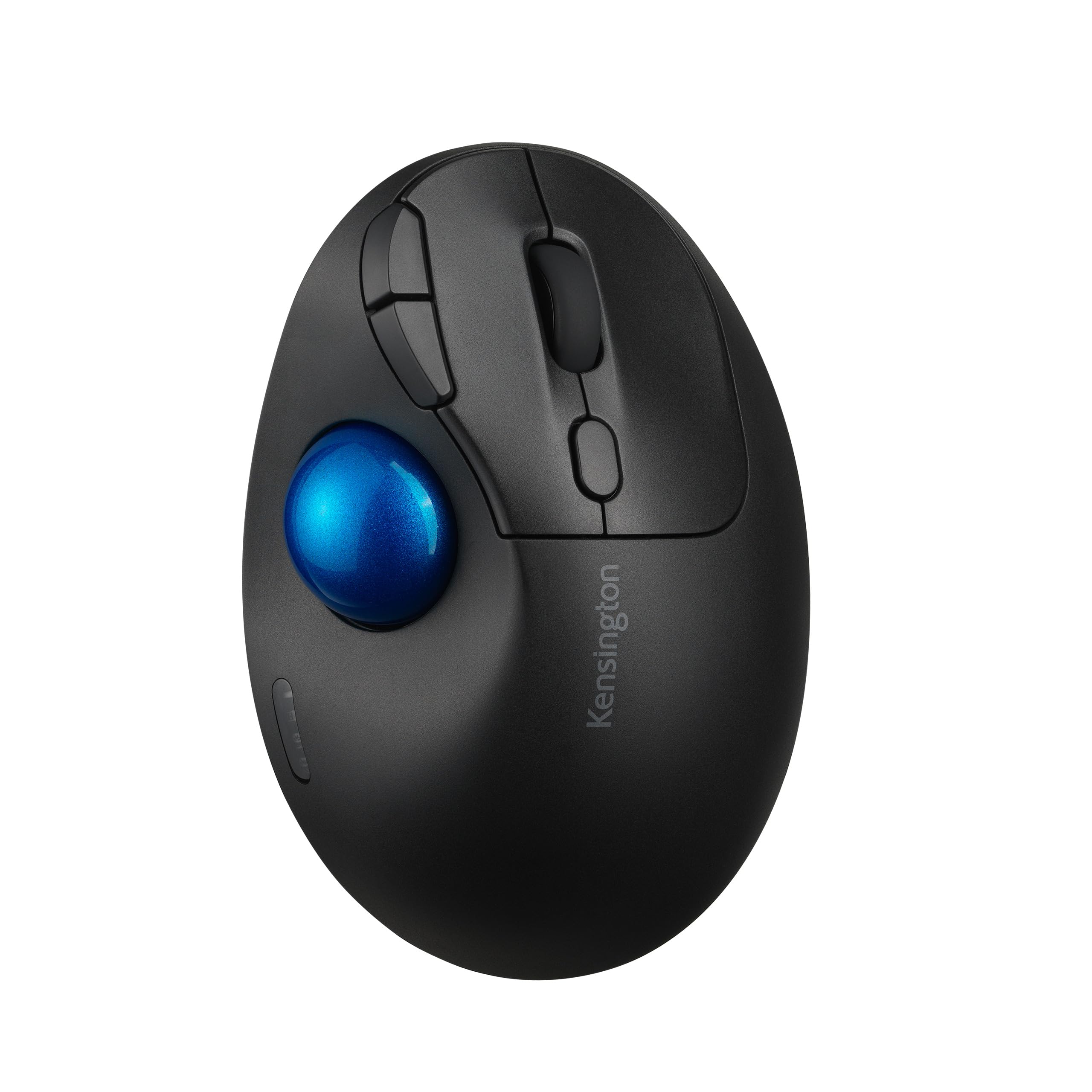
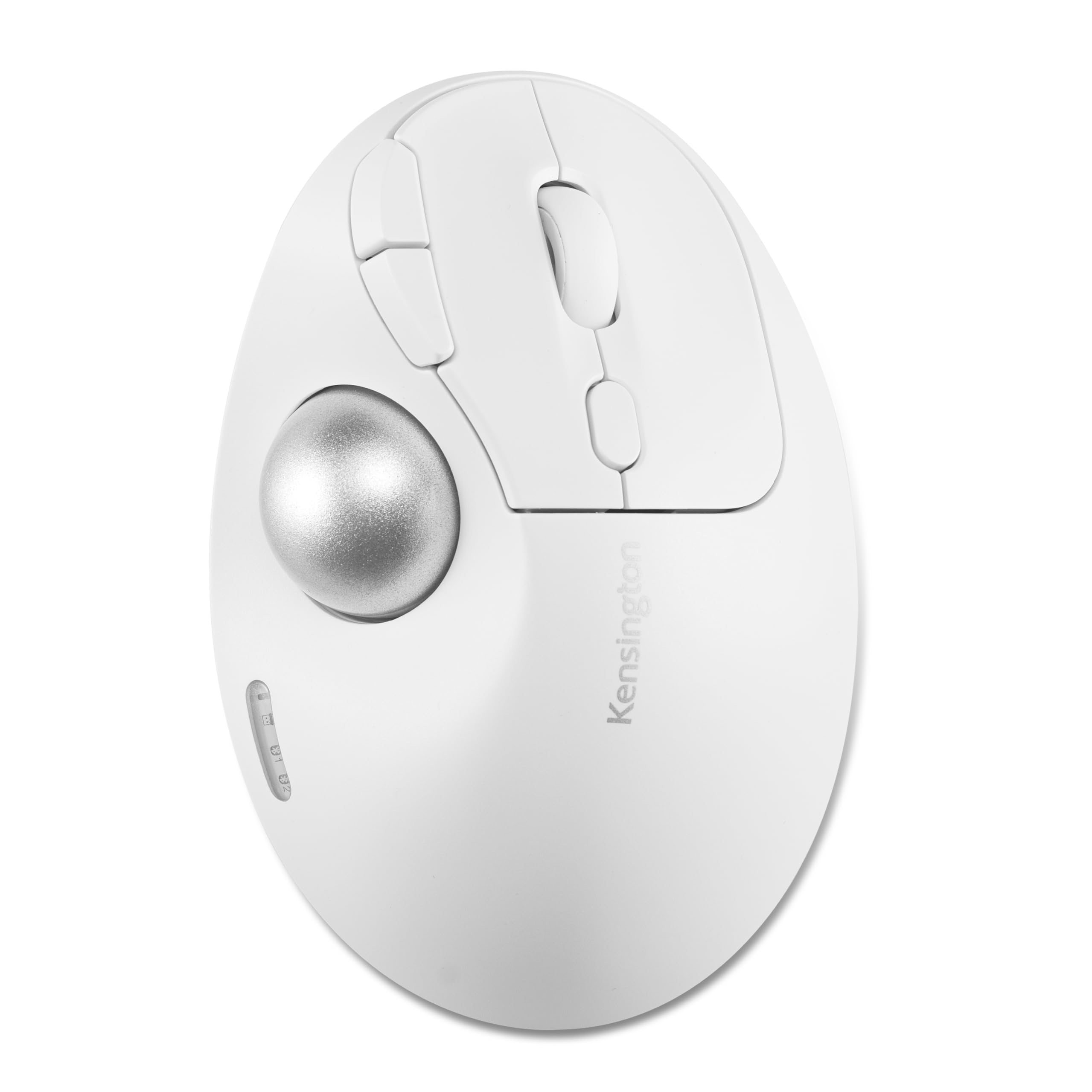
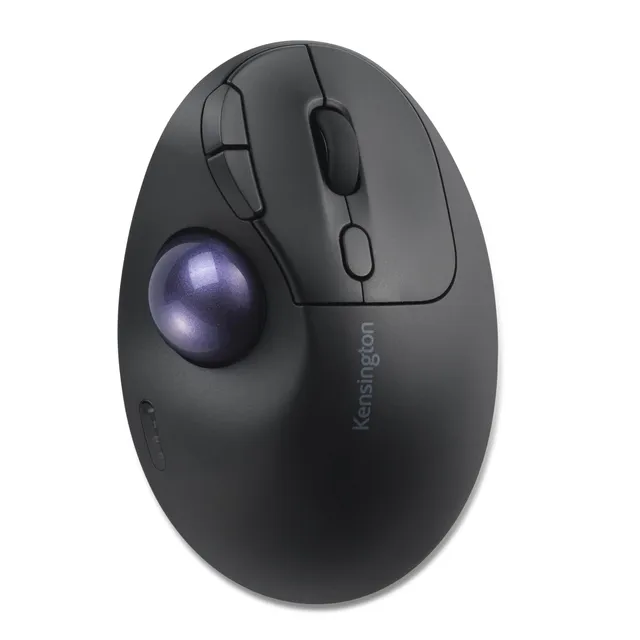
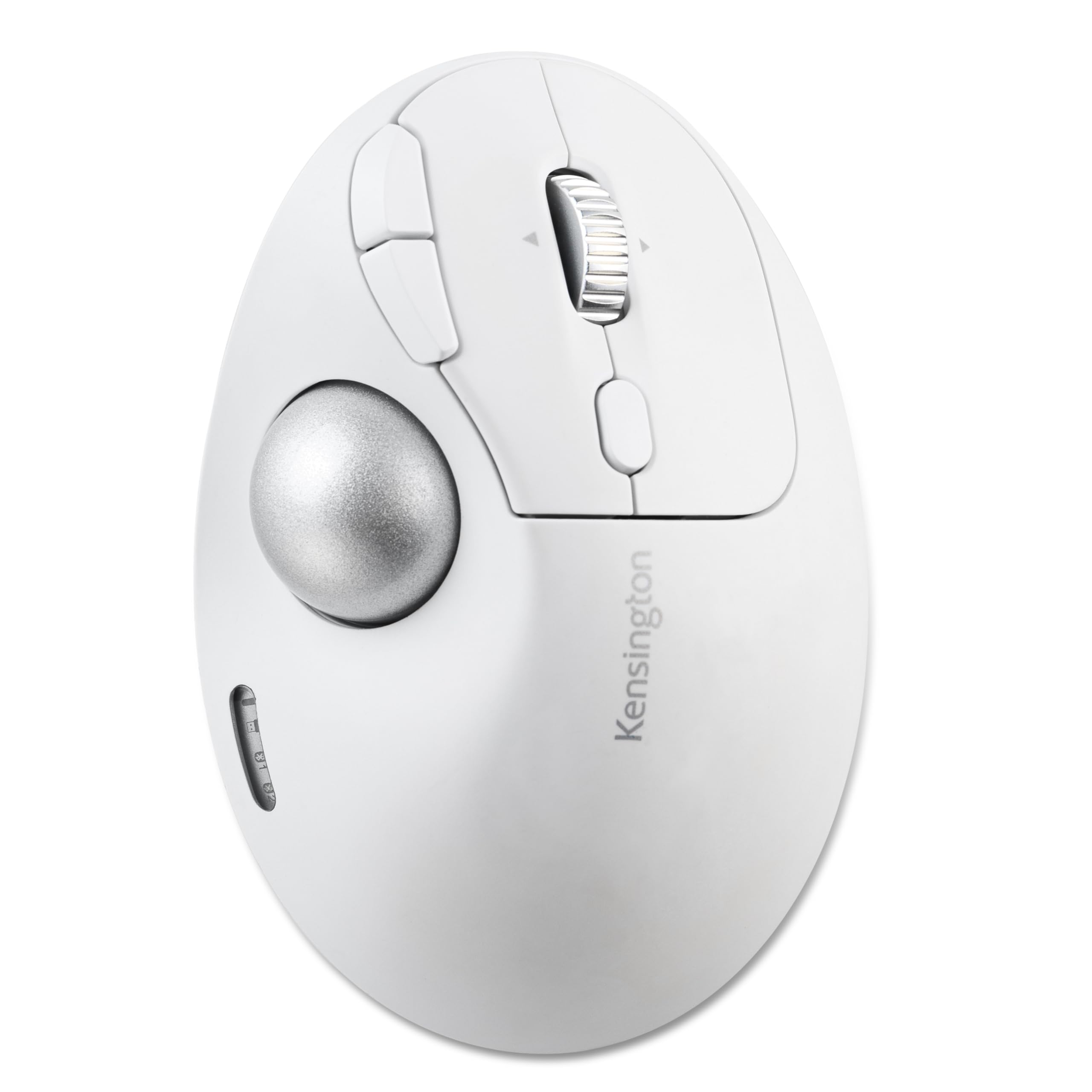
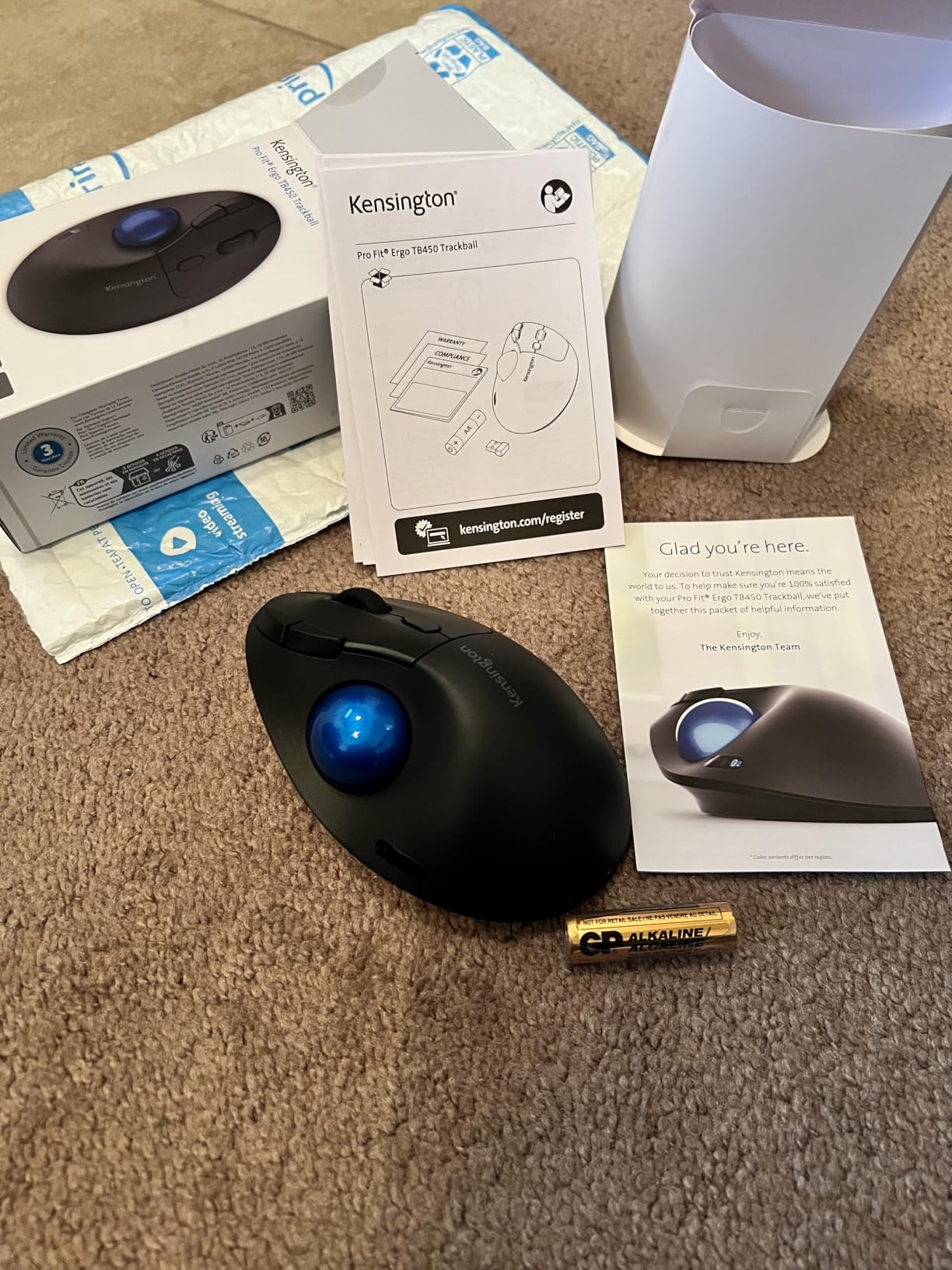
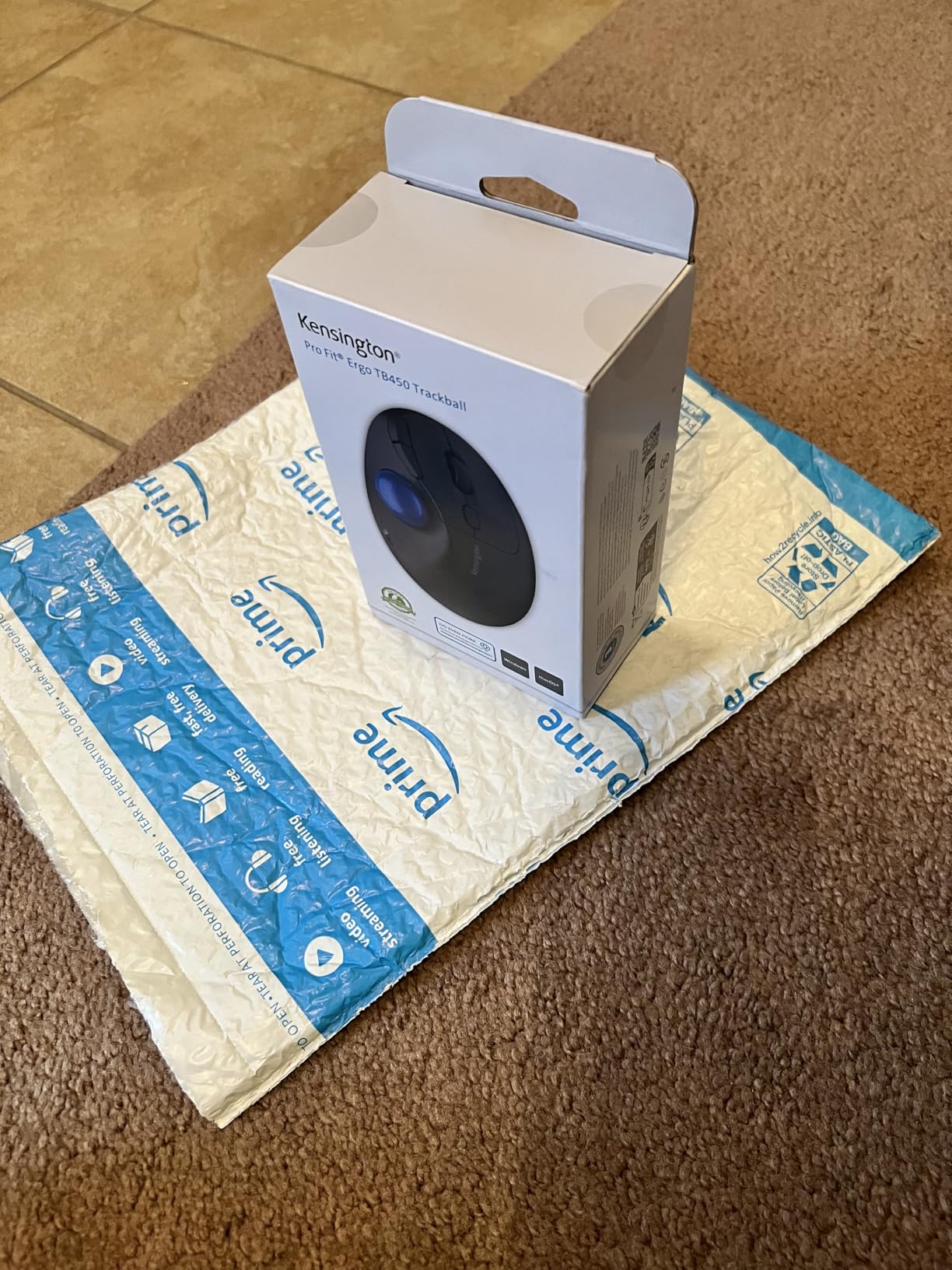
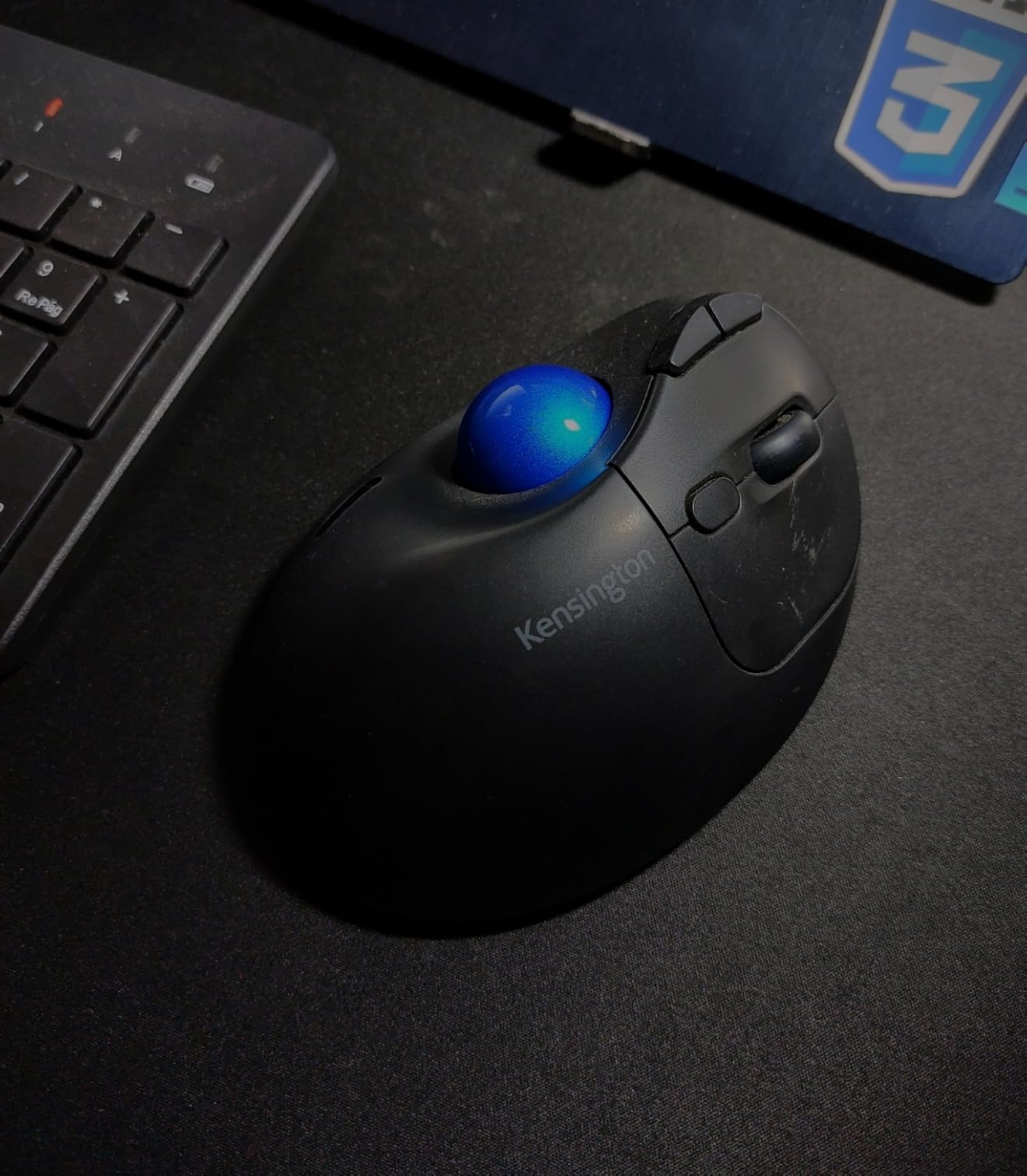
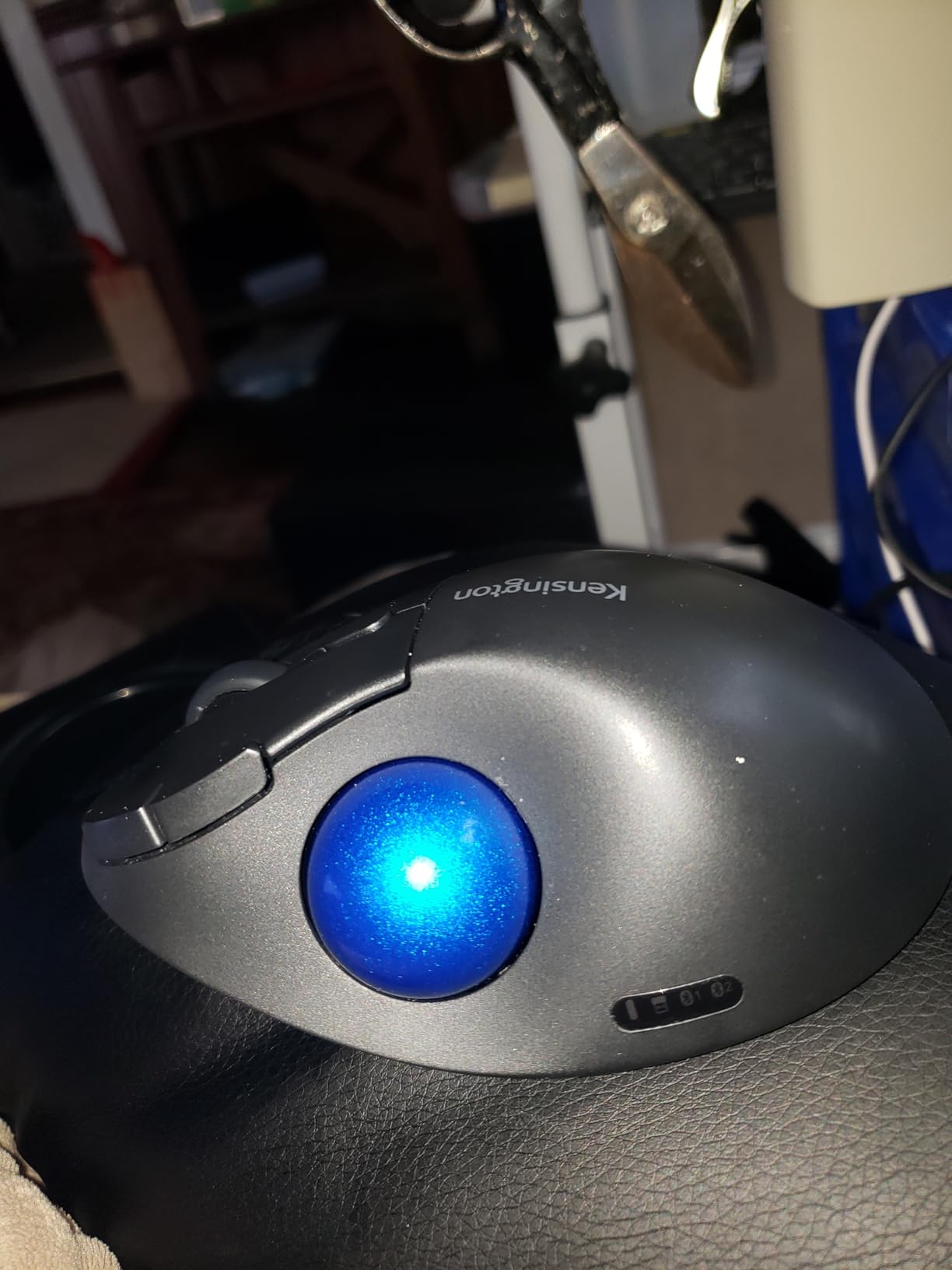
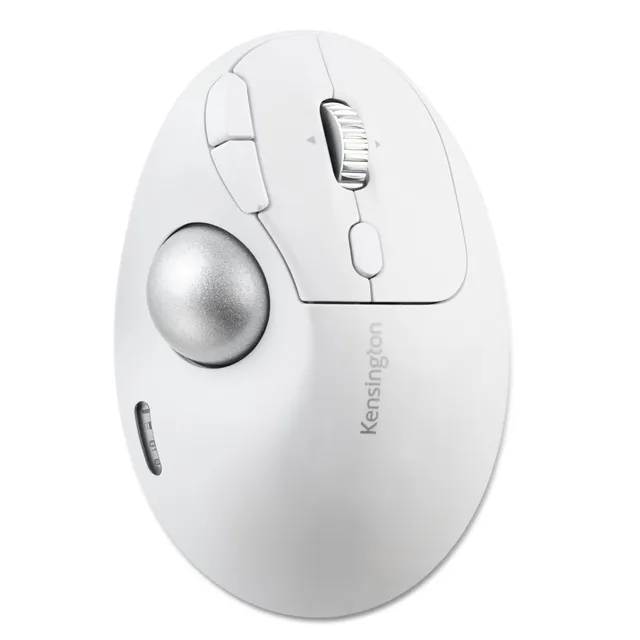
Enhance comfort and precision with the Kensington TB450 Wireless Trackball Mouse. This ergonomic trackball features a unique 45° tilt for better wrist alignment, dual wireless connectivity (Bluetooth LE and 2.4GHz), and optical tracking technology. It offers 4 DPI options and can connect to up to 3 devices. With long battery life (up to 18 months) and a patented ball ejection system for easy cleaning, it's a smart choice. Priced at only $18 (compare at $35.99), it's a great value. Buy now and save 50%.
Key Features
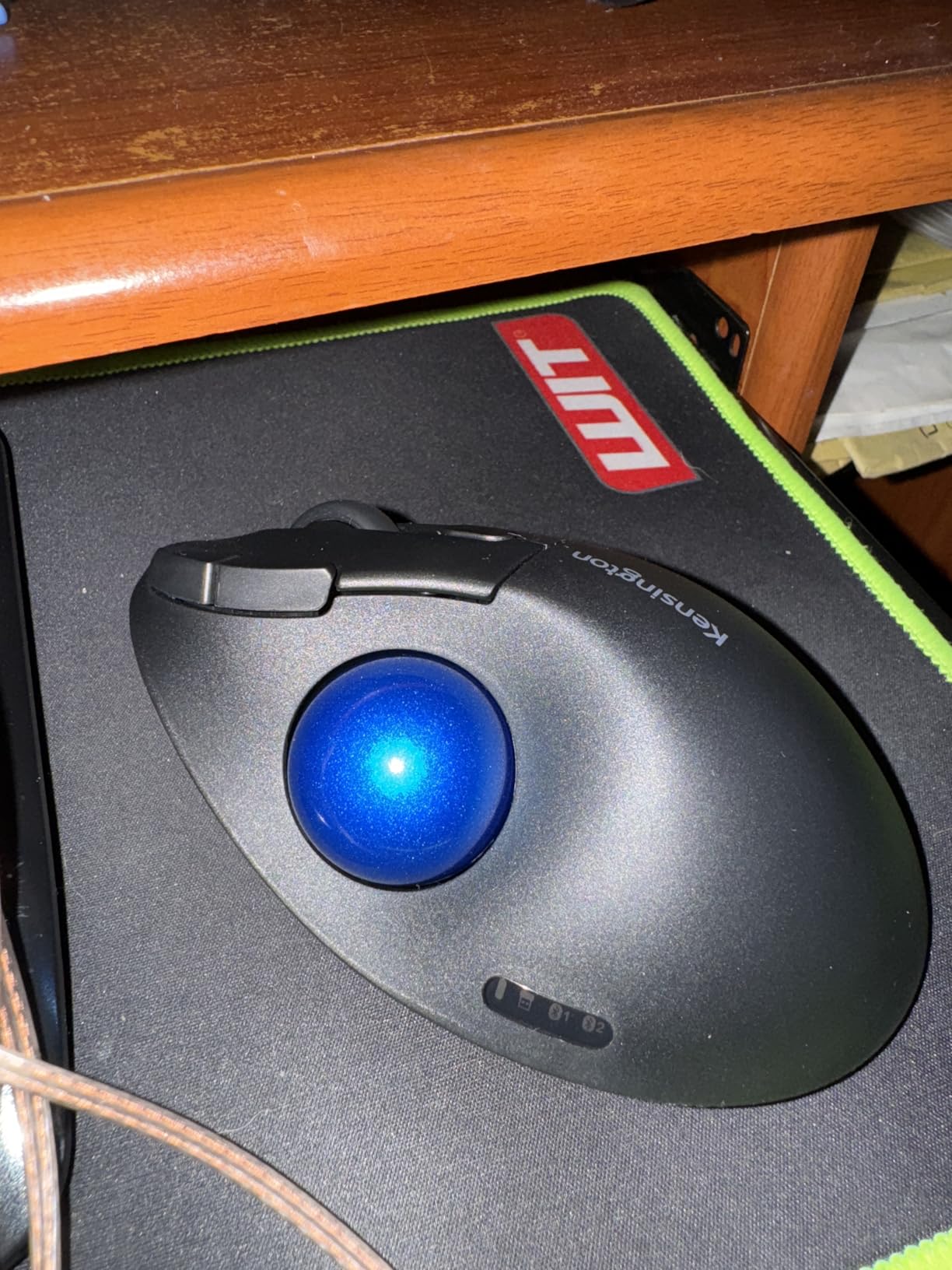
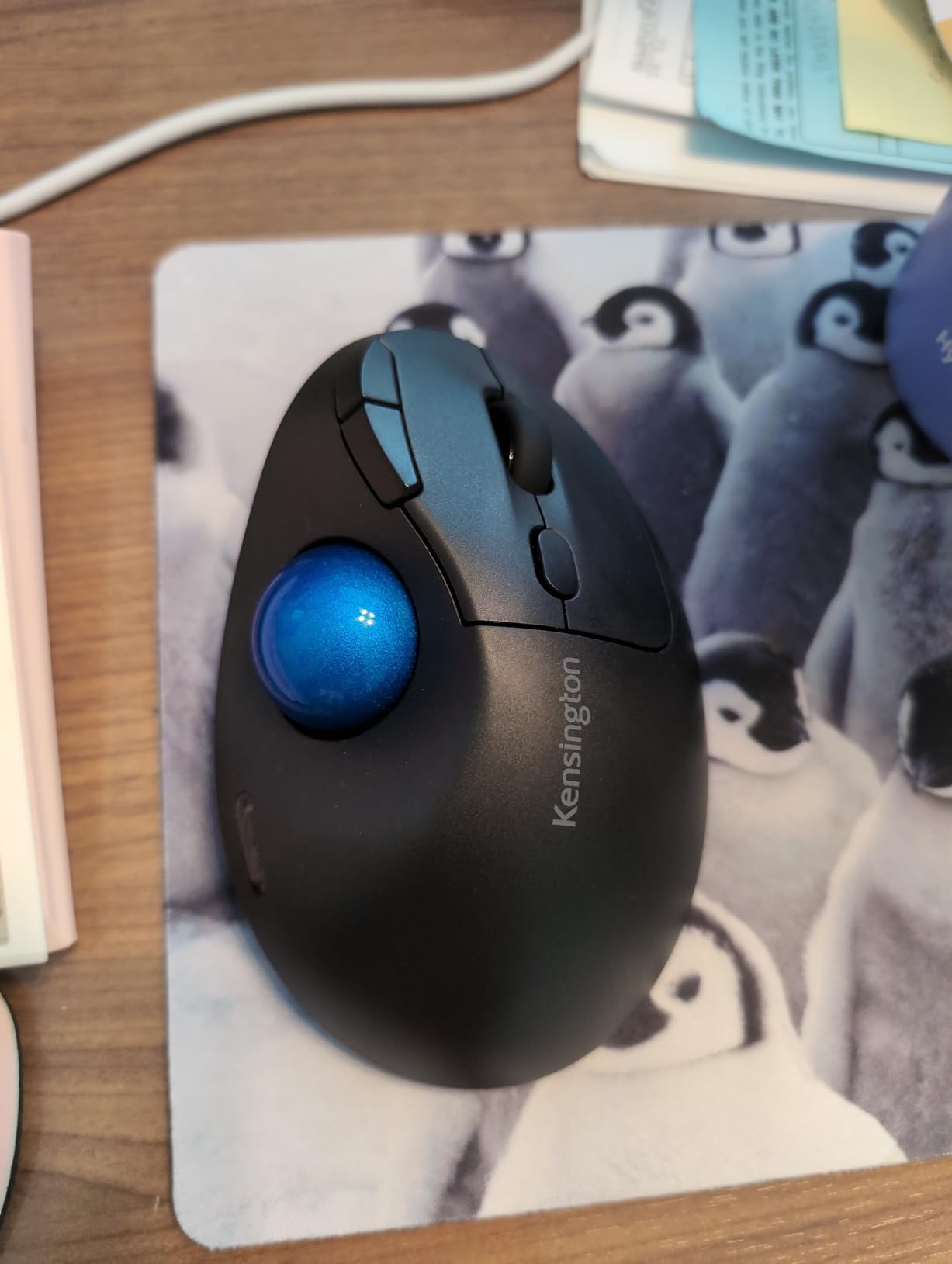
Ergonomic Design: Sculpted shape with 45° tilt for improved wrist and forearm alignment.
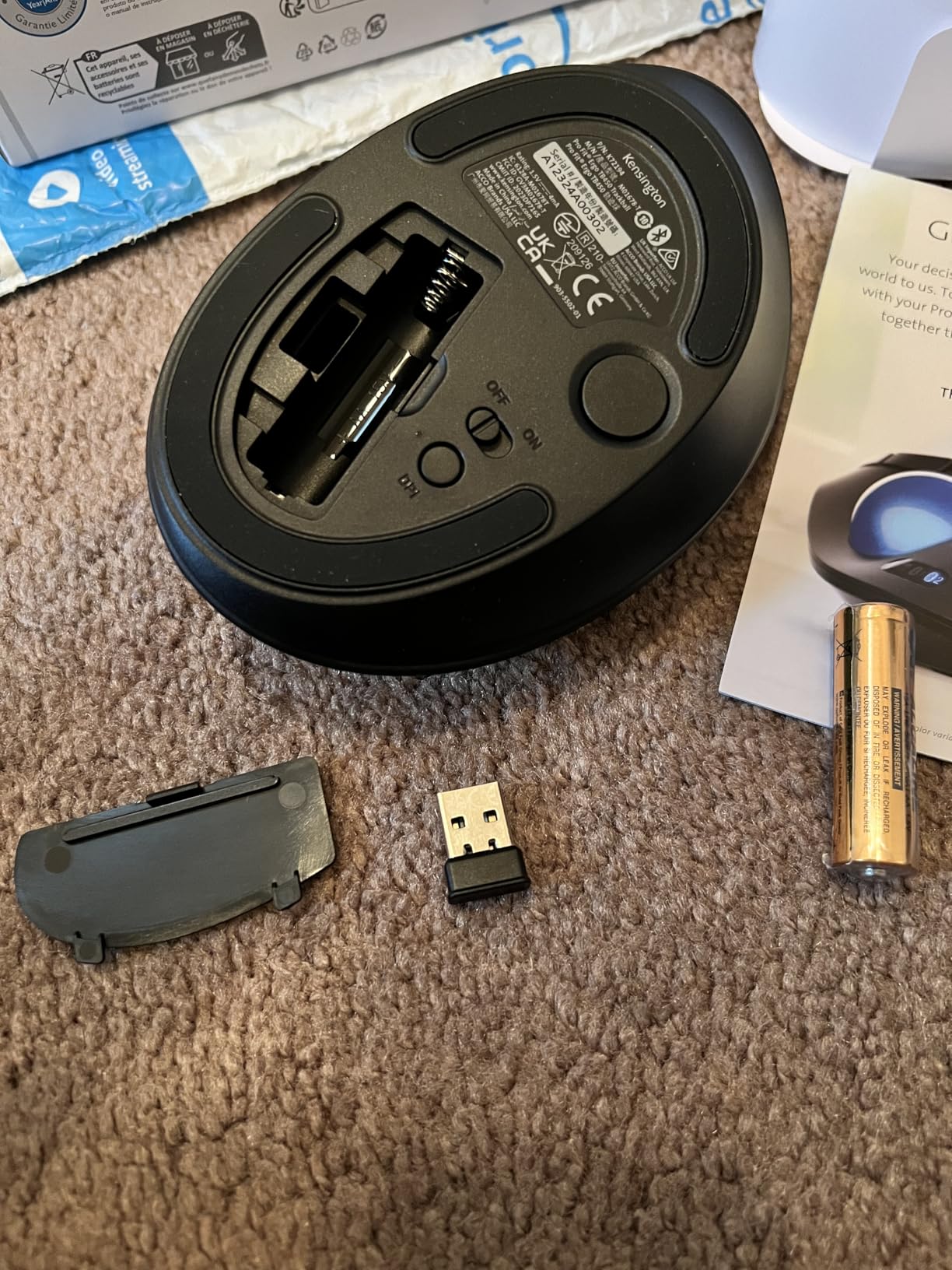
Dual Wireless: Bluetooth Low Energy and 2.4GHz wireless (nano receiver included).
Multi-Device: Connect up to 3 devices and switch easily.
Precision Tracking: High-quality optical sensor for smooth cursor control with 4 DPI options (400, 800, 1200, 1600).
Long Battery Life: Up to 18 months (2.4GHz) or 15 months (Bluetooth).
Secure: 128-bit AES encryption for data protection.
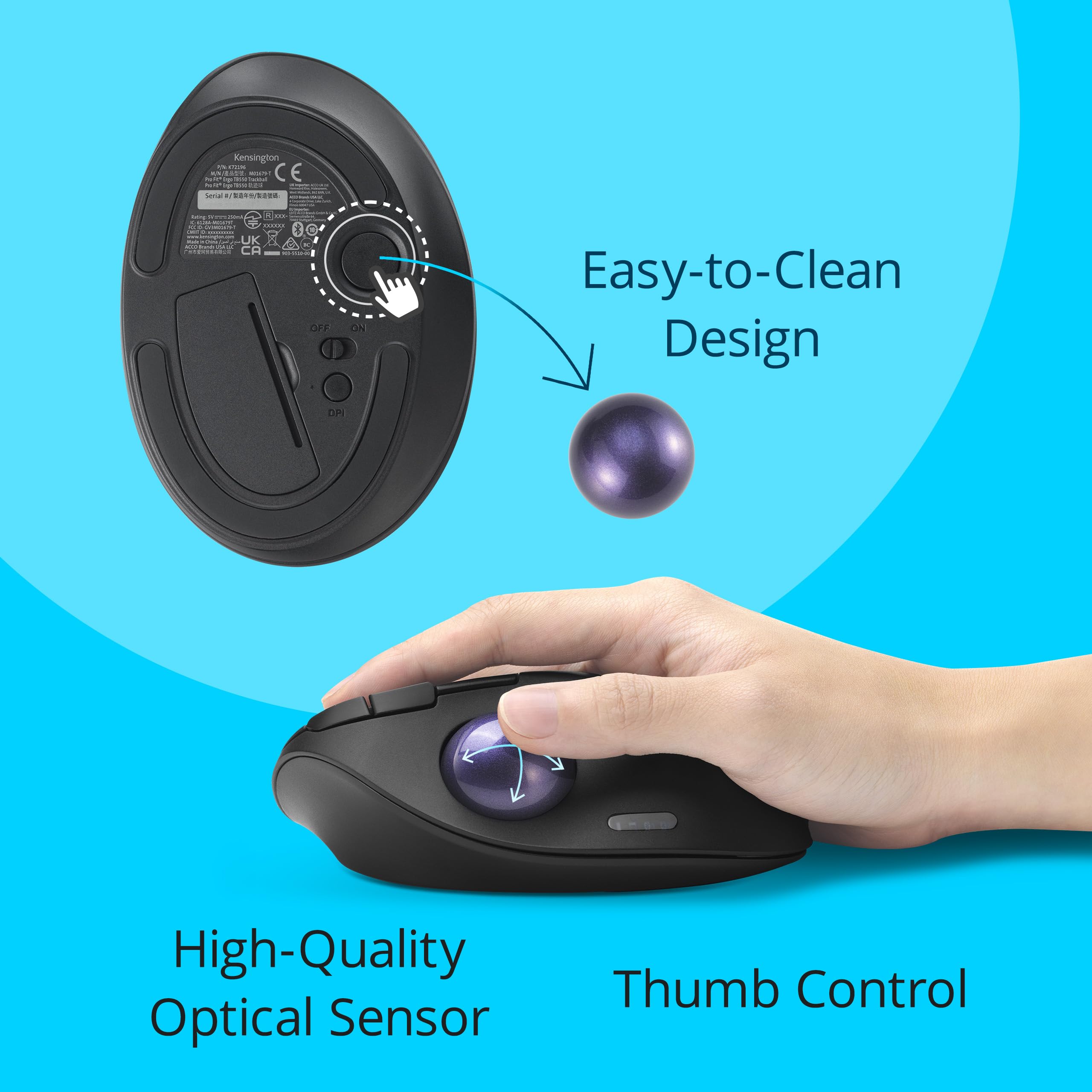
Easy Cleaning: Patented ball ejection system.
Eco-Friendly: 50% recycled plastic.
Specifications
Brand: Kensington
Model: TB450 (K72178WW)
Product Type: Wireless Trackball Mouse
Connectivity: Bluetooth LE, 2.4GHz wireless (nano receiver)
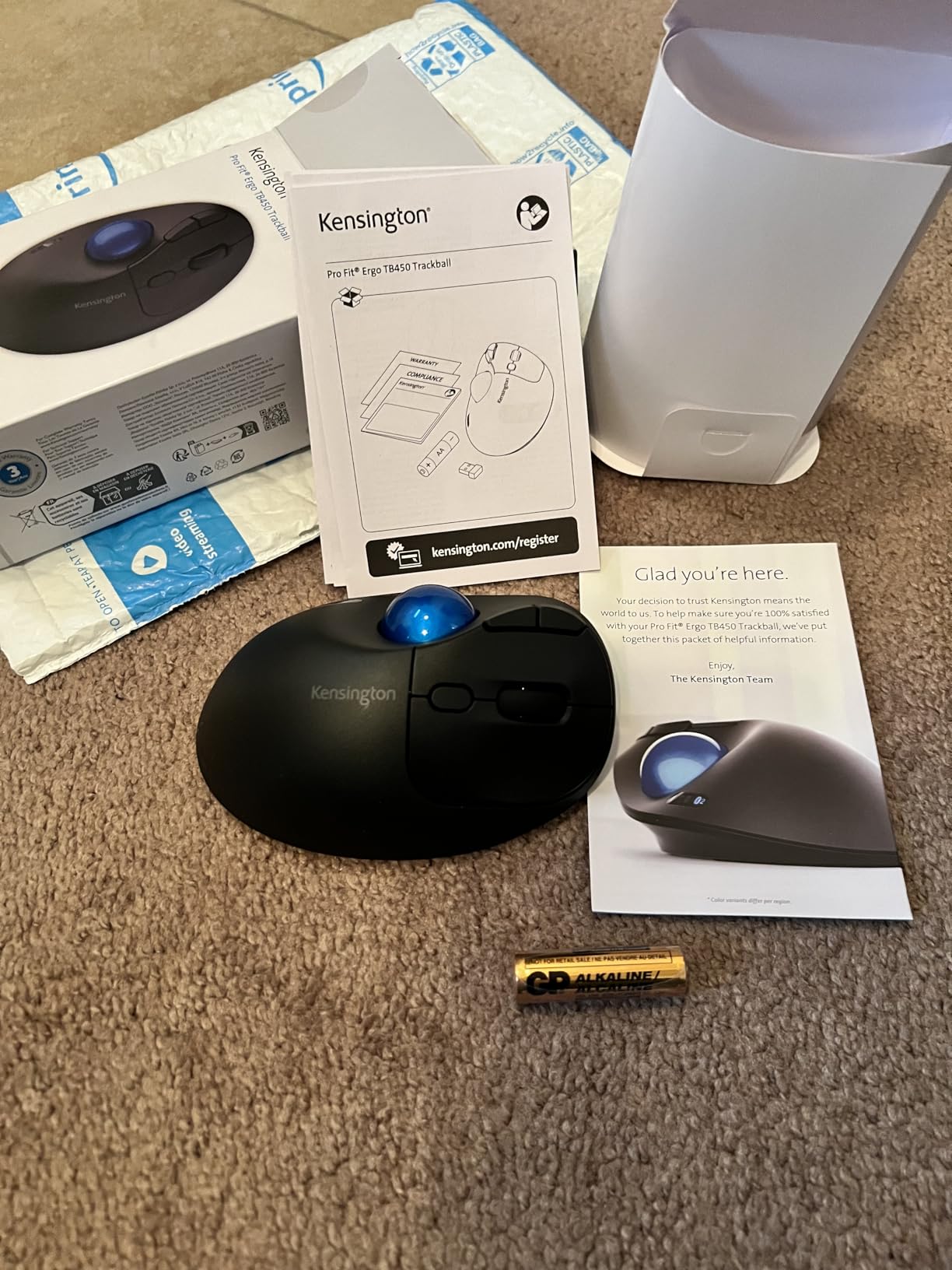
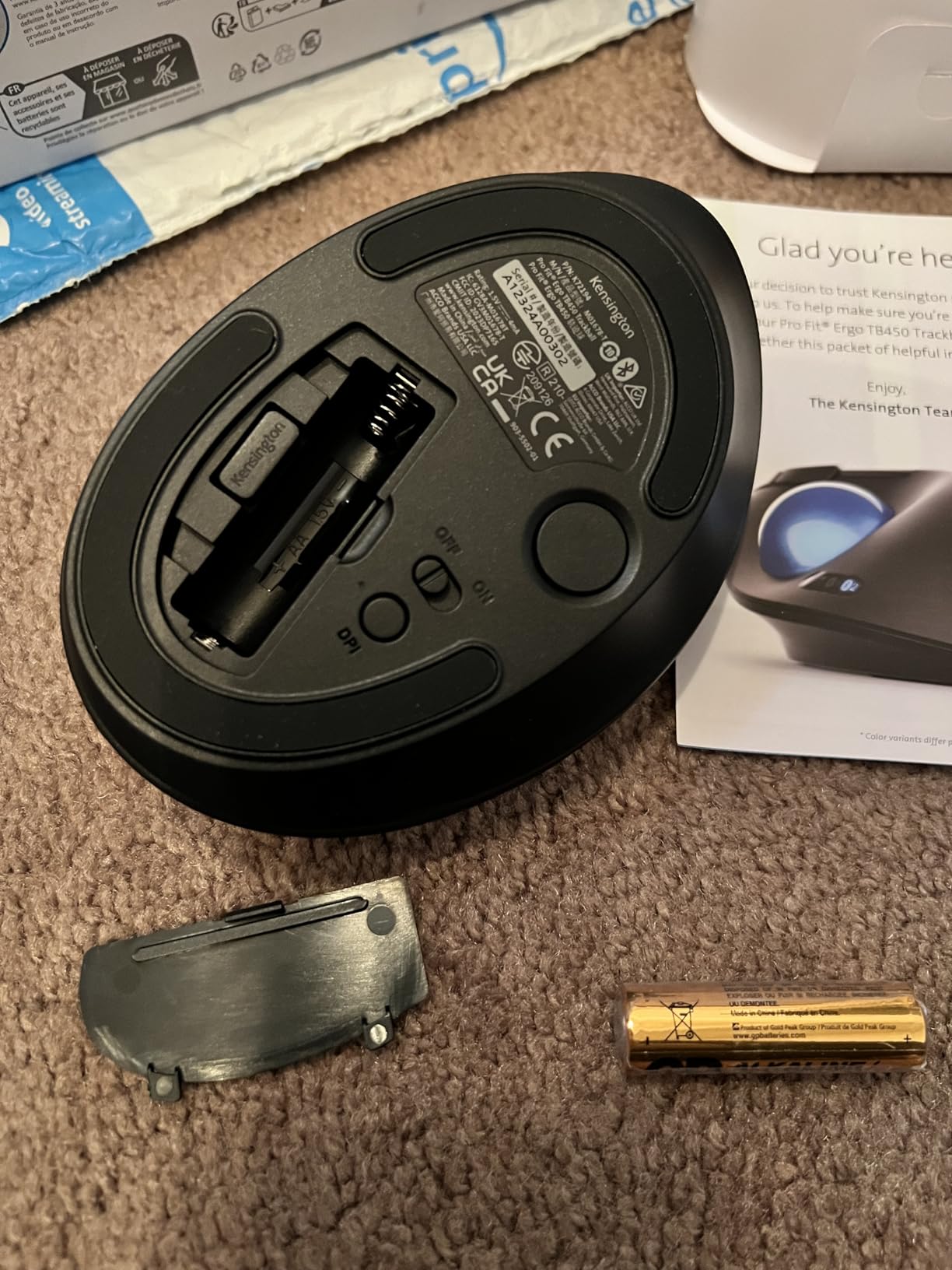
Battery: 2 AA batteries (included?) – typically not included
Compatibility
Works with Windows, macOS, Chrome OS, and Android devices via Bluetooth or 2.4GHz receiver.
Use Cases
Ideal for users with limited desk space or those seeking ergonomic alternatives to traditional mice. Great for CAD, graphic design, and everyday productivity.
Price Value and Deal
Save 50% off the original price of $35.99 – now only $18. Use coupon code MEKIBO15 for an additional 15% off. Free shipping on orders over $45.
Features
Ergonomic 45° tilt and thumb control for all-day comfort and reduced strain
Dual wireless (Bluetooth LE and 2.4GHz) with 128-bit AES encryption, connects up to 3 devices
Priced at $18 – 50% off $35.99; extra 15% off with MEKIBO15
Model: TB450 (K72178WW)
Material: 50% recycled plastic
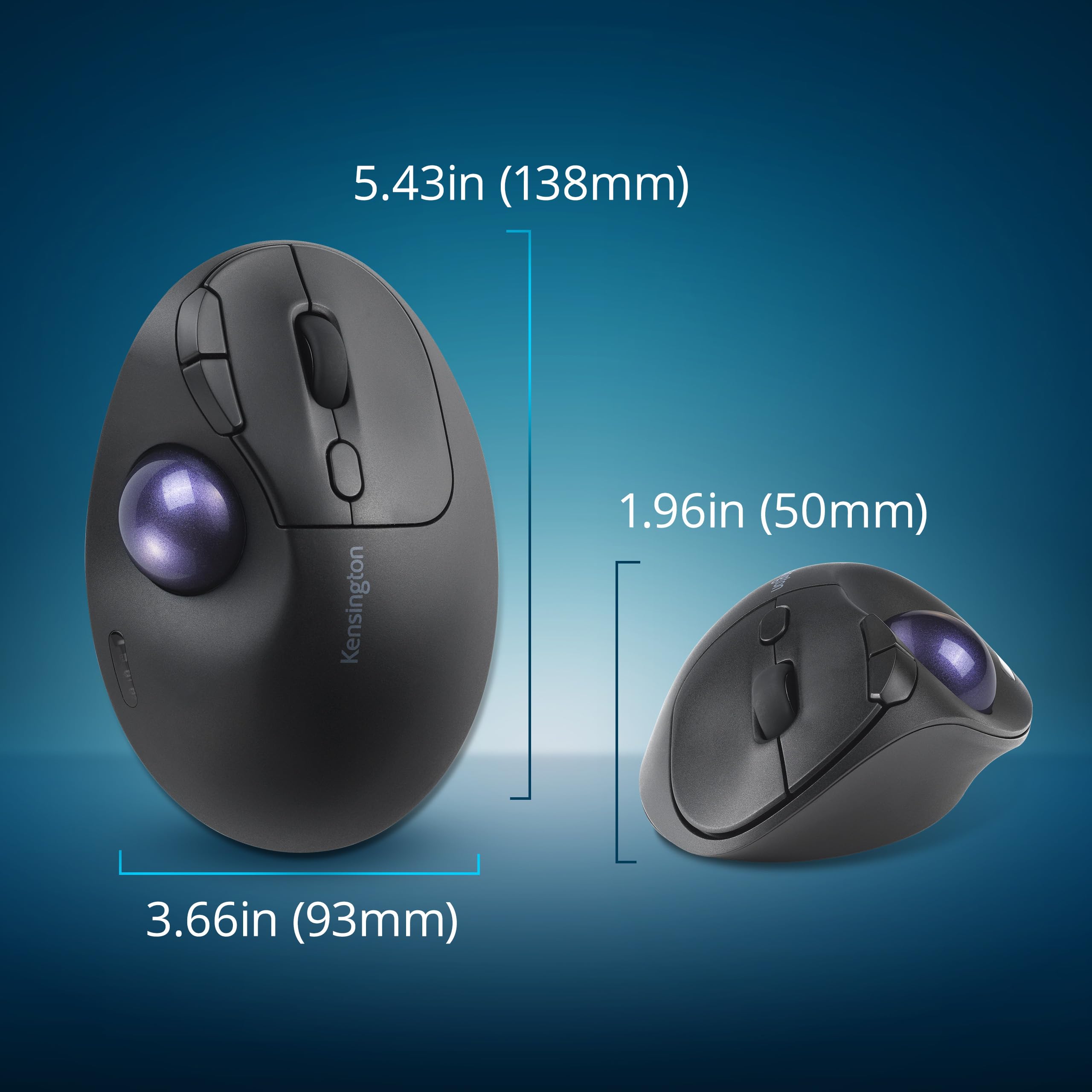
Ball Size: 34mm
Ergonomic: 45° tilt
DPI Options: 400, 800, 1200, 1600
Battery Life: Up to 18 months (2.4GHz), 15 months (Bluetooth)
Connectivity: Bluetooth LE, 2.4GHz wireless
Product Type: Wireless Trackball Mouse
Compatibility: Windows, macOS, Chrome OS, Android
Seller: Mekibo
MPN: TB450 (K72178WW)
Product Details
Ergonomic Precision at a Great Price
The Kensington TB450 Wireless Trackball offers a unique ergonomic design that reduces wrist strain, ideal for long working hours. With dual wireless and multi-device support, it's versatile and secure. At $18, it's an affordable upgrade. Order now and use MEKIBO15 for additional savings!
Frequently Asked Questions
How do I clean and replace the battery in the Kensington TB450 trackball?
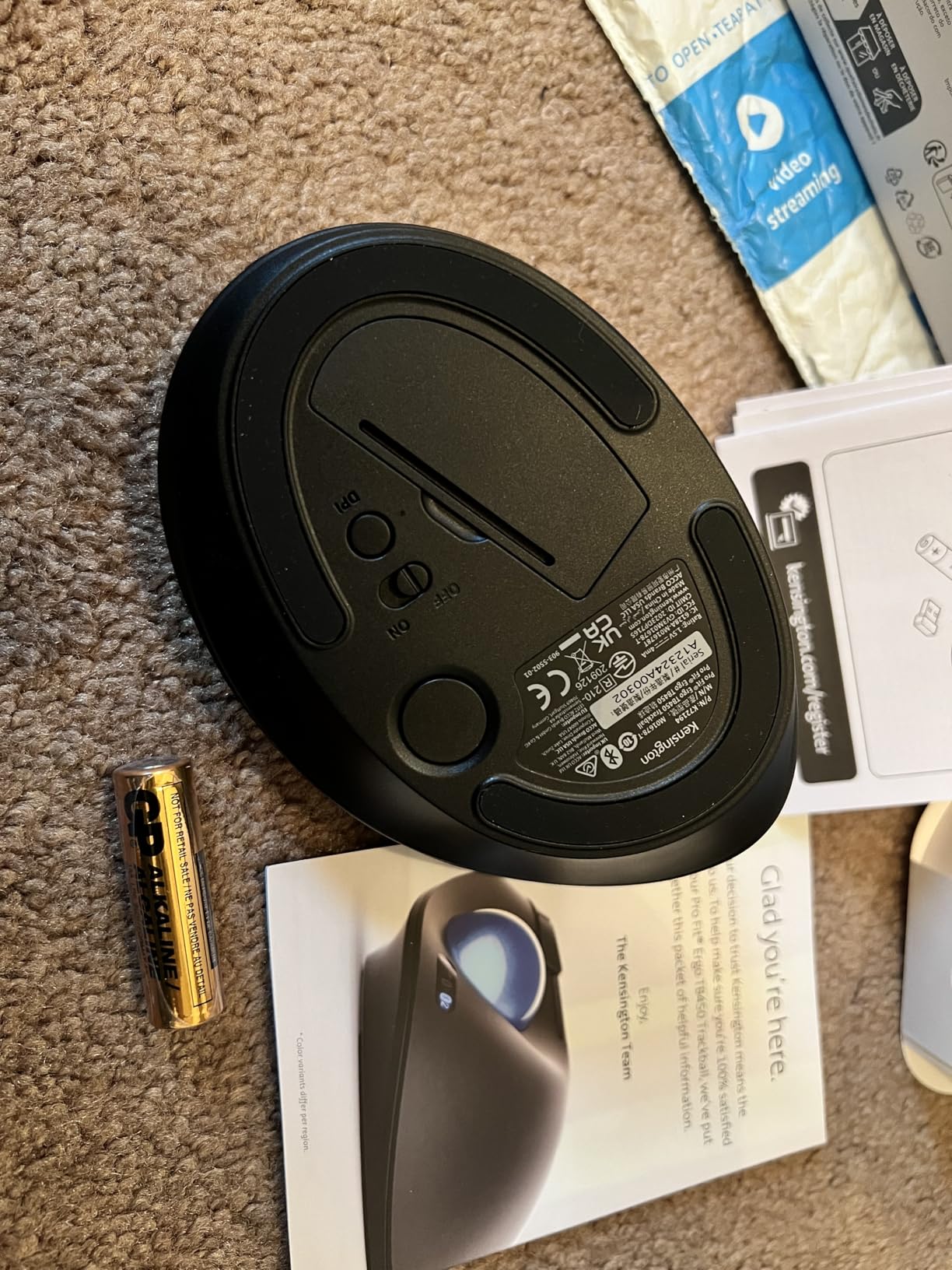
To clean the trackball, use the patented ball ejection system to remove the ball and clean it with a soft cloth. To replace the battery, open the battery compartment on the bottom and replace with 2 AA batteries.
Why is my Kensington TB450 not connecting via Bluetooth?
Ensure the mouse is in Bluetooth mode (switch on the bottom) and put it in pairing mode (press the connection button). Then go to your device's Bluetooth settings and select the trackball.
How do I change DPI on the Kensington TB450?
Press the DPI button on the top of the mouse to cycle through the four DPI settings (400, 800, 1200, 1600).
Why is the cursor skipping on my Kensington TB450?
Try cleaning the trackball and the sensor area. Also ensure a stable wireless connection. Re-pair the device if necessary.
4.3★★★★★★★★★★(12)
5 ★6
4 ★4
3 ★2
2 ★0
1 ★0
Customer Photos
12
Customer Reviews
12
★★★★★★★★★★5.0
u*****i
Verified
Ergonomic dream
I've been using trackballs for years due to wrist pain, and this is one of the best. The thumb control is smooth, the click buttons are firm, and the scroll wheel is precise. Battery life is impressive. I've been using it daily for a month without charging.
★★★★★★★★★★4.0
l*f
Great for productivity
I love that I can switch between three devices with the push of a button. Seamless connection to my laptop, tablet, and phone. The DPI adjustment is handy for different screens. Only minor gripe: the build feels a bit plasticky, but it's solid enough.
★★★★★★★★★★5.0
w**w
Verified
Saves my wrist
After hours of editing, my wrist would ache. Switching to this trackball changed everything. The thumb control is intuitive and precise. The wireless is reliable with both Bluetooth and the USB dongle. Battery seems to last forever. Totally worth it.
★★★★★★★★★★3.0
i****p
Verified
Decent, but takes time to adjust
First trackball, so I knew there would be a learning curve. After a few days, I'm getting the hang of it. The thumb ball is smooth, but I occasionally overshoot the cursor. The buttons are a bit small for my taste. Overall, it's okay.
★★★★★★★★★★5.0
l*y
Verified
Perfect for a cramped desk
I work in a tiny cubicle and this mouse doesn't need much space. The trackball is precise and the dual wireless is super convenient. I love that I can connect to my work laptop and personal tablet at the same time. Battery life is amazing.
★★★★★★★★★★4.0
b****r
Verified
Good, but not for gaming
For office work, it's perfect. The tracking is accurate and the ergonomics are great. But if you're a gamer looking for a trackball for FPS, look elsewhere. The polling rate feels a bit low. But for productivity, it's a win.
★★★★★★★★★★5.0
j***l
Verified
My new daily driver
I've used various mice, but this trackball has become my favorite. The thumb control is so natural, and I can switch between my desktop and laptop without moving a hand. The battery lasts for months (I think I've charged it twice since I got it). Highly recommend.
★★★★★★★★★★4.0
x****f
Verified
Works as advertised
Nothing fancy, but it does what it says. The thumb ball is smooth, the scroll wheel is a bit stiff but fine. The dual wireless is a plus. I would've liked a little more heft, but it's lightweight and travels well.
★★★★★★★★★★5.0
k*****c
Verified
Relief for carpal tunnel
I was getting a lot of pain in my wrist and hand from using a regular mouse. This trackball puts my wrist in a natural position, and the pain has subsided. The Bluetooth connection is stable, and the battery seems to go on forever. Best purchase for my health.
★★★★★★★★★★5.0
y***w
Verified
Sleek and functional
The design is modern and fits my hand well. The trackball is precise, and I appreciate the adjustable DPI. Switching between three devices is a breeze. The battery life is genuinely 18 months – I've had it for 5 months and haven't changed it yet. Great value.
★★★★★★★★★★3.0
j**c
Verified
Okay, but a bit awkward for lefties
I'm left-handed and this is a right-handed design. I knew that when I bought it, but I tried to use my left hand anyway. It's not comfortable. I've switched to my right hand and it works, but it's not ideal. If you're left-handed, look for an ambidextrous model. Otherwise, it's fine.
★★★★★★★★★★4.0
j*****x
Verified
Solid trackball for the price
I've had pricier trackballs that weren't as good. This one is accurate, the buttons are responsive, and the connection is stable. The battery life is great. The only reason I'm not giving 5 stars is that the build feels a bit cheap, but it hasn't broken yet.