Add 2 more items to unlock your free mystery gift.
Complimentary item.
Total
Recommended add-on
Home/Perixx/Mice & Trackballs/Perixx PERIBOARD-706 Wireless Mini Trackball Keyboard with Built-in Optical Trackball, 2.4GHz, and Multimedia Keys
-50%
Mice & Trackballs
Perixx PERIBOARD-706 Wireless Mini Trackball Keyboard with Built-in Optical Trackball, 2.4GHz, and Multimedia Keys
4.0 (4)
$34.99$17.50
Navigate your screen with ease using the Perixx PERIBOARD-706 wireless mini keyboard with built-in trackball, 2.4GHz connection, and media keys - now only $17.50 (50% off), available for online purchase.
In Stock
Keyboard language
Keyboard language
English (US)
Connection type
Connection type
Wireless USB Receiver
-
1
+
Get it in 3–5 business days.
14 people are viewing this item.13 sold today.Only 11 left in stock.
Perixx PERIBOARD-706 Wireless Mini Trackball Keyboard
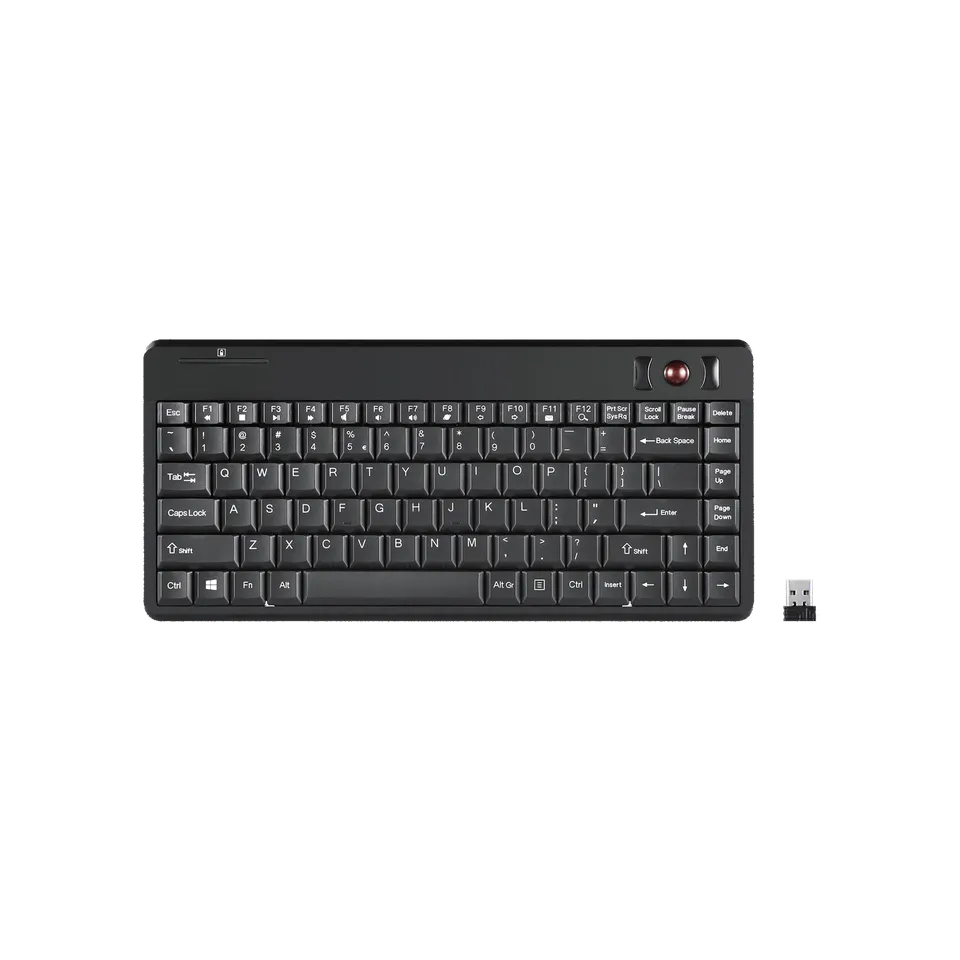
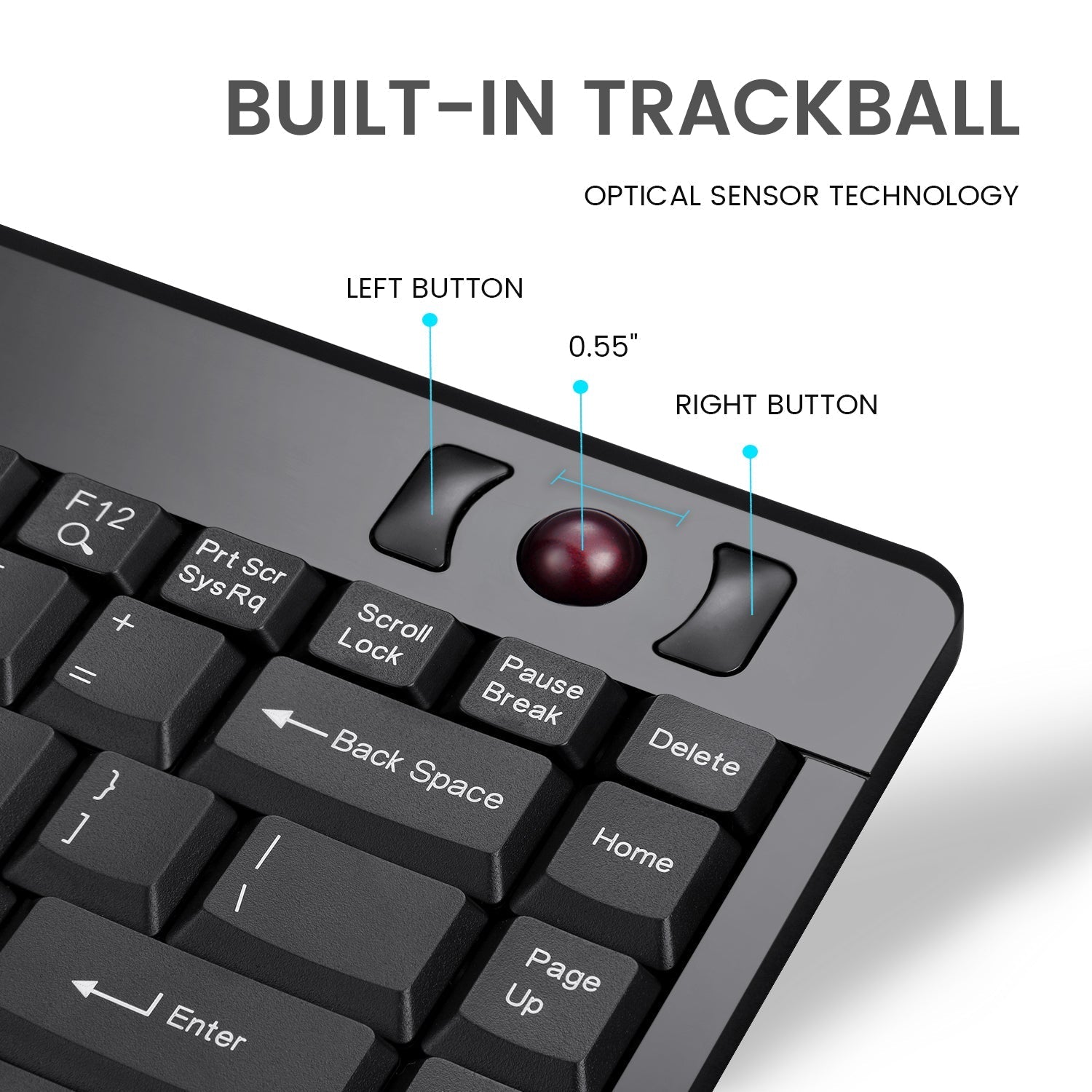
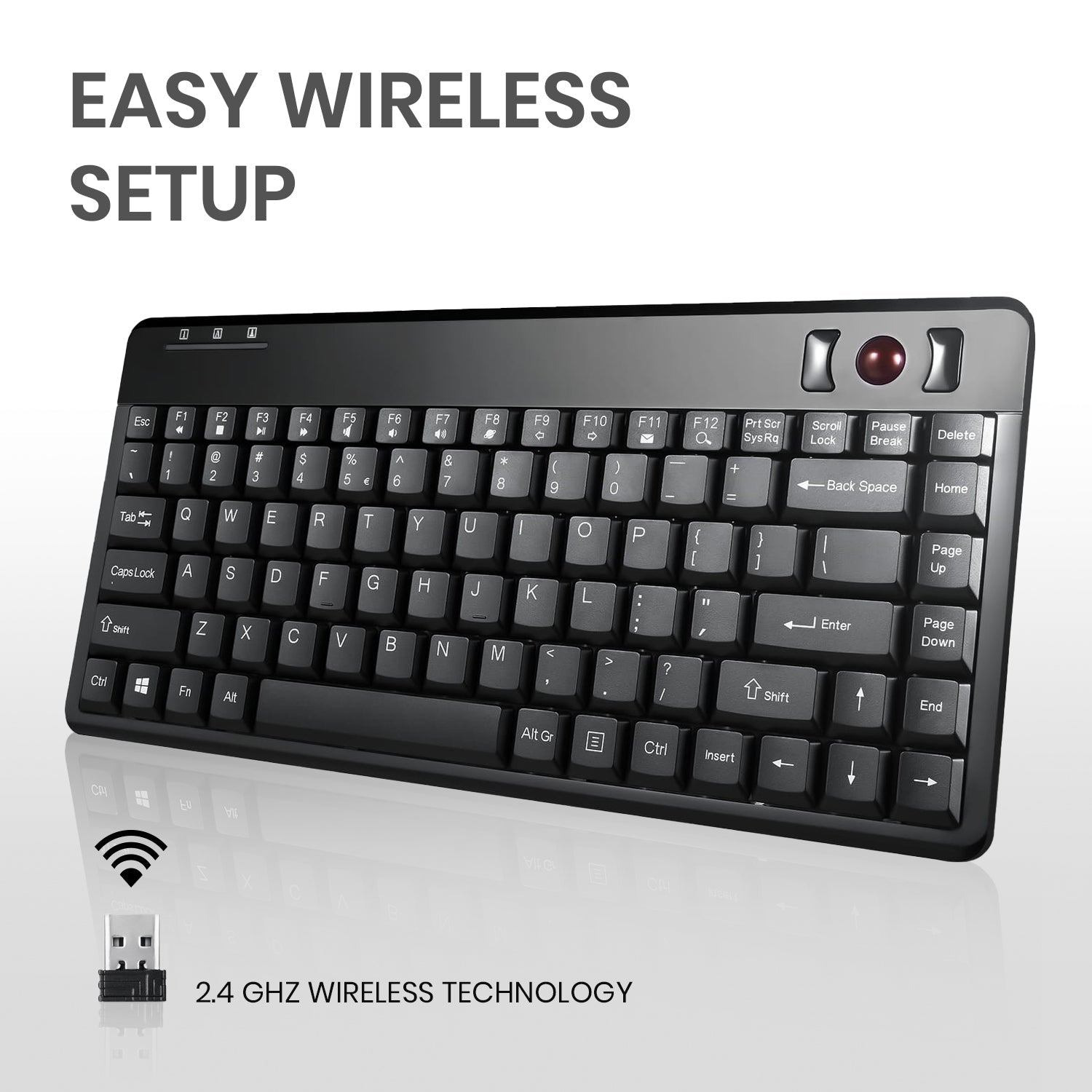
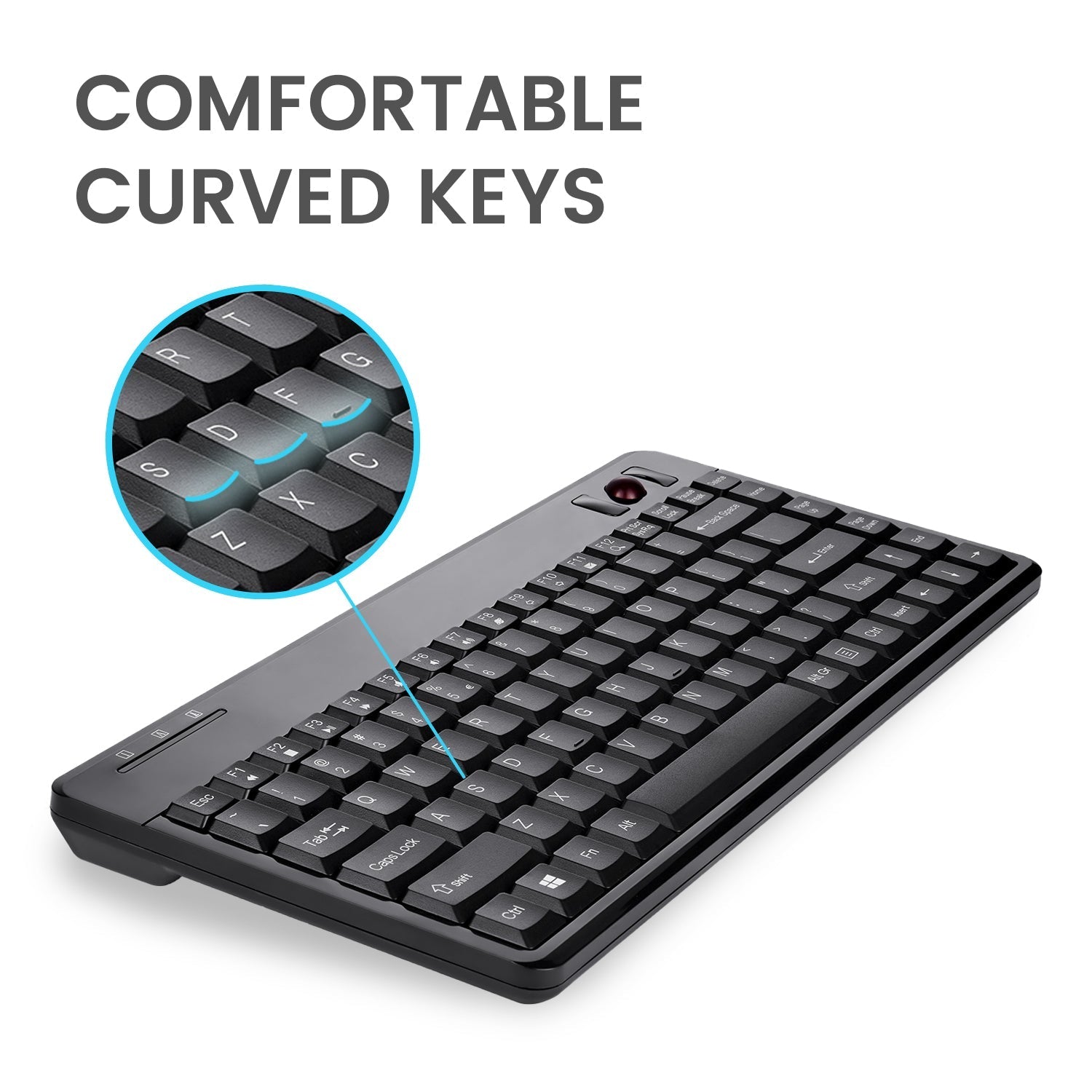
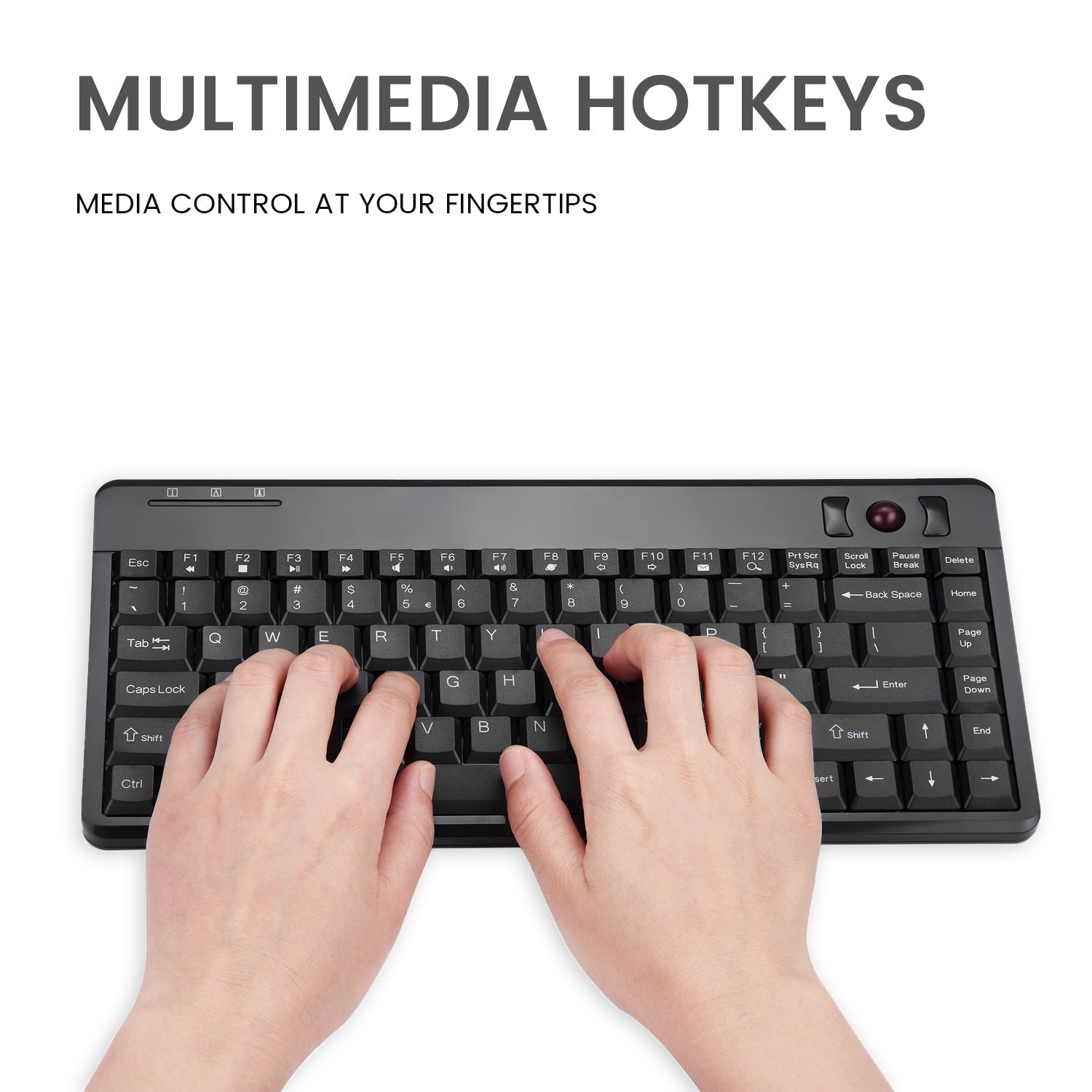
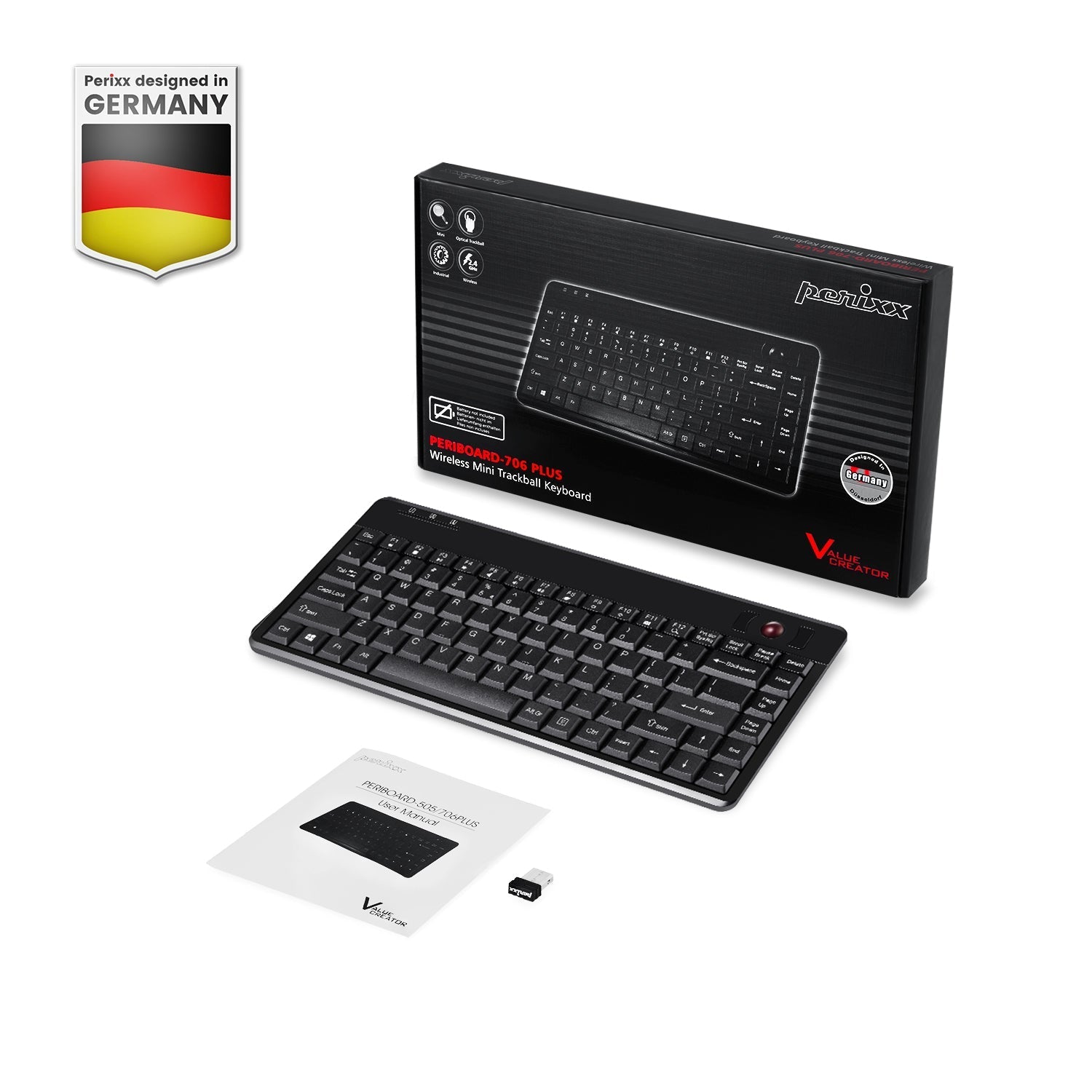
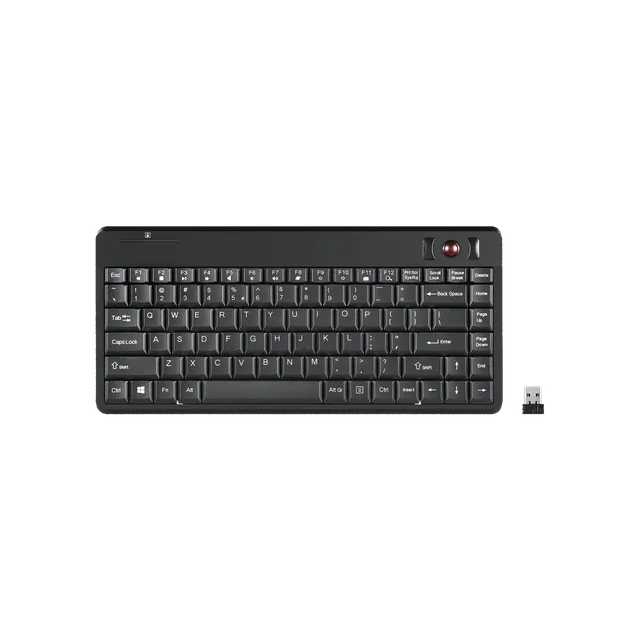
The Perixx PERIBOARD-706 is a wireless mini keyboard with a built-in optical trackball and mouse buttons, providing a two-in-one solution for screen navigation. It features a 0.55-inch trackball, left/right click buttons, and 12 multimedia keys for convenience. The 2.4GHz wireless connection with a nano receiver ensures easy plug-and-play setup, and a built-in storage compartment keeps the receiver safe when not in use. At just $17.50 (compare at $34.99), this keyboard is ideal for kiosks, rack systems, and industrial applications.
Specifications and Features
Connectivity: Wireless 2.4GHz with nano receiver
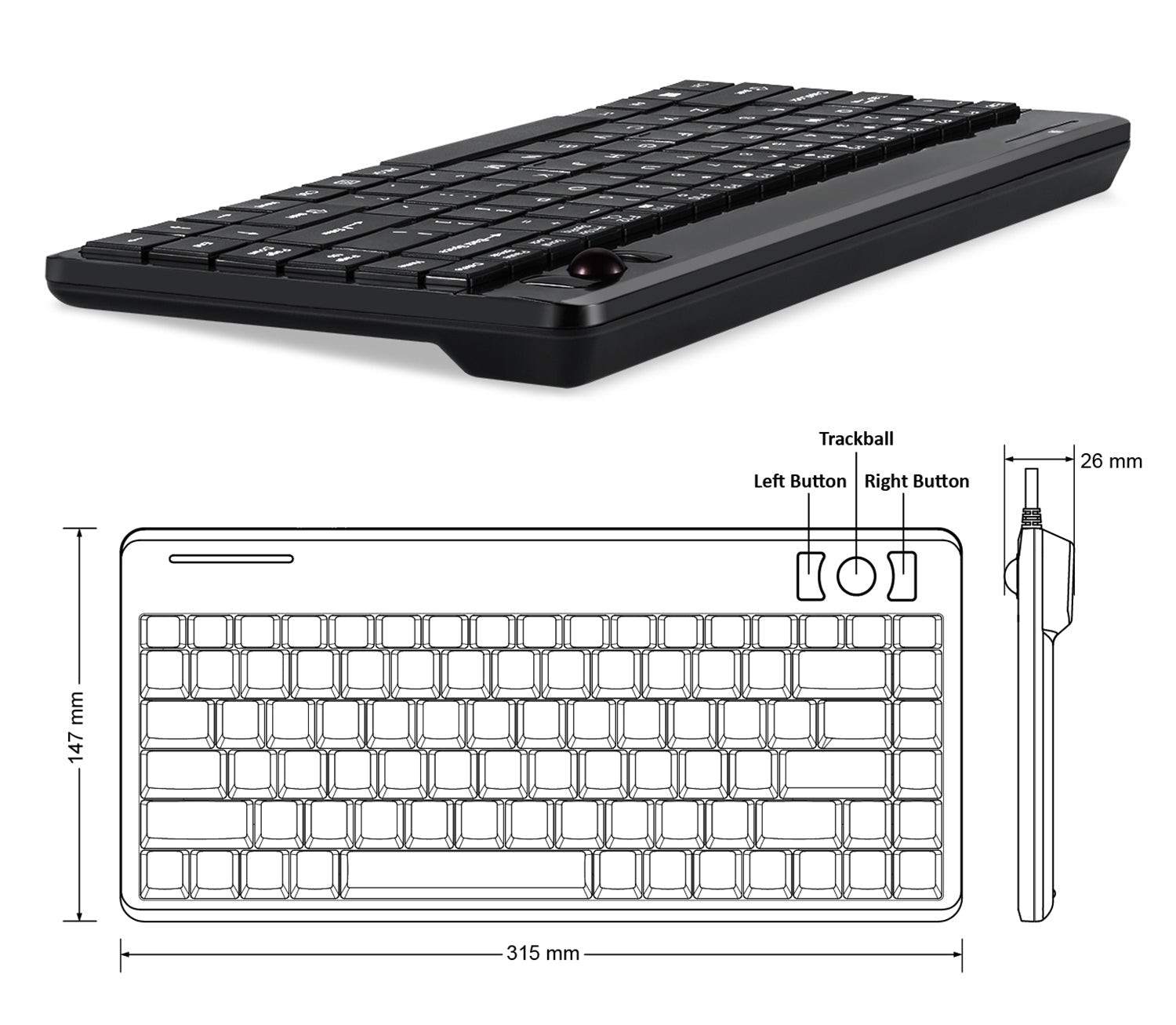
Trackball: 0.55 inches optical, built-in
Mouse Function: Left/right click buttons
Dimensions: 31.4 x 14.6 x 2 cm
Multimedia Keys: 12
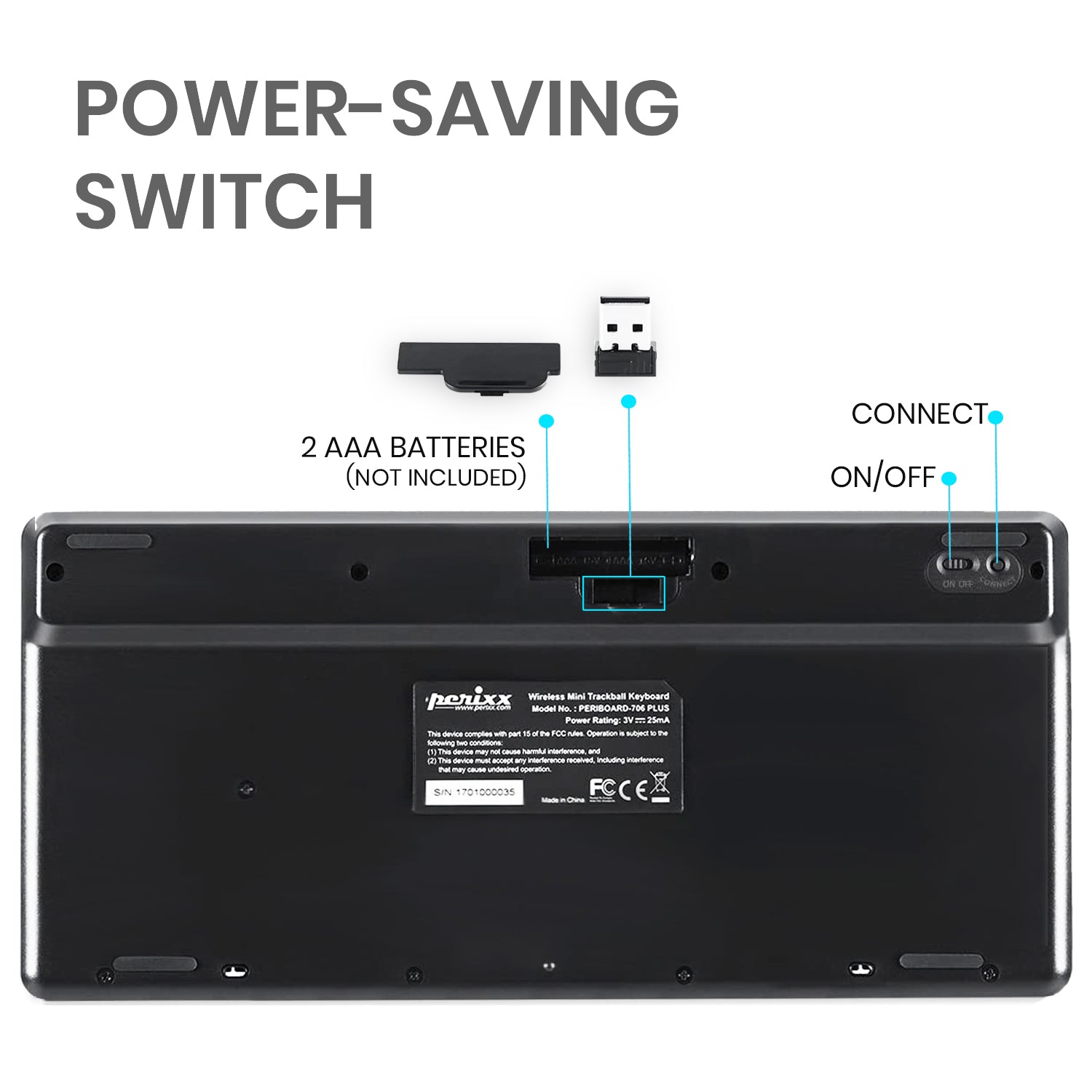
Power: On/off switch, receiver storage
Application: Kiosk, 19-inch rack, industrial use
Why PERIBOARD-706?
This keyboard combines space-saving design with integrated mouse functionality. The trackball allows precise cursor control without needing extra desk space, making it perfect for compact environments.
Price Value and Deal
At $17.50, you save 50% off the original price. Apply coupon code MEKIBO15 for an additional 15% off! Free shipping on orders over $45, or $8 standard shipping. Get professional-grade functionality at a fraction of the cost.
Features
Built-in optical trackball eliminates need for separate mouse
Wireless 2.4GHz with nano receiver and storage compartment
Includes 12 multimedia keys at a sale price of $17.50
Model: PERIBOARD-706
Trackball: 0.55 inches optical
Dimensions: 31.4 x 14.6 x 2 cm
Application: Kiosk, rack, industrial
Connectivity: Wireless 2.4GHz USB Receiver
Product Type: Wireless Mini Trackball Keyboard
Mouse Buttons: Left/right click
Multimedia Keys: 12
Seller: Mekibo
MPN: PERIBOARD-706
Product Details
Space-Saving Control
The PERIBOARD-706 eliminates the need for a separate mouse, making it perfect for tight spaces. Its integrated trackball provides smooth cursor control, ideal for kiosks, control panels, or home theater setups.
Wireless Freedom
With 2.4GHz wireless technology, you can operate this keyboard from a comfortable distance. The nano receiver is tiny and can be stored inside the keyboard when not in use, preventing loss.
Unbeatable Value
At $17.50, this trackball keyboard is an incredible deal. With the 15% off coupon code MEKIBO15, you'll save even more. Upgrade your productivity today!
Frequently Asked Questions
How do I set up the Perixx PERIBOARD-706 trackball keyboard?
Insert the nano receiver into a USB port on your computer. Turn on the keyboard using the power switch. The keyboard and trackball should work immediately without additional drivers. If not, check battery installation and ensure the receiver is properly connected.
PERIBOARD-706 trackball not working?
First, check that the keyboard is powered on and the receiver is plugged in. Try re-pairing by turning the keyboard off and on. Also, clean the trackball and its sensor with a soft cloth. If the issue persists, check for interference from other wireless devices.
Can PERIBOARD-706 be used for HTPC?
Yes, the PERIBOARD-706 is suitable for Home Theater PC (HTPC) use due to its compact size and integrated trackball, which allows you to control your media center from the couch. The 2.4GHz wireless connection ensures reliable operation up to a reasonable distance.
How to pair PERIBOARD-706 wireless keyboard?
The PERIBOARD-706 uses a pre-paired USB receiver. Simply plug it in and turn on the keyboard. If you need to re-pair, turn off the keyboard, plug in the receiver, then turn on the keyboard. The devices should reconnect automatically.
Where can I buy the PERIBOARD-706 at the best price?
You can purchase the PERIBOARD-706 from Mekibo for only $17.50, which is 50% off the original price. Use coupon code MEKIBO15 for an extra 15% off. Free shipping on orders over $45, or $8 standard shipping.
4.0★★★★★★★★★★(4)
5 ★1
4 ★2
3 ★1
2 ★0
1 ★0
Customer Reviews
4
★★★★★★★★★★5.0
m*****u
Verified
Great for my home theater
I hooked this up to my HTPC. Wireless range is excellent, the trackball is smooth, and the media keys are perfect for controlling movies. The compact size fits on my coffee table. Highly recommend.
★★★★★★★★★★4.0
t*****e
Verified
Works well after a bit of learning
It's comfortable and the trackball is a nice touch. Took a few days to get used to the ball placement. But now I'm browsing and controlling my TV conly with this. The media keys are handy. Good value.
★★★★★★★★★★3.0
e**t
Verified
So-so
The trackball is a bit jumpy at times. Battery life is decent. Not bad, but not great for the price.
★★★★★★★★★★4.0
k****d
Verified
Good keyboard but trackball placement
The keyboard is well-made and the wireless connection is solid. The trackball is convenient for couch duty, but I wish it was at the bottom instead of the top. Still, once you get used to it, it works fine. The multimedia keys are useful.