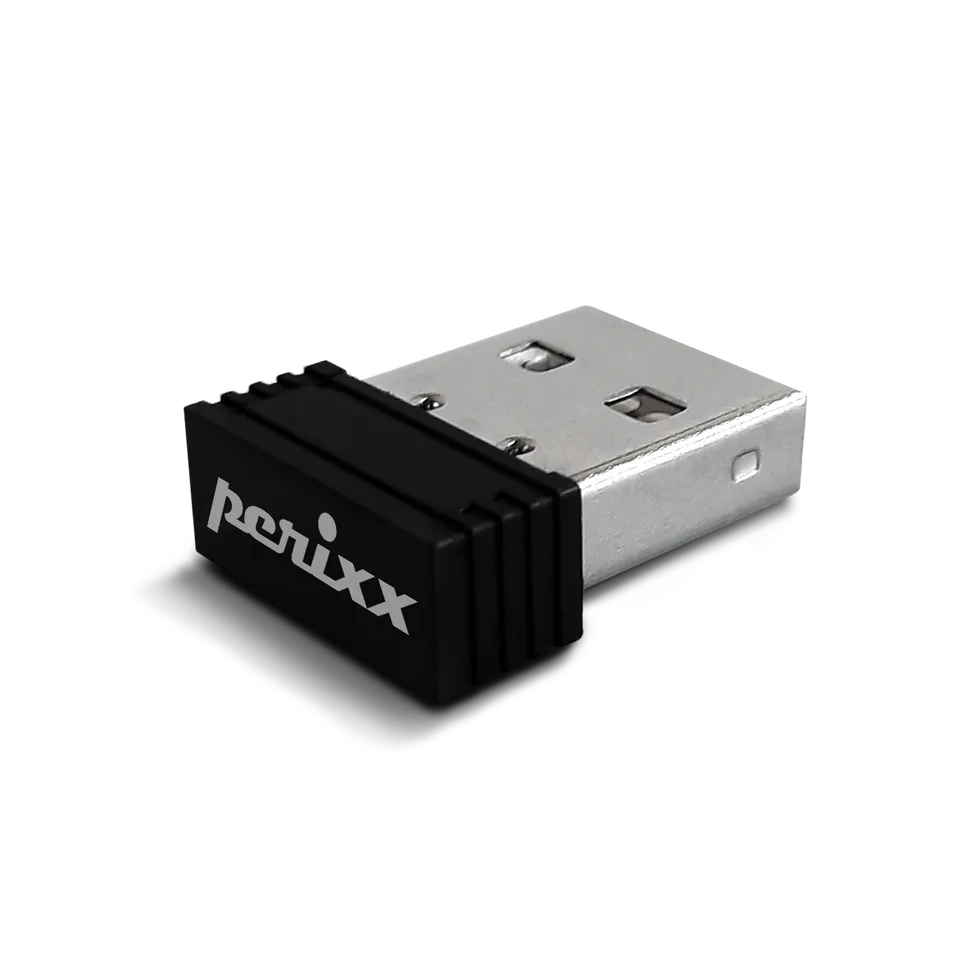
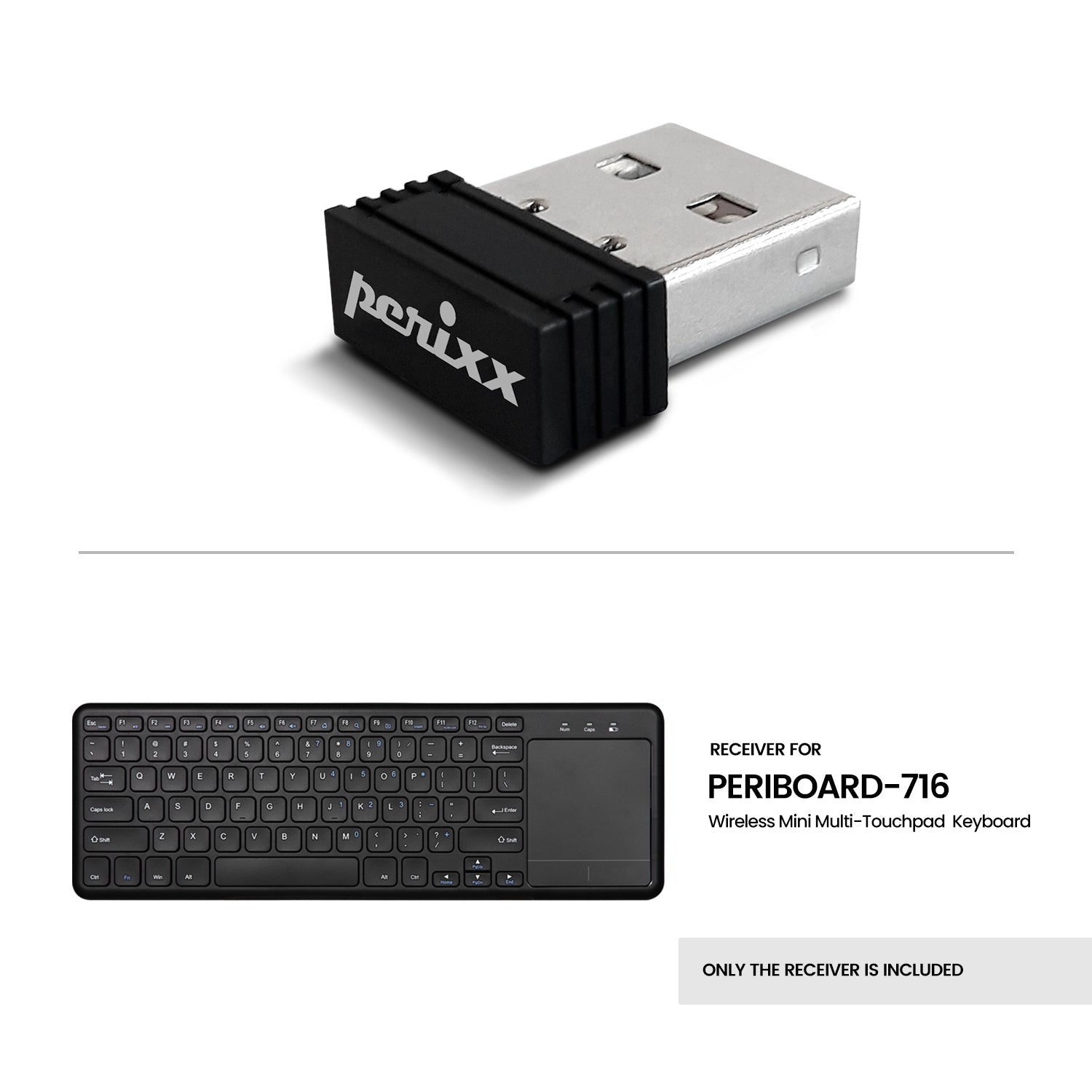
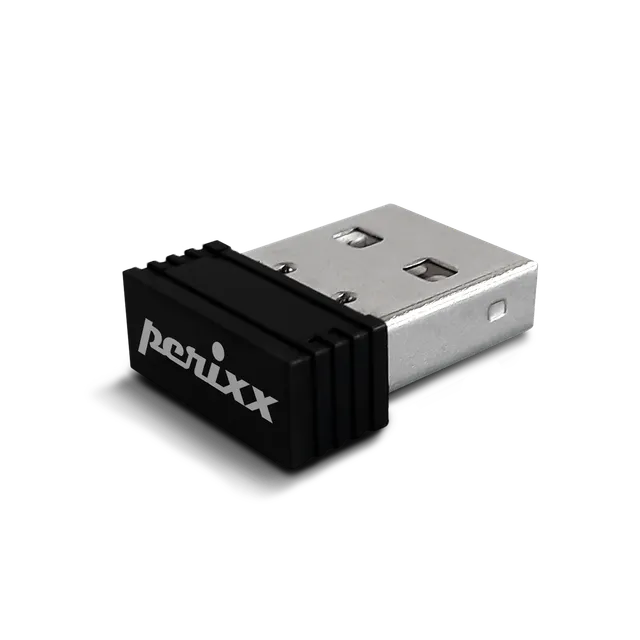
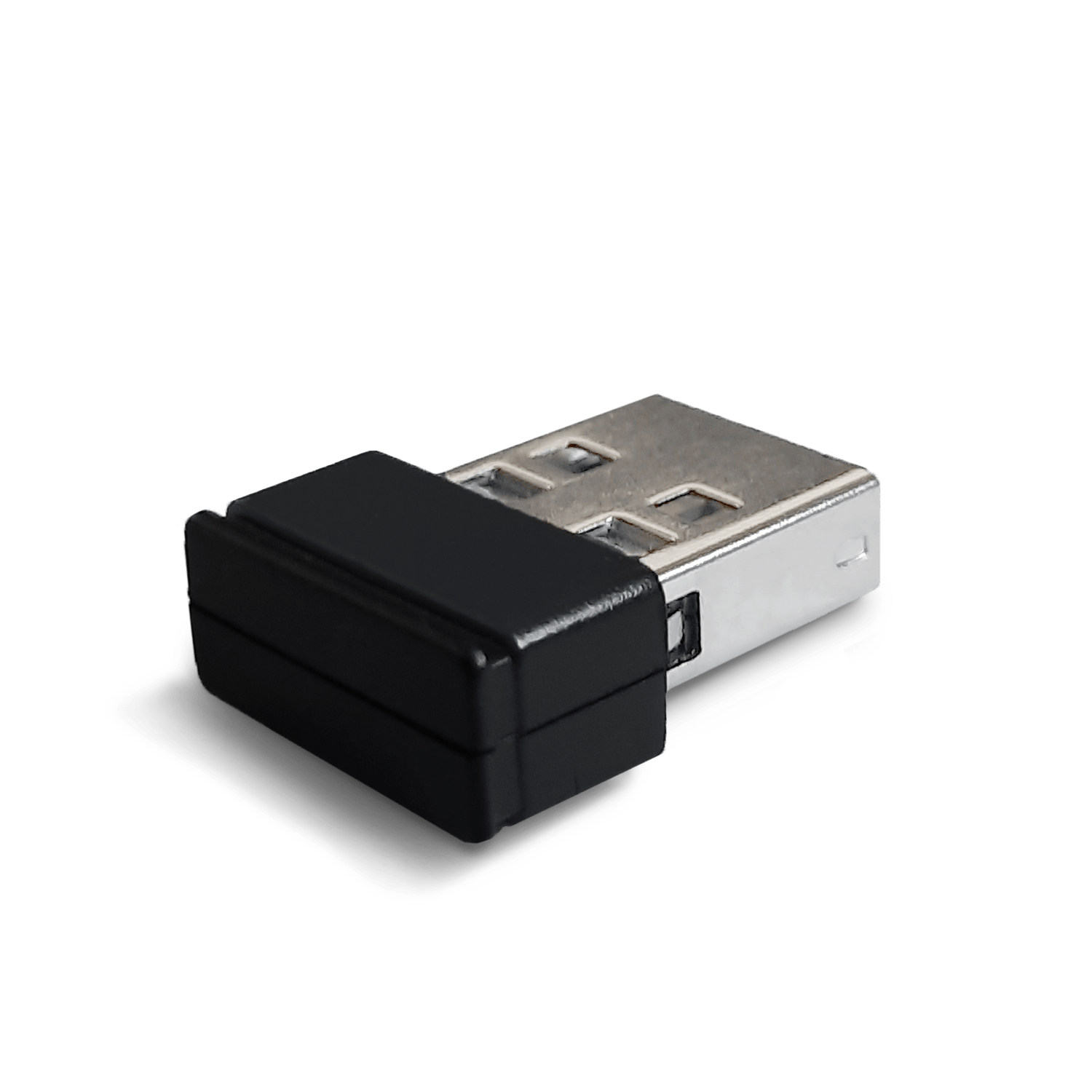
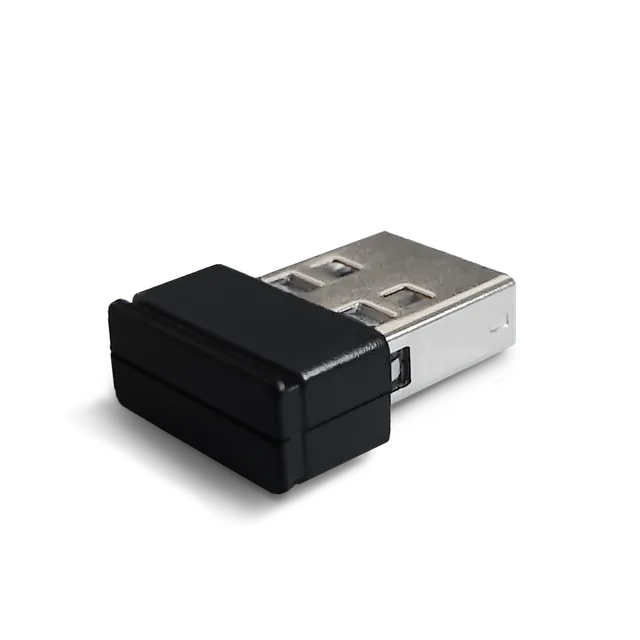
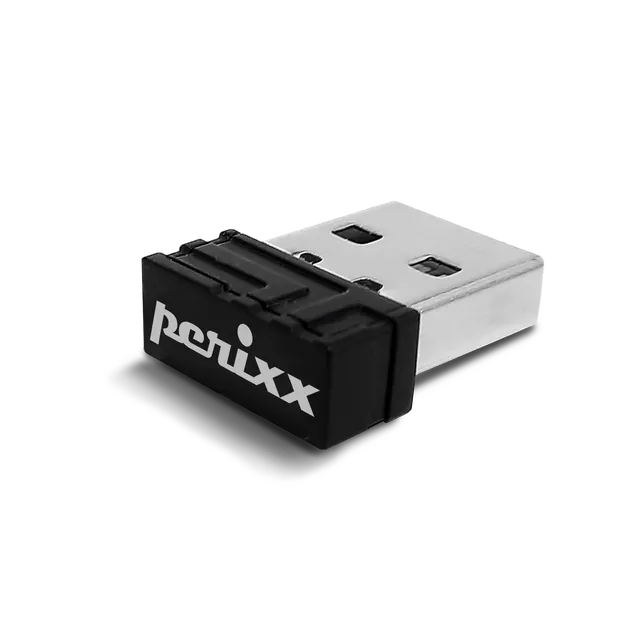
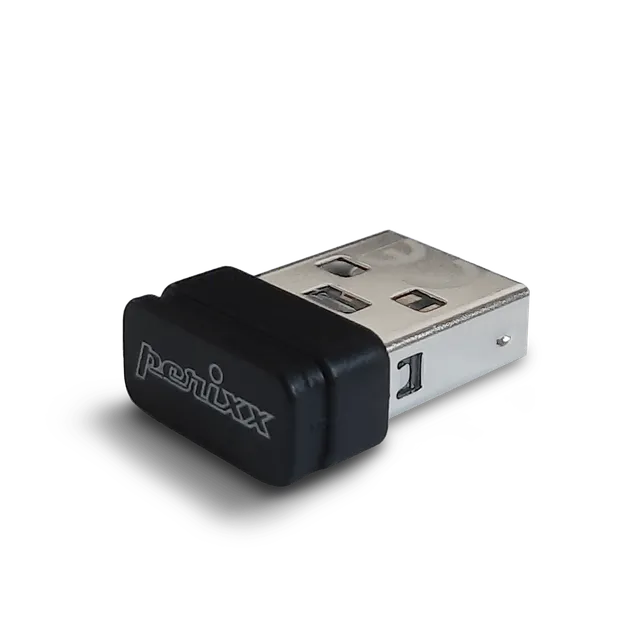
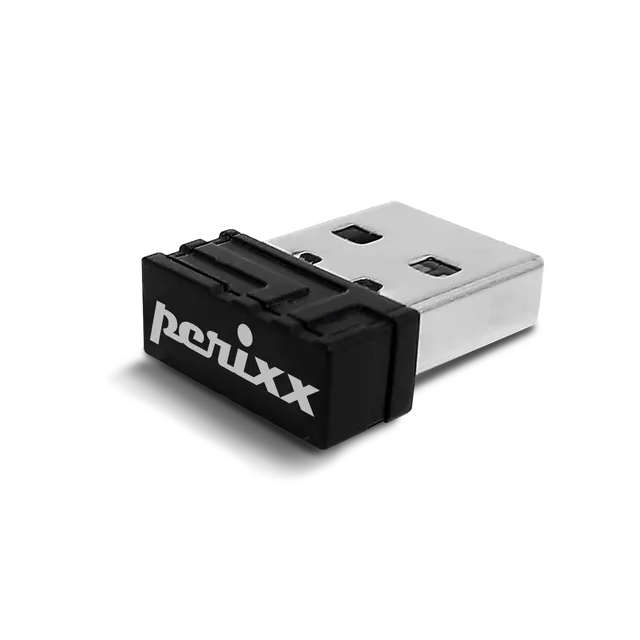
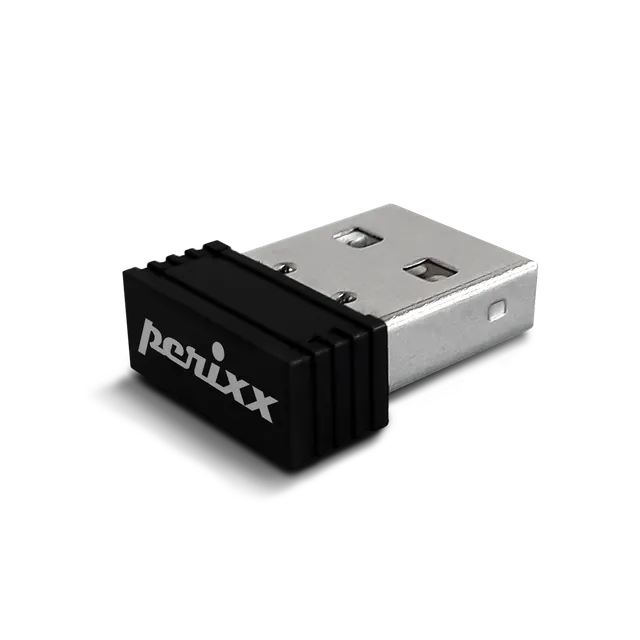
Perixx USB Dongle Receiver for PERIBOARD-716III Wireless Keyboard
4.3 (4)
$4.99
Replace your lost or broken receiver with this official Perixx USB dongle for the PERIBOARD-716III keyboard – only $4.99, with easy re-pairing instructions.
In Stock
-
1
+
Get it in 3–5 business days.
14 people are viewing this item.27 sold today.Only 10 left in stock.
This USB receiver is an exact replacement for the PERIBOARD-716III wireless keyboard. If you've lost or damaged the original dongle, this will restore full functionality for just $4.99.
Compatibility
Specifically designed for the PERIBOARD-716III and its variants. It may also work with other Perixx wireless devices, but we recommend using it only with the 716III to ensure proper pairing.
Re-pairing Instructions
Insert batteries and turn on your keyboard.
Press the QSC and Q keys (or ESC and K keys) simultaneously for 10 seconds.
Plug the receiver into a USB port – the keyboard should connect.
Why Buy from Us?
Get a genuine Perixx part at a low price. Fast shipping and easy returns.
Features
Official replacement receiver for PERIBOARD-716III
Simple re-pairing process
Low price of $4.99 – less than a coffee
Model: USB Dongle for PERIBOARD-716III
Connectivity: 2.4GHz
Product Type: Receiver
Compatibility: PERIBOARD-716III
Seller: Mekibo
MPN: USB Dongle for PERIBOARD-716III
Product Details
Don't Let a Lost Dongle Stop You
Your PERIBOARD-716III is a valuable tool; a lost receiver means the keyboard is useless. This affordable replacement gets you back to work immediately.
Quality Assured
This is an authentic Perixx component, ensuring optimal signal strength and reliability.
Savings
At $4.99, it's a small investment to protect your larger keyboard investment. Use coupon MEKIBO15 for 15% off, making it $4.24.
Frequently Asked Questions
How do I pair the PERIBOARD-716 III with a replacement receiver?
1. Ensure your keyboard has fresh batteries and is turned on. 2. Press the QSC + Q keys (or ESC + K keys) simultaneously for 10 seconds. 3. Plug the new receiver into your computer's USB port. The keyboard should connect automatically. If not, repeat the process.
PERIBOARD-716 III touchpad not working – is it the receiver?
If the touchpad is not working, first check if the keyboard (typing) works. If keyboard works but touchpad doesn't, it's likely a touchpad issue, not the receiver. If nothing works, try re-pairing with the dongle as described.
Can this receiver work with other Perixx keyboards?
While it may be compatible with some models, we only guarantee it for the PERIBOARD-716III. Using it with other models may not work due to different pairing protocols.
Why does my PERIBOARD-716 III keyboard battery keep draining?
Battery drain can be due to normal usage or leaving the keyboard on. Ensure you turn off the keyboard when not in use. If you suspect a short circuit, contact support.
4.3★★★★★★★★★★(4)
5 ★2
4 ★1
3 ★1
2 ★0
1 ★0
Customer Reviews
4
★★★★★★★★★★5.0
v*****i
Verified
Exactly what I needed
I lost the receiver for my keyboard and this was an easy replacement. It paired automatically. Works perfectly. Thanks!
★★★★★★★★★★4.0
a**u
Works, but took some effort
The dongle looks and works like the original. It took a bit of trial and error to re-pair, but I found instructions online. Now it works great. Glad I bought it.
★★★★★★★★★★3.0
e**p
Verified
It's okay, but no instructions
The dongle itself is fine, but there were no instructions included. I had to search online to figure out how to pair it. It works now, but it was frustrating. A simple guide would have been helpful.
★★★★★★★★★★5.0
y**u
Verified
Saved my keyboard
I thought I'd have to buy a new keyboard, but this dongle saved me money. It paired immediately with my PERIBOARD-716III. Great product!