Add 2 more items to unlock your free mystery gift.
Complimentary item.
Total
Recommended add-on
Home/Kensington/Docking Stations & Hubs/Kensington SD3650 USB 3.0 Dual Display Docking Station (K33997WW) – Universal for MacBook, Windows, Surface, 85W PD
-50%
Series
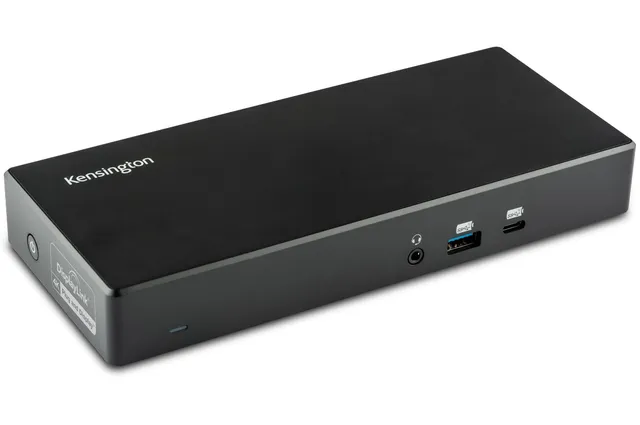
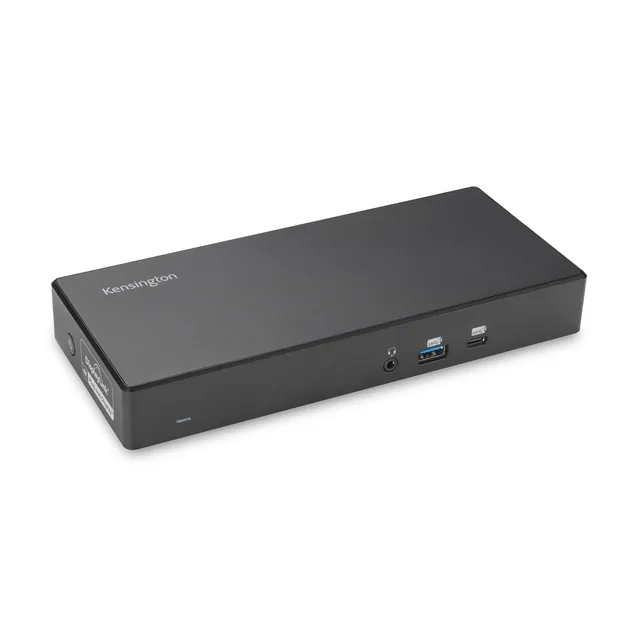
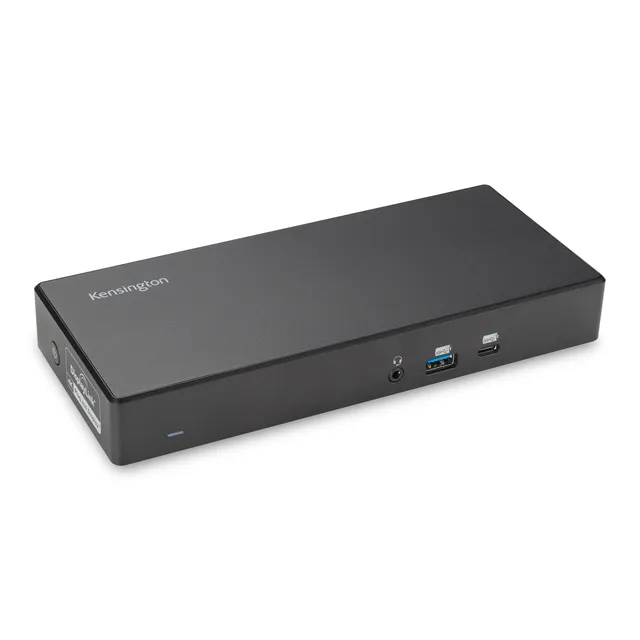
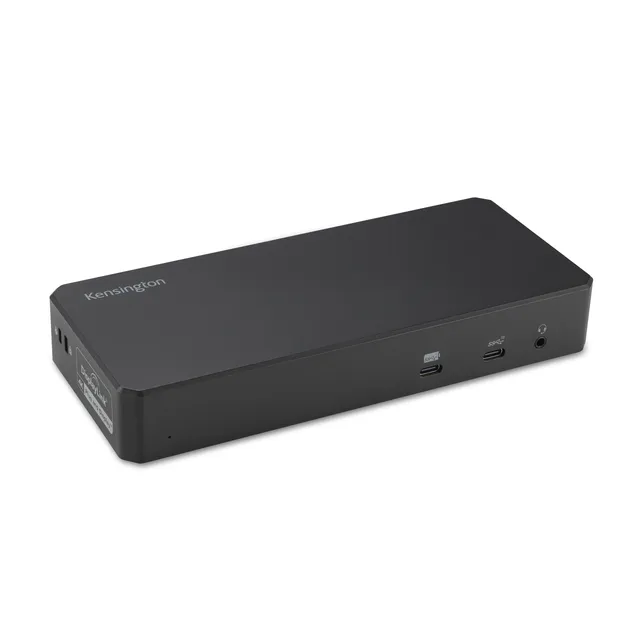
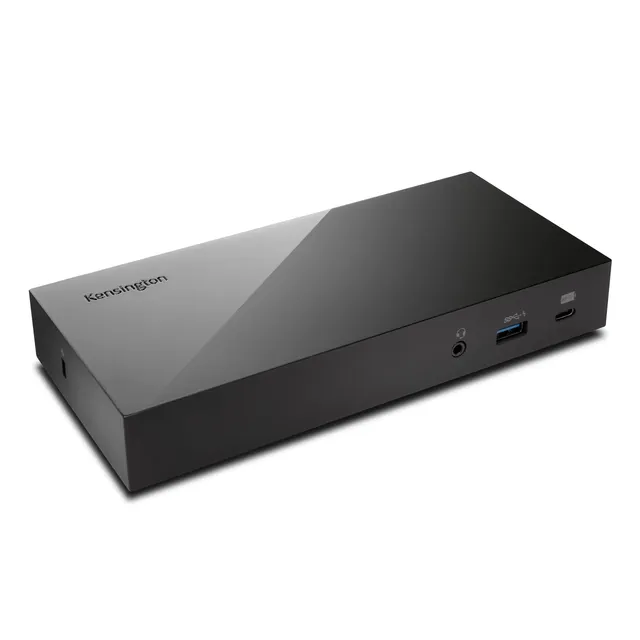
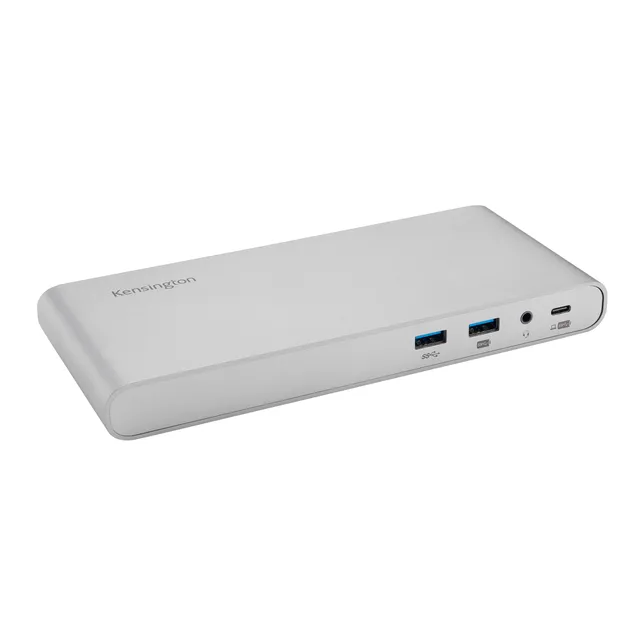
Kensington SD3650 USB 3.0 Dual Display Docking Station (K33997WW) – Universal for MacBook, Windows, Surface, 85W PD
4.0 (3)
$76.54$38.27
Get the Kensington K33997WW docking station for only $38.27—an affordable USB 3.0 dual display dock with 85W power delivery, compatible with MacBook M1/M2/M3/M4, Windows, and Surface laptops.
In Stock
-
1
+
Get it in 3–5 business days.
9 people are viewing this item.36 sold today.Only 8 left in stock.
Kensington SD3650 Docking Station – One-Cable Convenience for Your Laptop
The Kensington SD3650 (K33997WW) is a universal USB 3.0 dual display docking station that simplifies your workstation. Connect your laptop via the included USB-A cable to enjoy dual 2K displays, 85W power delivery, and high-speed data transfer. It's ideal for MacBook, Windows, and Surface users seeking a cost-effective docking solution. At just $38.27, this is an outstanding value for expanding your productivity.
Specifications
Brand: Kensington
Model: SD3650 (K33997WW)
Type: USB 3.0 Docking Station
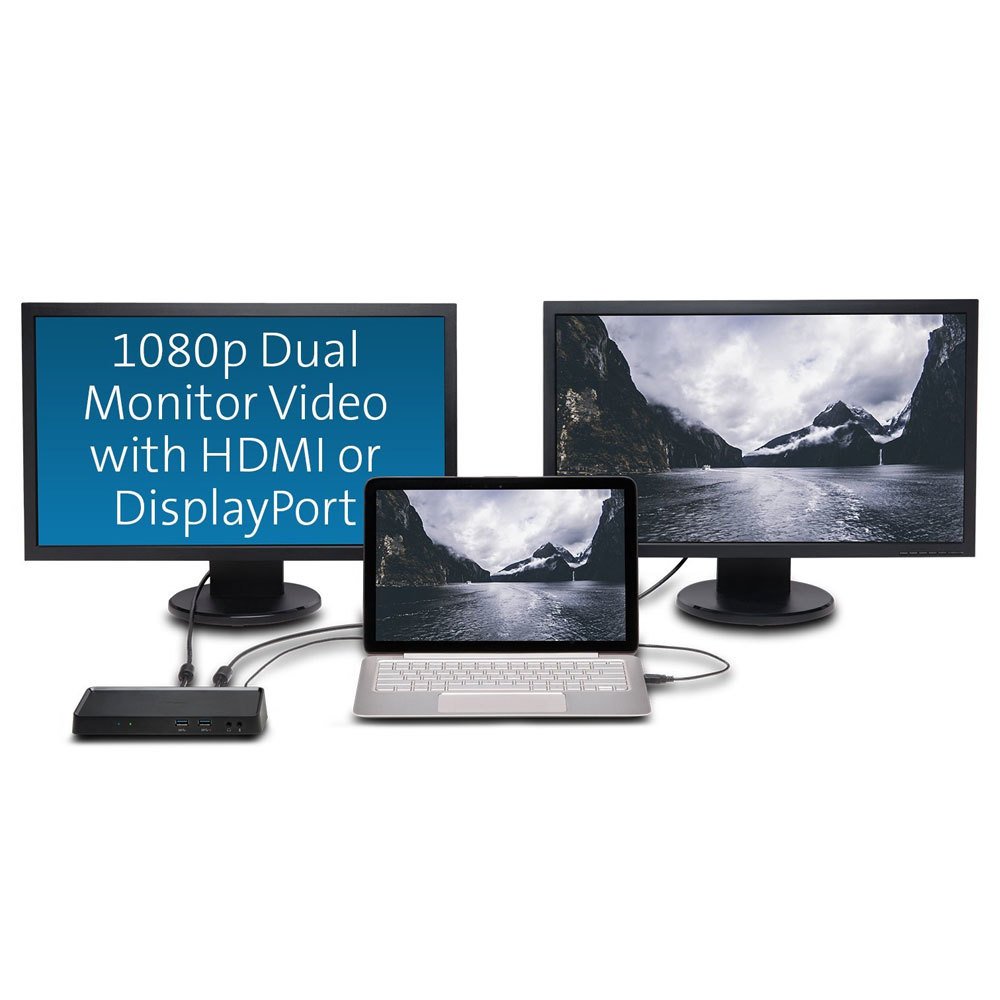
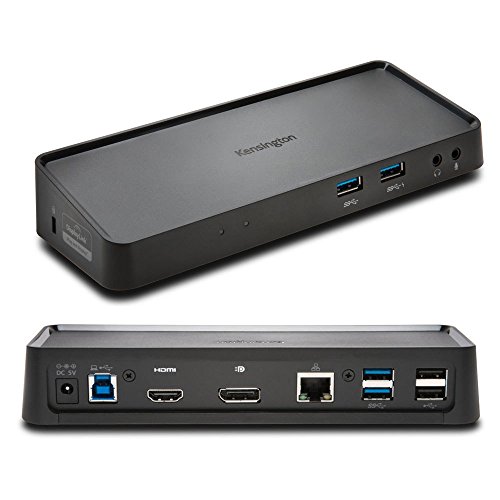
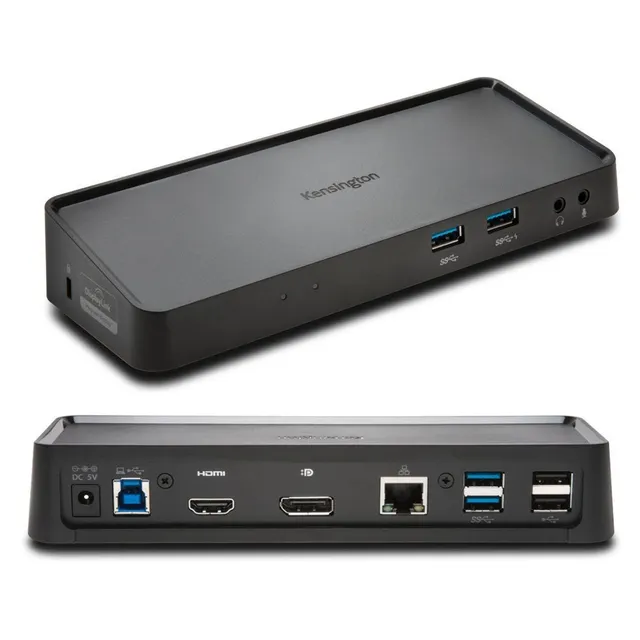
Video Output: Dual 2K at 60Hz (2048x1152) via HDMI and DisplayPort
Power Delivery: 85W (supports laptop charging, but note: does not supply power to laptop? Please check)
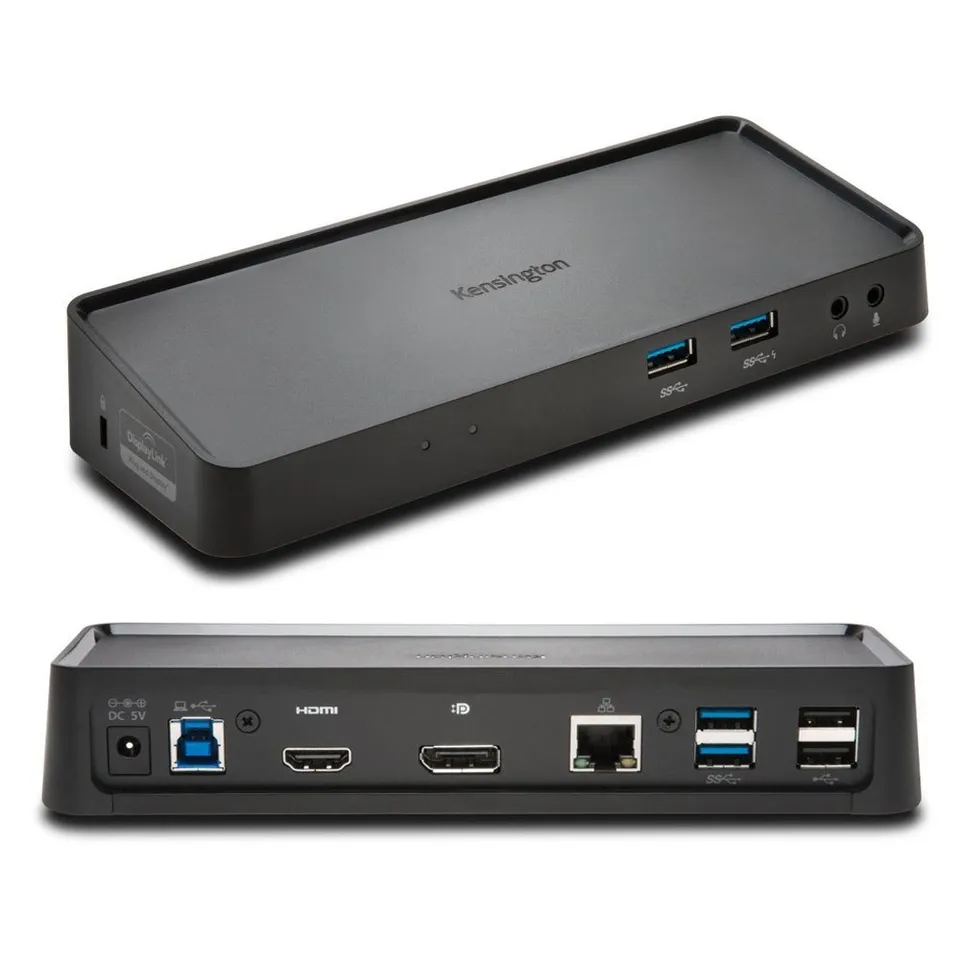
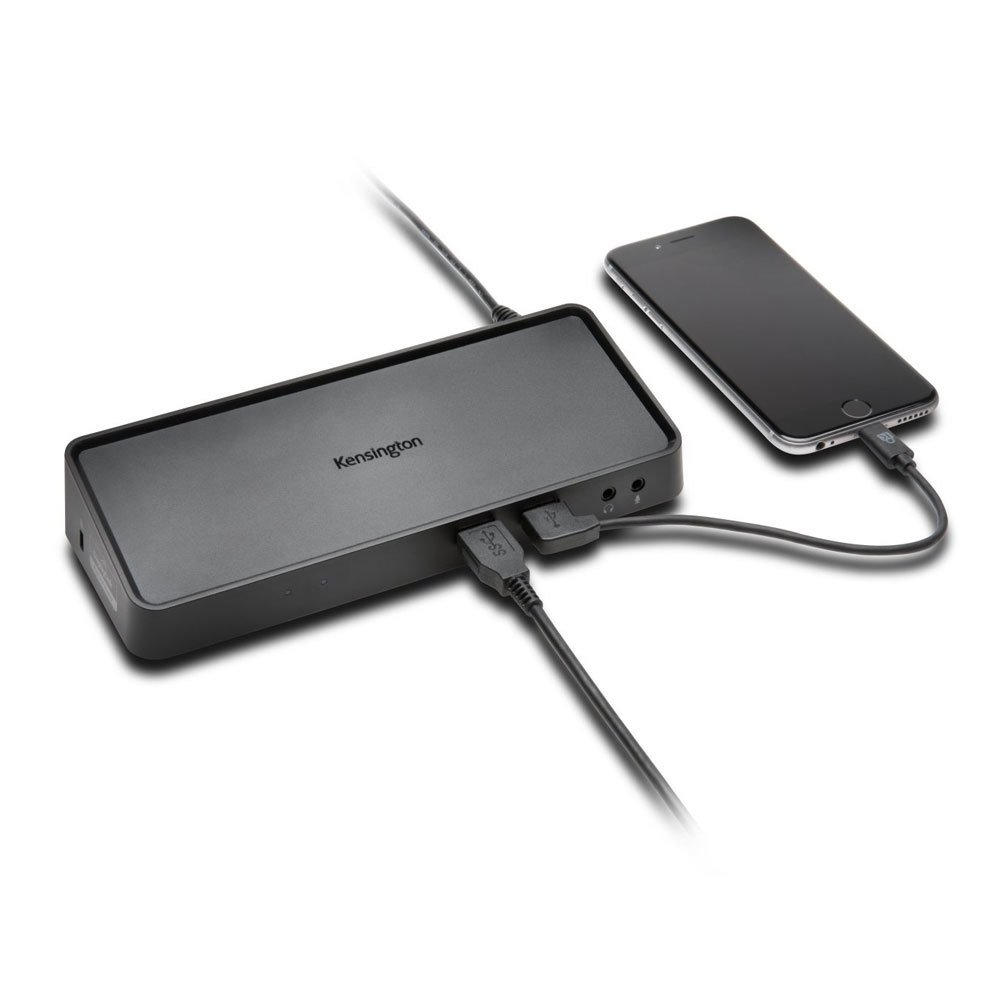
Ports: 4x USB 3.0, 2x USB 2.0, Gigabit Ethernet, headphone/mic jacks
Compatibility: MacBook (M1/M2/M3/M4), Windows, Surface Pro/Laptop, etc.
Key Features
Dual 2K display output at 60Hz for crisp visuals
85W power delivery to charge your laptop (via USB-C to USB-A adapter for MacBooks)
4 SuperSpeed USB 3.0 ports for fast data transfer (5Gbps)
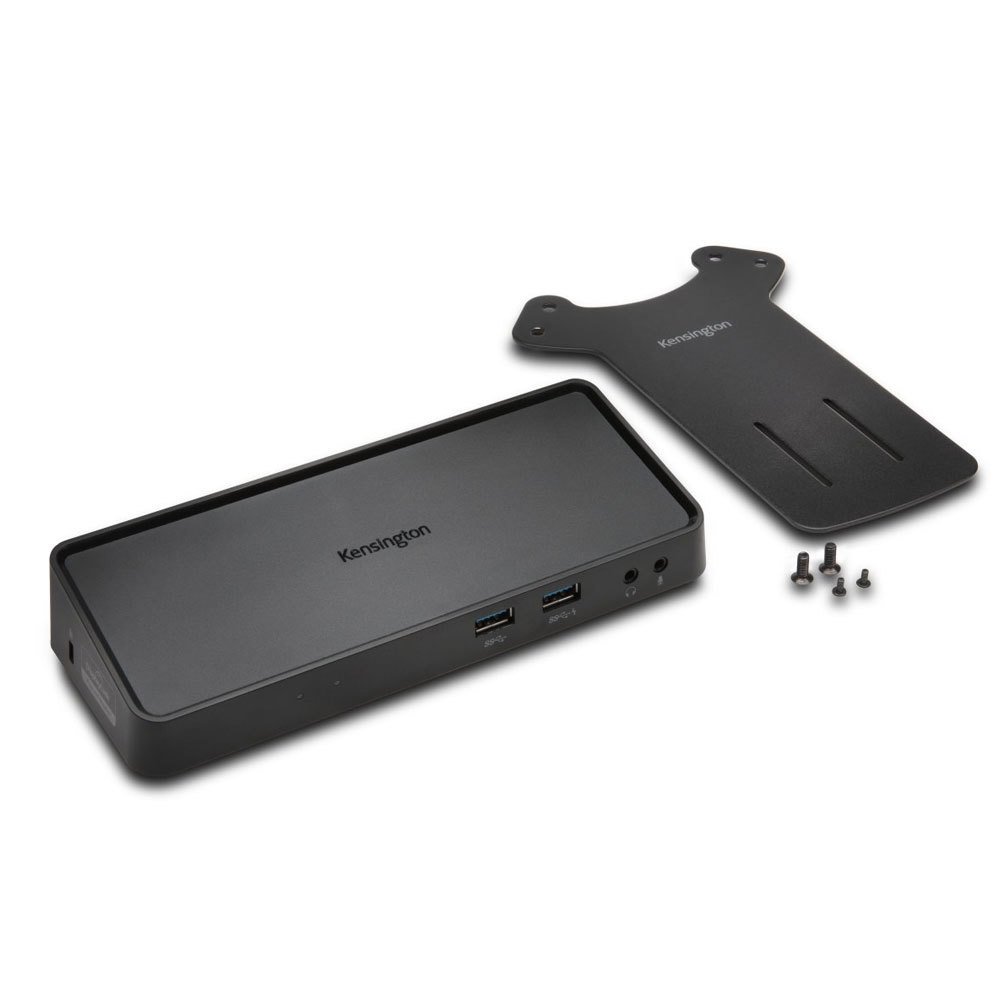
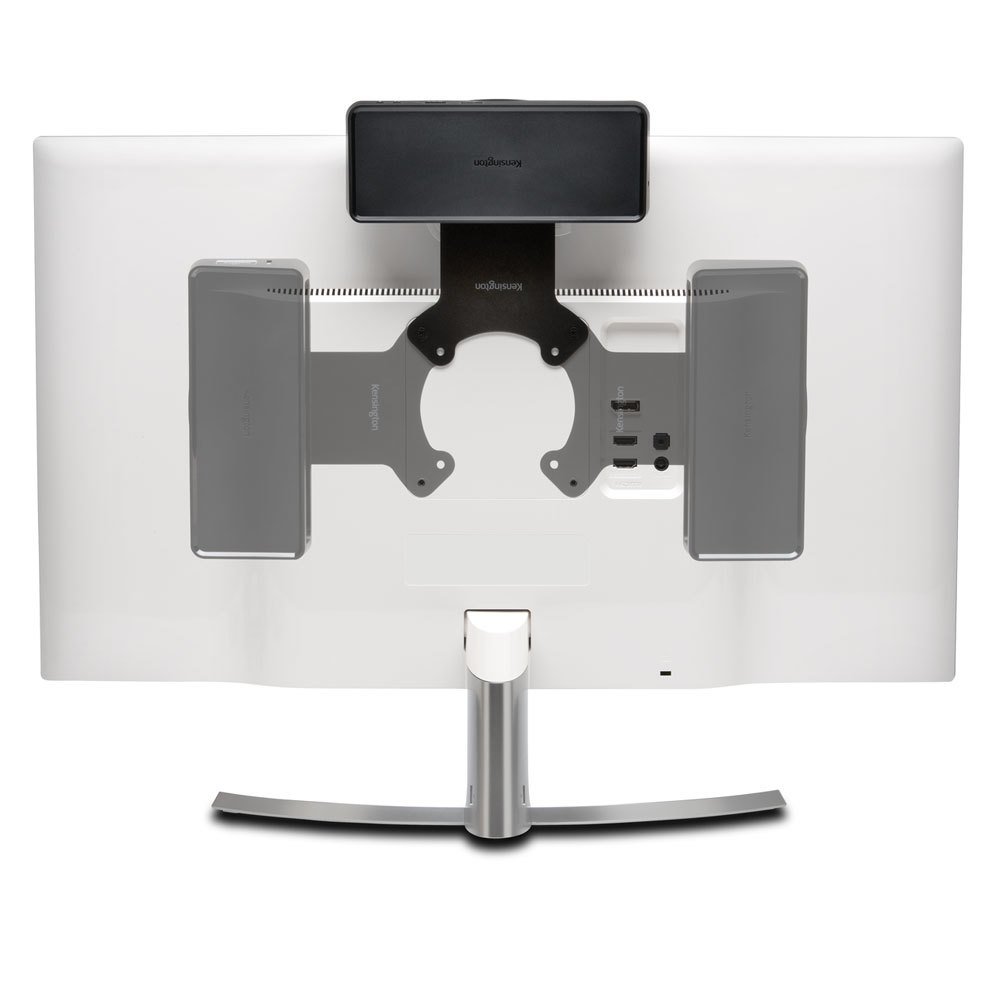
Zero footprint mounting with VESA compatibility
Kensington lock slot for security
Price Value & Deals
This dock is priced at an unbeatable $38.27 (compare at $76.54) — a 50% discount! Use coupon code MEKIBO15 for an extra 15% off, and free shipping on orders over $45. Upgrade your setup affordably today.
Compatibility & Use Cases
Perfect for professionals who need to connect multiple monitors and peripherals to their laptop. Ideal for home offices, corporate environments, and creative workflows. Compatible with USB-A laptops and USB-C laptops with an included adapter.
Features
Dual 2K display output at 60Hz for enhanced productivity.
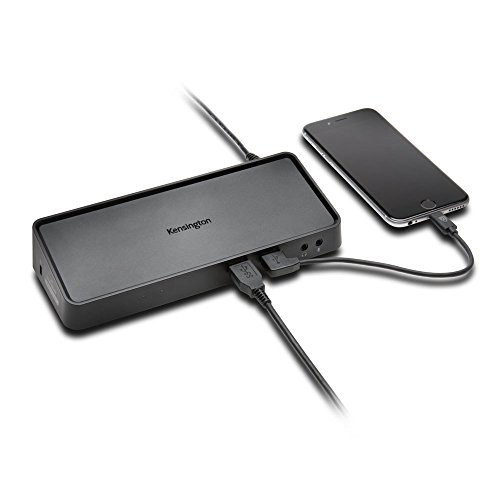
85W power delivery to charge your laptop while docking.
Universal compatibility with MacBook, Windows, and Surface devices.
Model: SD3650 (K33997WW)
Ports: 4x USB 3.0, 2x USB 2.0, Ethernet, Audio
Mounting: VESA mountable
Security: Kensington lock slot
Warranty: 2-year
Product Type: USB 3.0 Docking Station
Video Output: Dual 2K @ 60Hz (2048x1152) via HDMI and DisplayPort
The Kensington SD3650 lets you connect two monitors, multiple USB devices, and ethernet—all with one USB-A cable. It's a cost-effective solution for boosting productivity without breaking the bank. At $38.27, you're saving 50% off the original price. Plus, get an extra 15% off with code MEKIBO15.
Universal Compatibility
Works with MacBook M1/M2/M3/M4 and earlier, Windows laptops, and Surface devices (with adapter). Ideal for home offices and corporate desks. VESA mounting capability saves space.
Buy Now & Save
Don't miss this deal—order your Kensington K33997WW dock today and experience seamless multitasking.
Frequently Asked Questions
Does the Kensington K33997WW docking station charge a laptop?
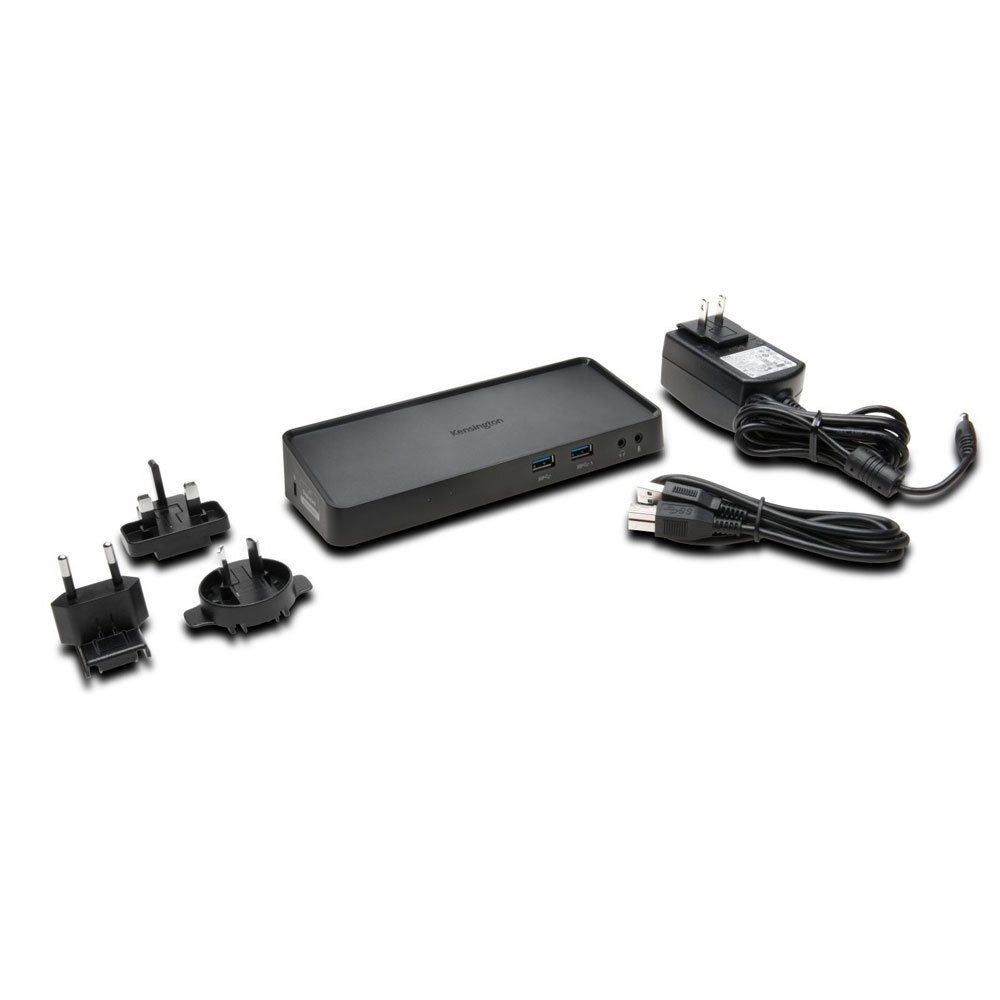
The SD3650 provides 85W power delivery, but it is designed to power the dock and its ports, not necessarily charge the laptop. For MacBooks, you may need a USB-C to USB-A adapter and the laptop's charger. For Windows laptops with USB-C Power Delivery, it can charge via the adapter, but it's best to check your laptop's charging requirements. If your laptop isn't charging, ensure you use the included power adapter and a compatible connection.
Why is my laptop not charging with Kensington K33997WW?
Several reasons: the power supply may not be connected, the laptop may not support charging via USB-A, or the USB-A cable may not be capable of power delivery. This dock primarily provides data and display, not laptop charging. For charging, use your laptop's original charger if it doesn't support USB-C PD.
Kensington K33997WW 85W power delivery explained
The 85W power delivery is for powering the dock and connected peripherals, ensuring stable operation. It does not necessarily charge the laptop. Some laptops may draw power, but it's not guaranteed. Always use the included power adapter.
Does Kensington K33997WW supply power to USB-C laptops?
No, this dock uses a USB-A connection, which does not support power delivery. USB-C laptops like MacBooks will not be charged via this dock. You'll need a USB-C dock with Power Delivery for that.
4.0★★★★★★★★★★(3)
5 ★1
4 ★1
3 ★1
2 ★0
1 ★0
Customer Reviews
3
★★★★★★★★★★5.0
a*l
Verified
Works with my MacBook
I was worried about compatibility with my M1 MacBook, but it works flawlessly. Dual displays at 1080p are perfect for my workflow. The 85W PD keeps my MacBook charged. Great dock for the price.
★★★★★★★★★★4.0
w*****t
Verified
Good budget dock
For under $40, this dock is a steal. It drives two monitors and has plenty of USB ports. Setup is straightforward. The only downside is that it uses USB 3.0, so display is capped at 60Hz, but that's fine for me.
★★★★★★★★★★3.0
s***u
Verified
Meh
It does the job, but the video output can be finicky. Sometimes the displays don't wake from sleep. Also, the build feels cheap. But for the price, it's acceptable.