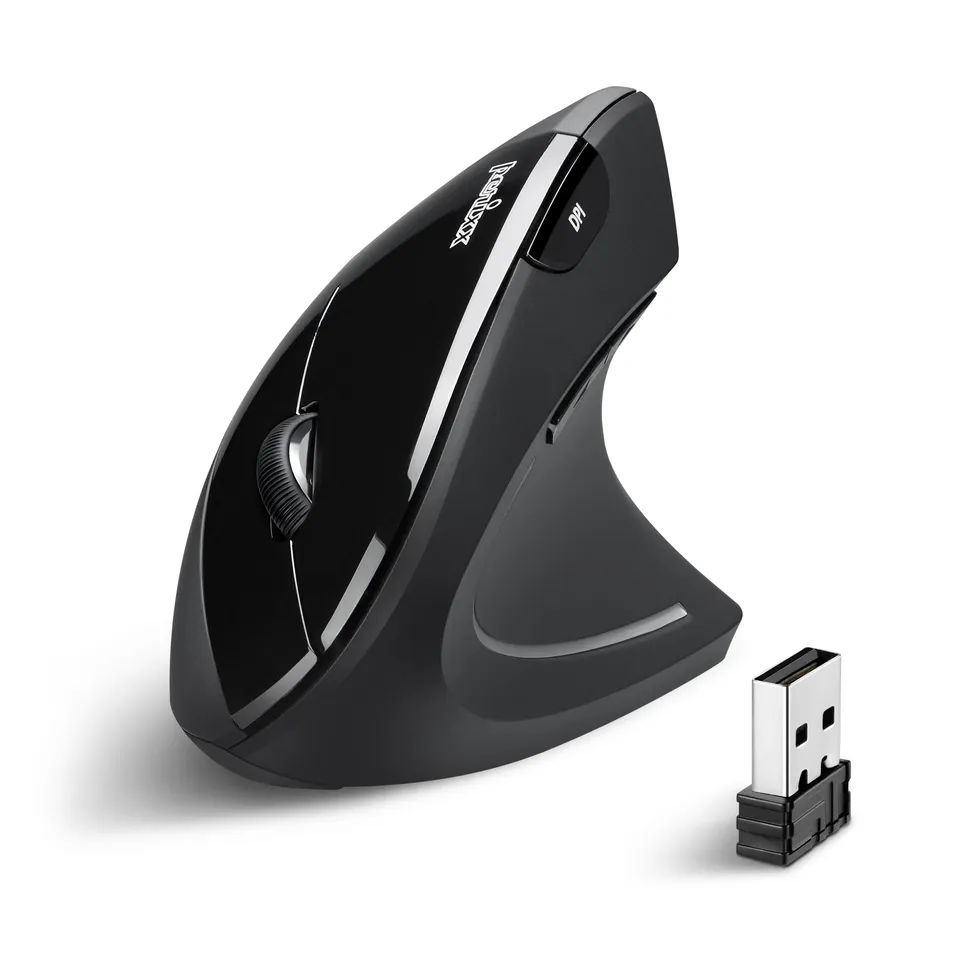
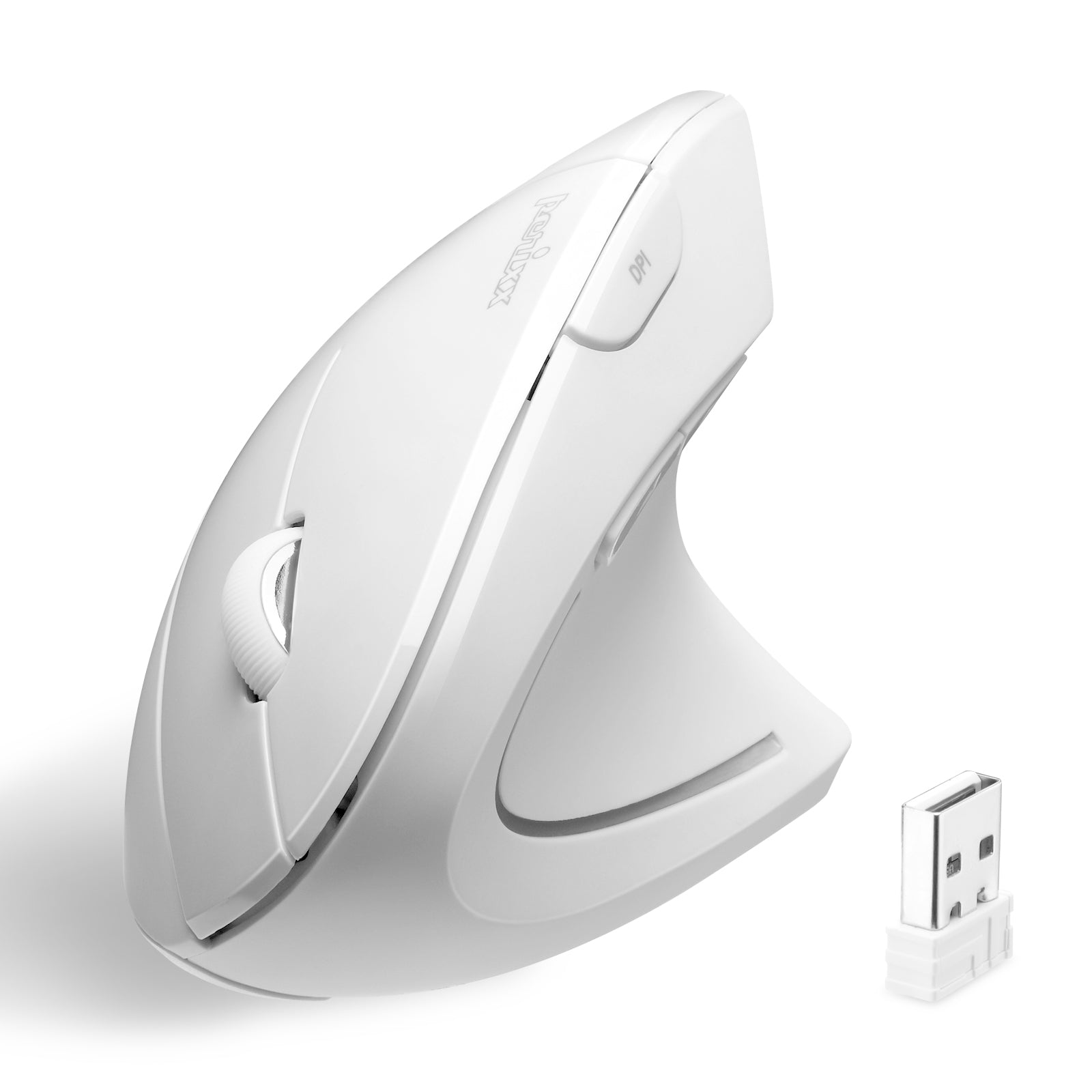
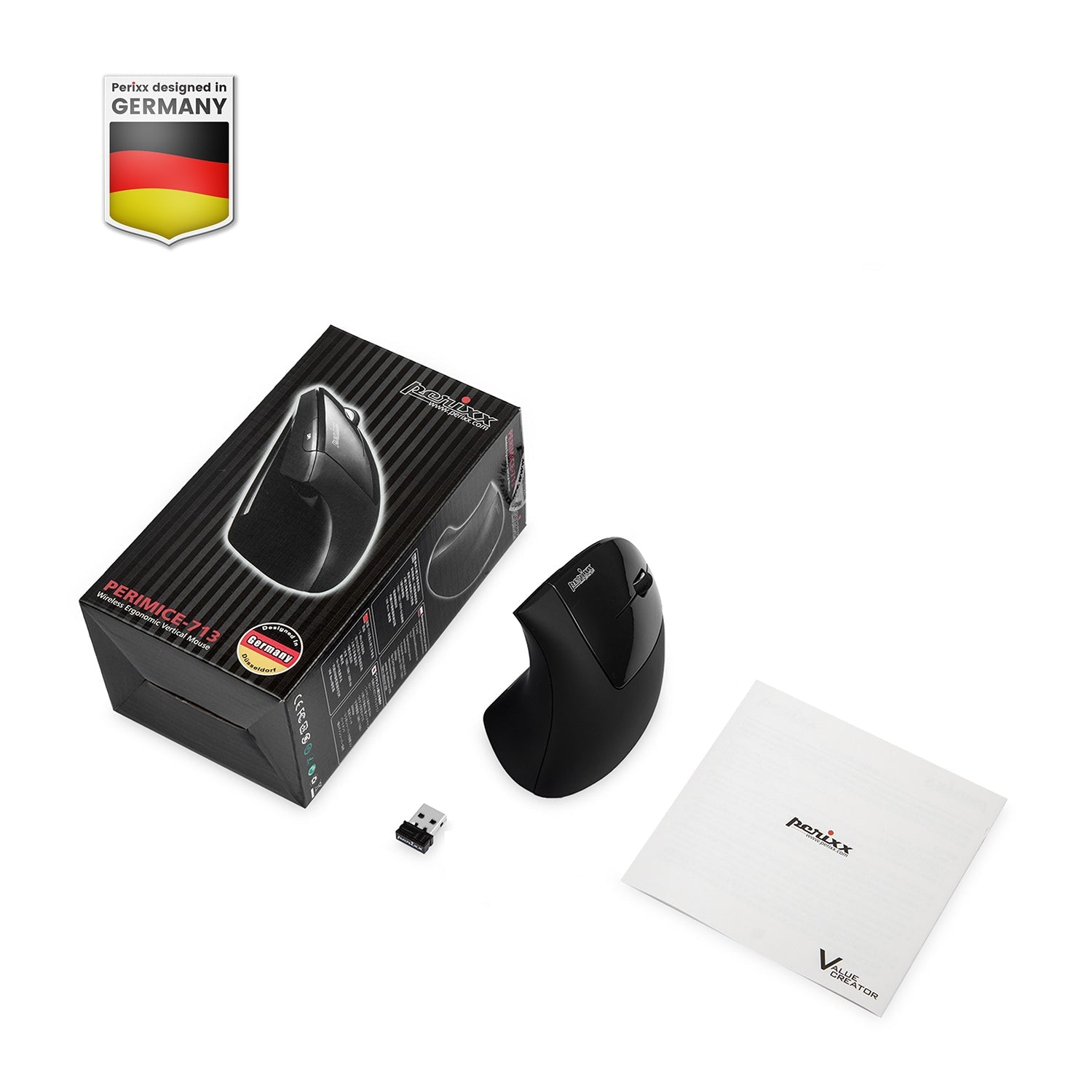
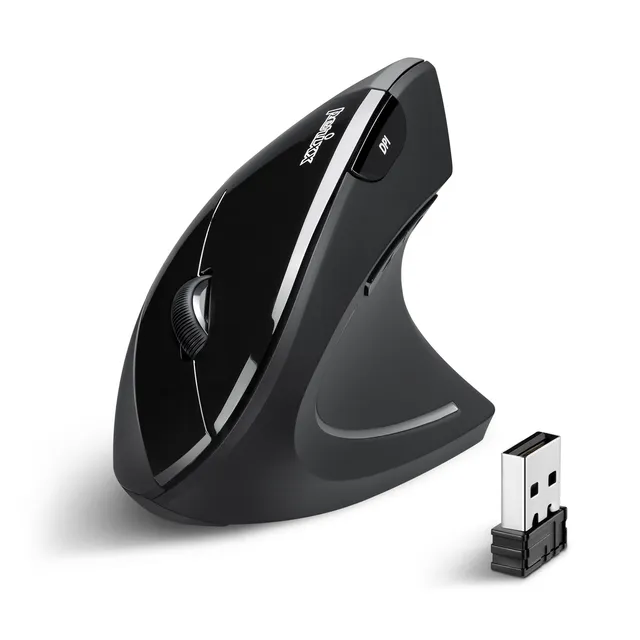
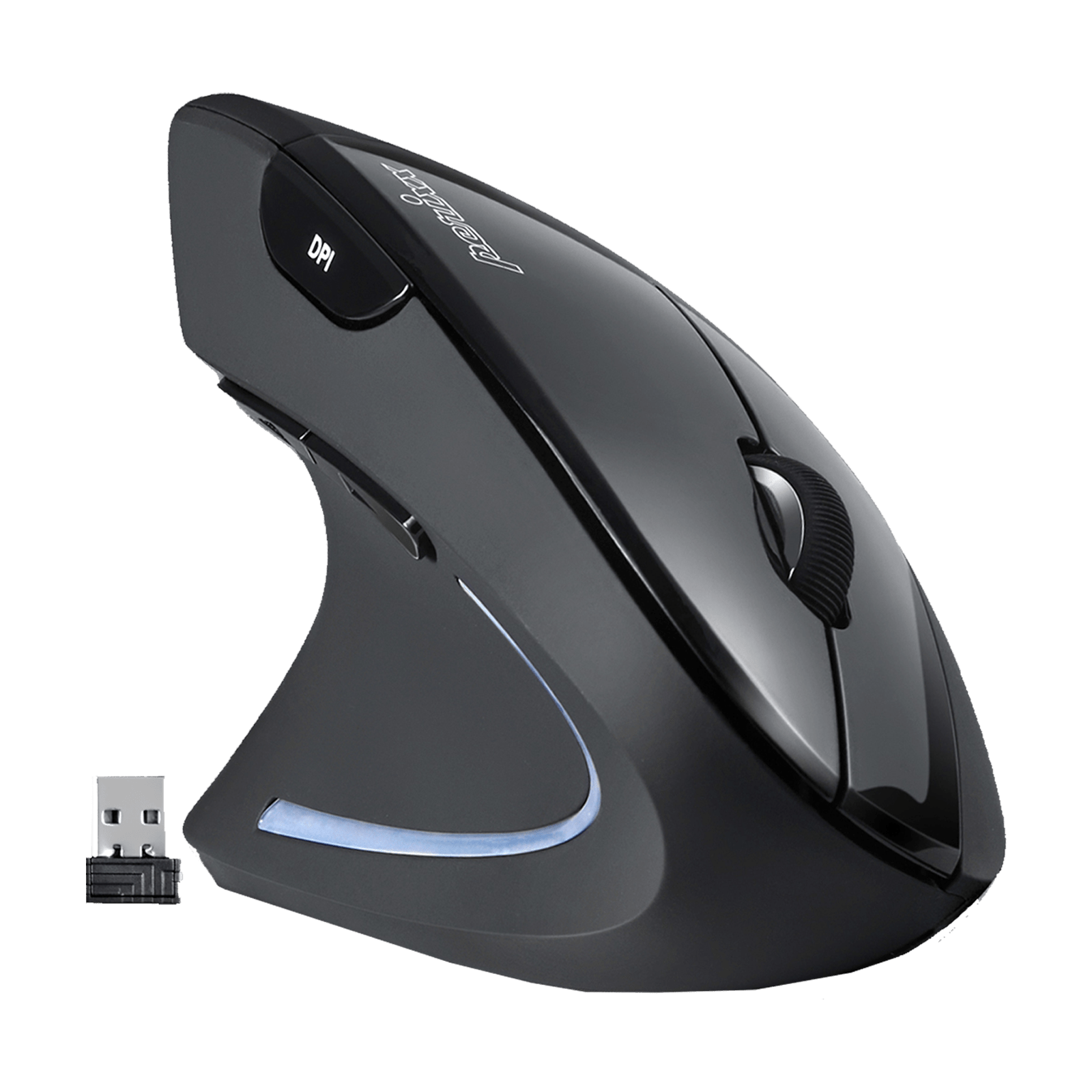
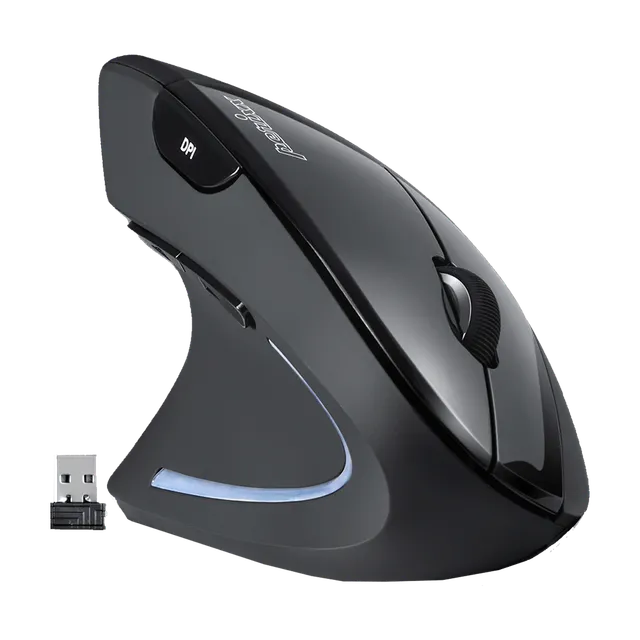
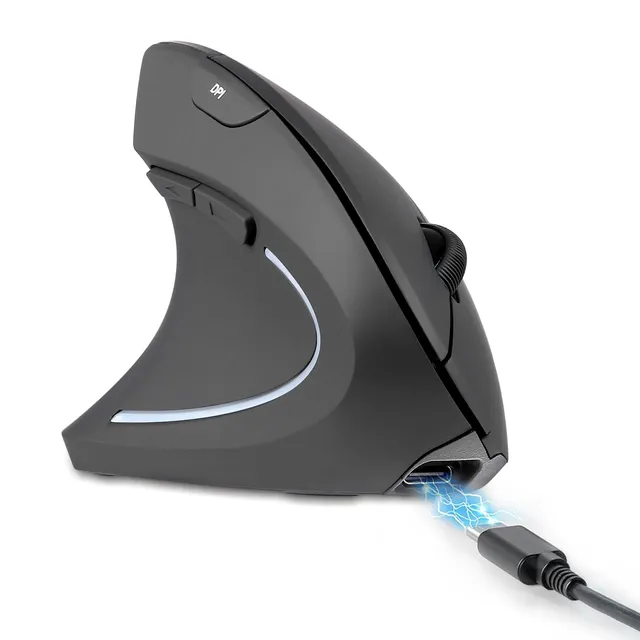
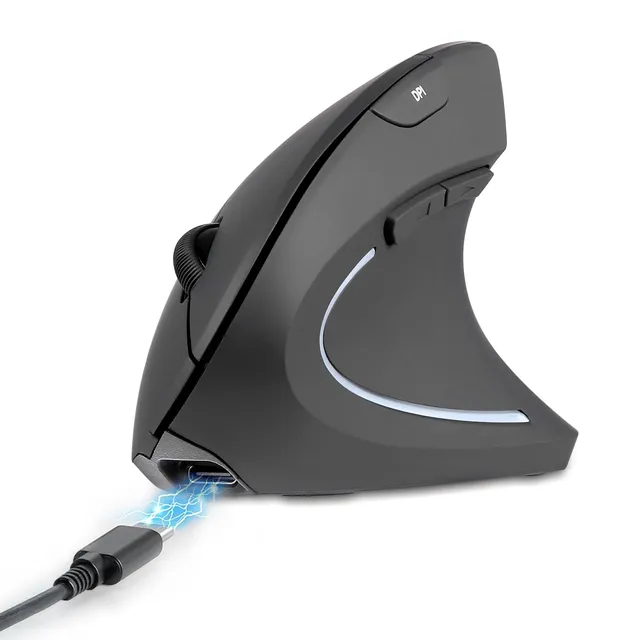
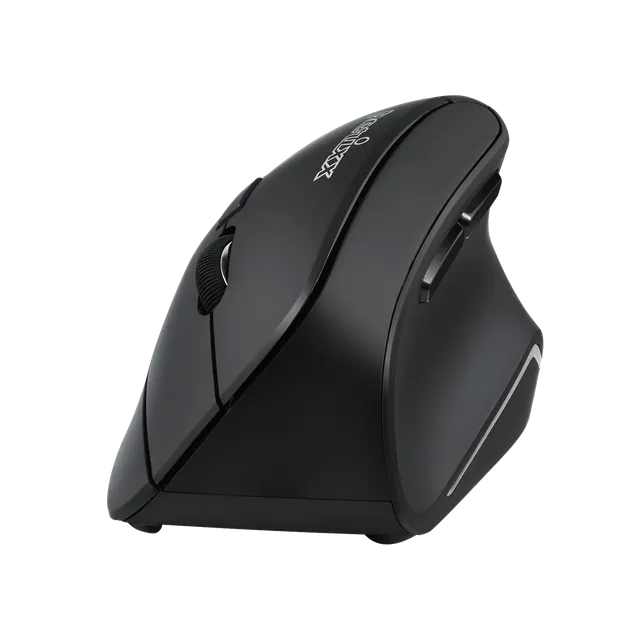
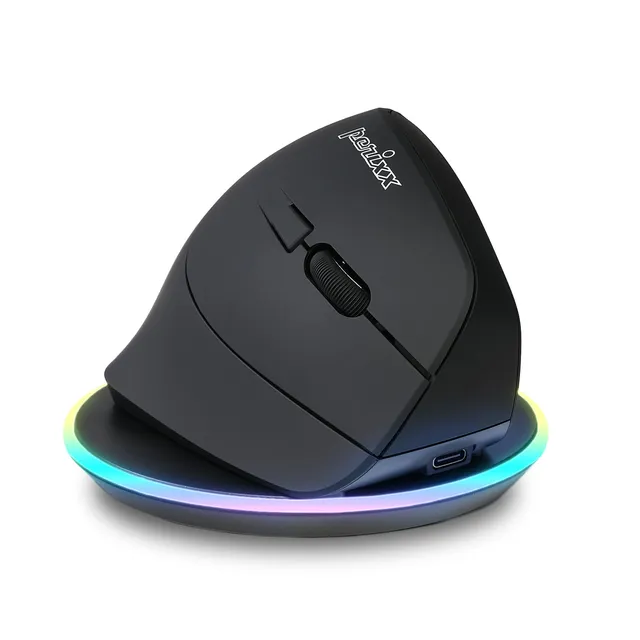
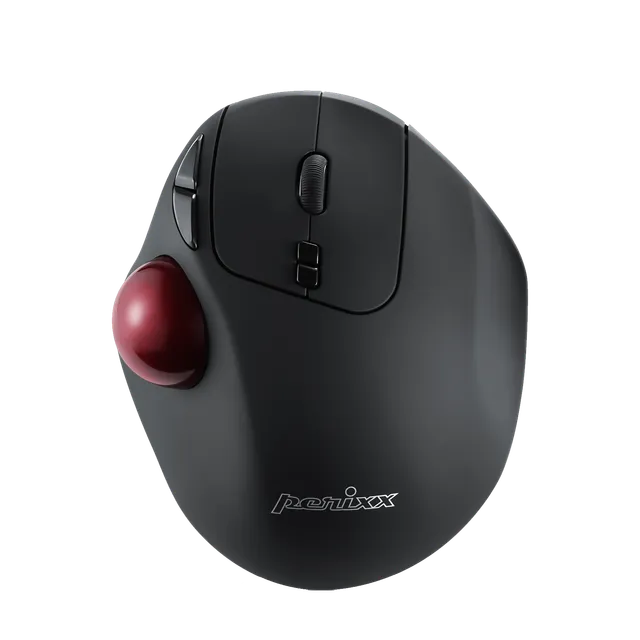
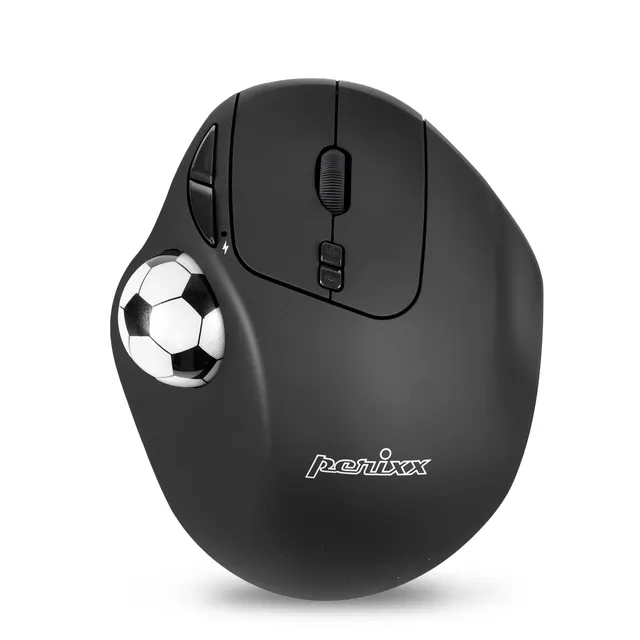
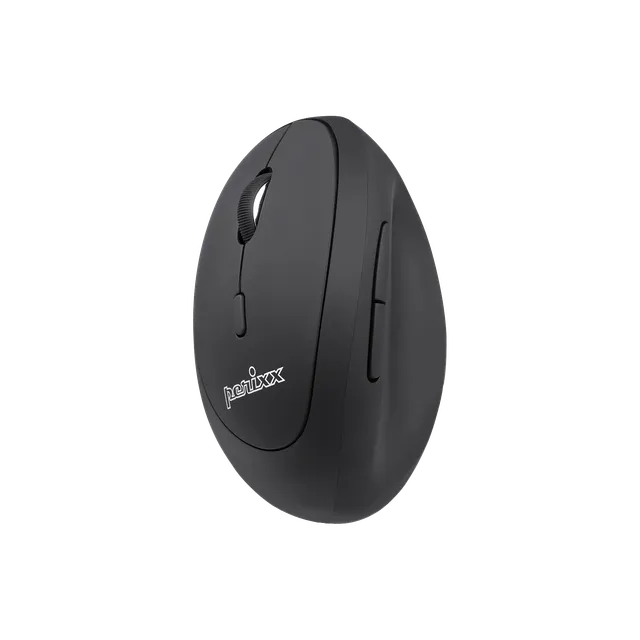
The Perixx PERIMICE-713 is a wireless 2.4GHz ergonomic vertical mouse designed for right-handed users. It promotes a natural handshake posture, reducing wrist strain and enhancing comfort during long computer sessions. Equipped with 6 buttons and adjustable DPI (800/1200/1600), it boosts productivity and precision. At only $9.99, this is an affordable ergonomic upgrade. Order online today.
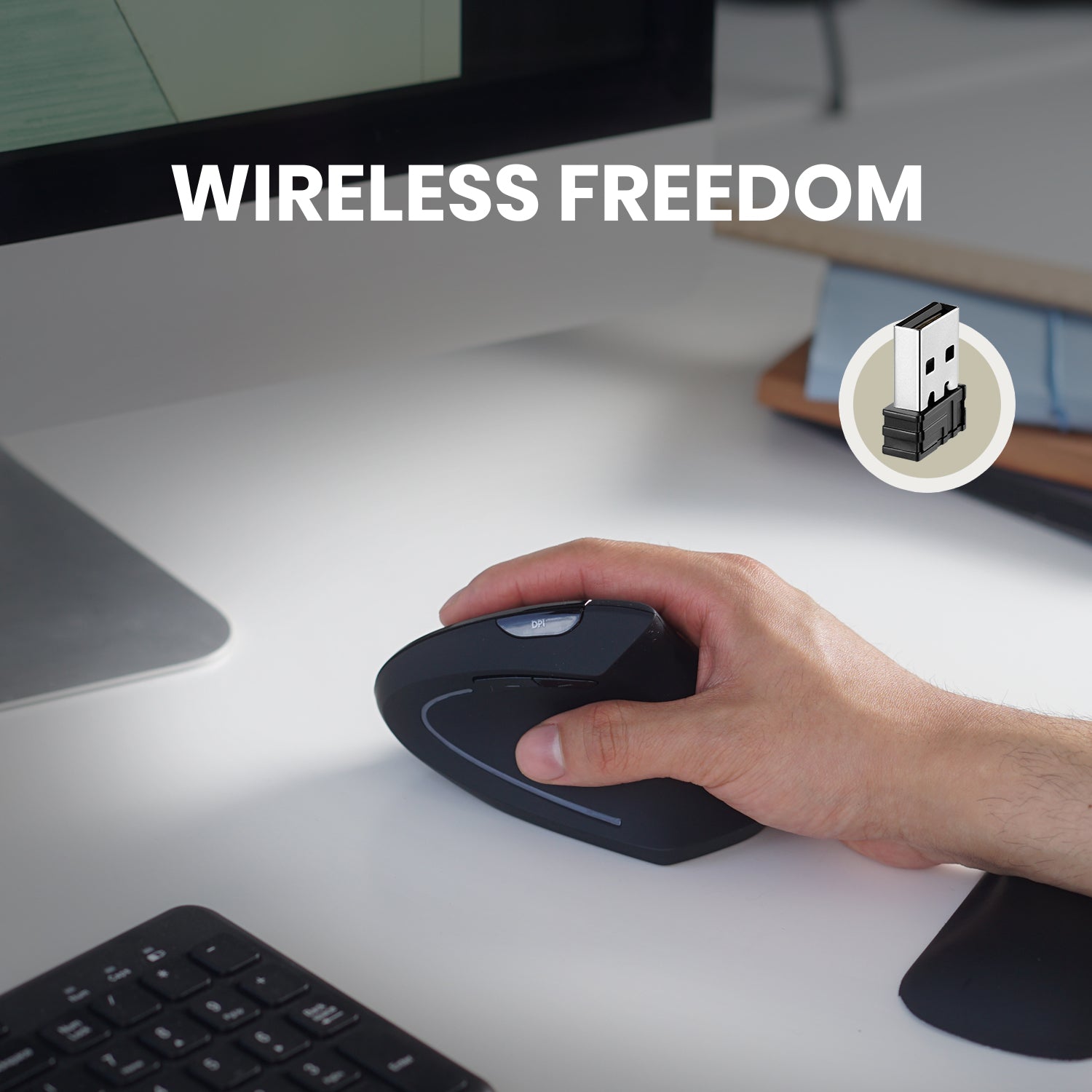
Connectivity: 2.4GHz wireless with nano USB receiver
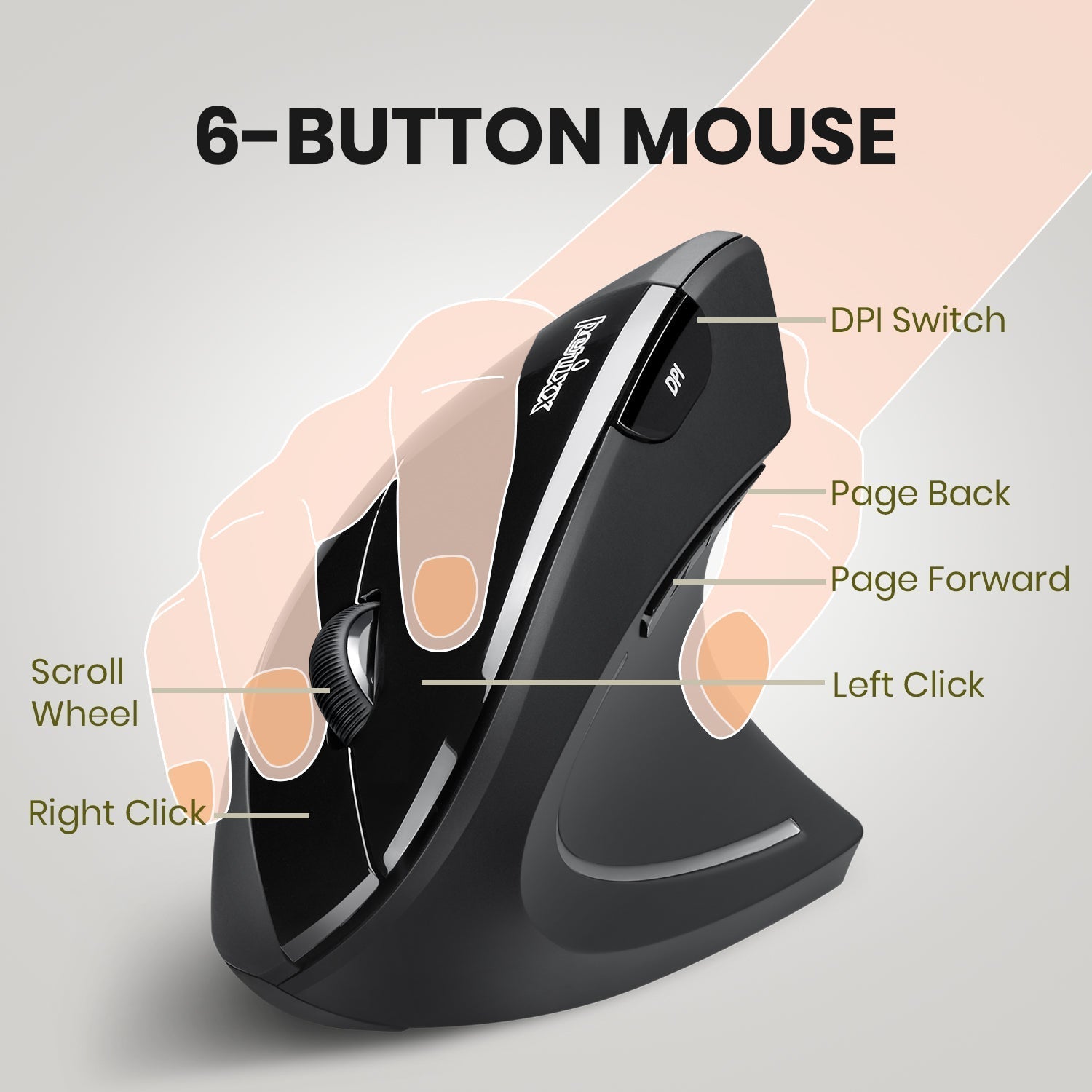
Buttons: 6
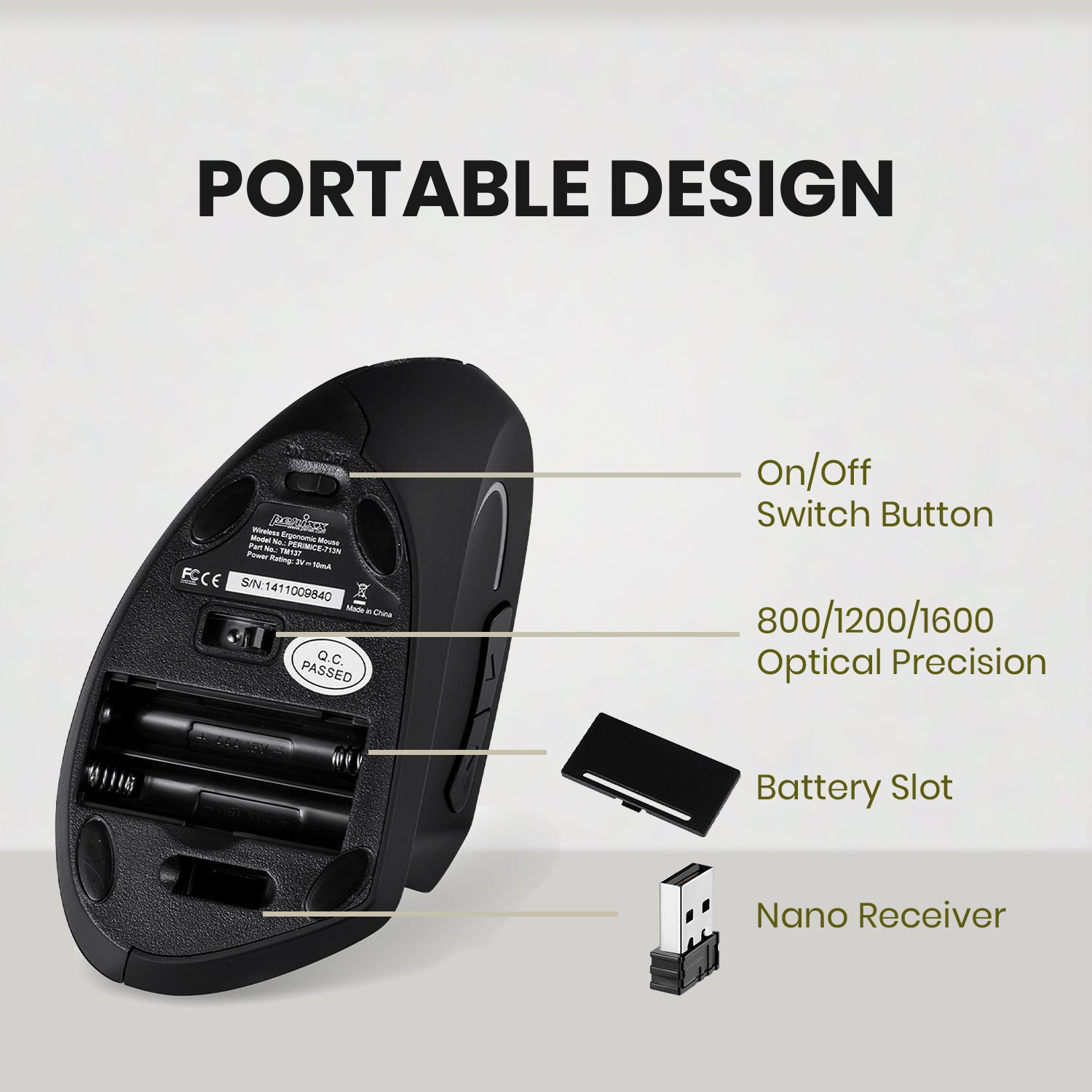
DPI Levels: 800 / 1200 (default) / 1600
Range: 10 meters
Compatibility: Windows, Mac, Linux
Ergonomic Benefits
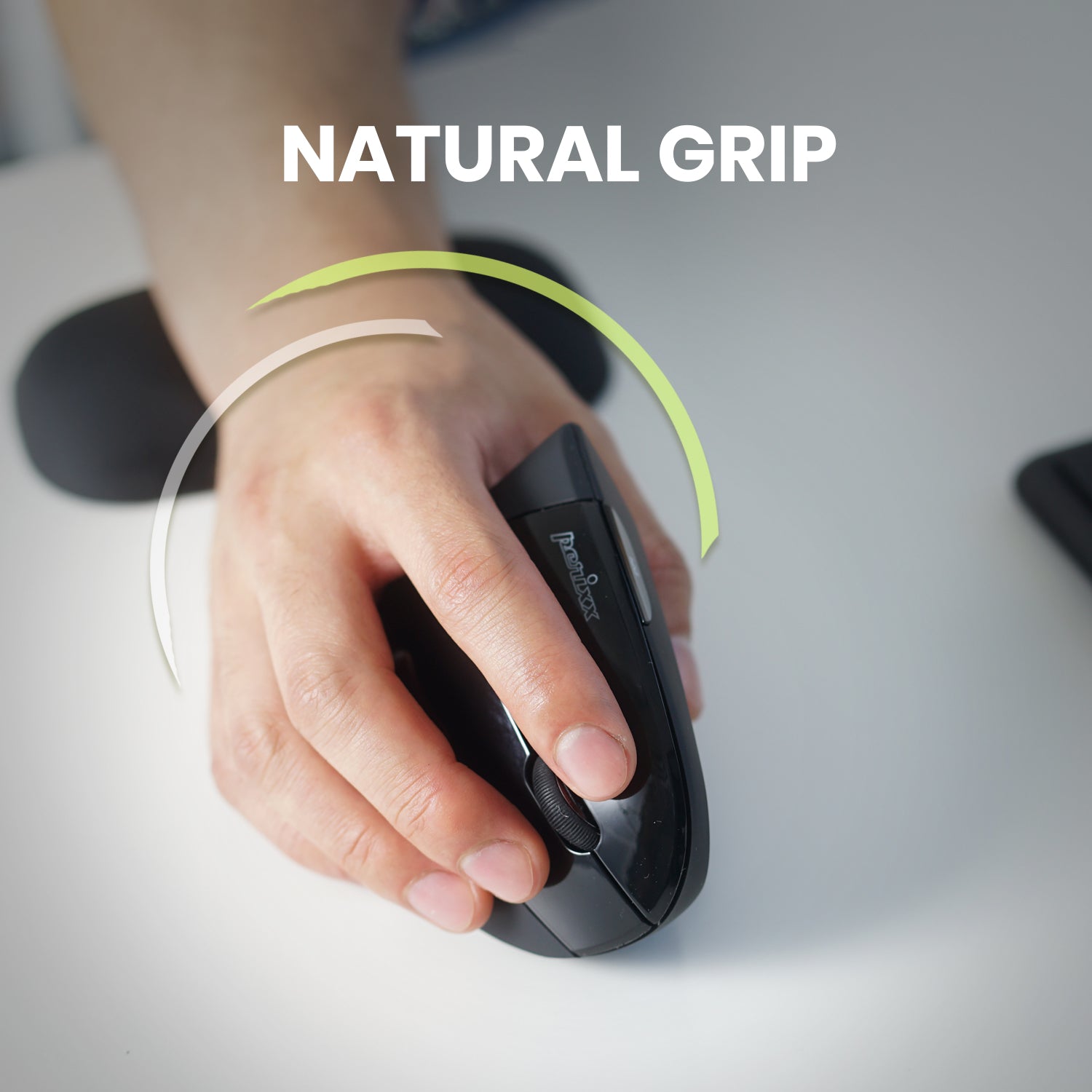
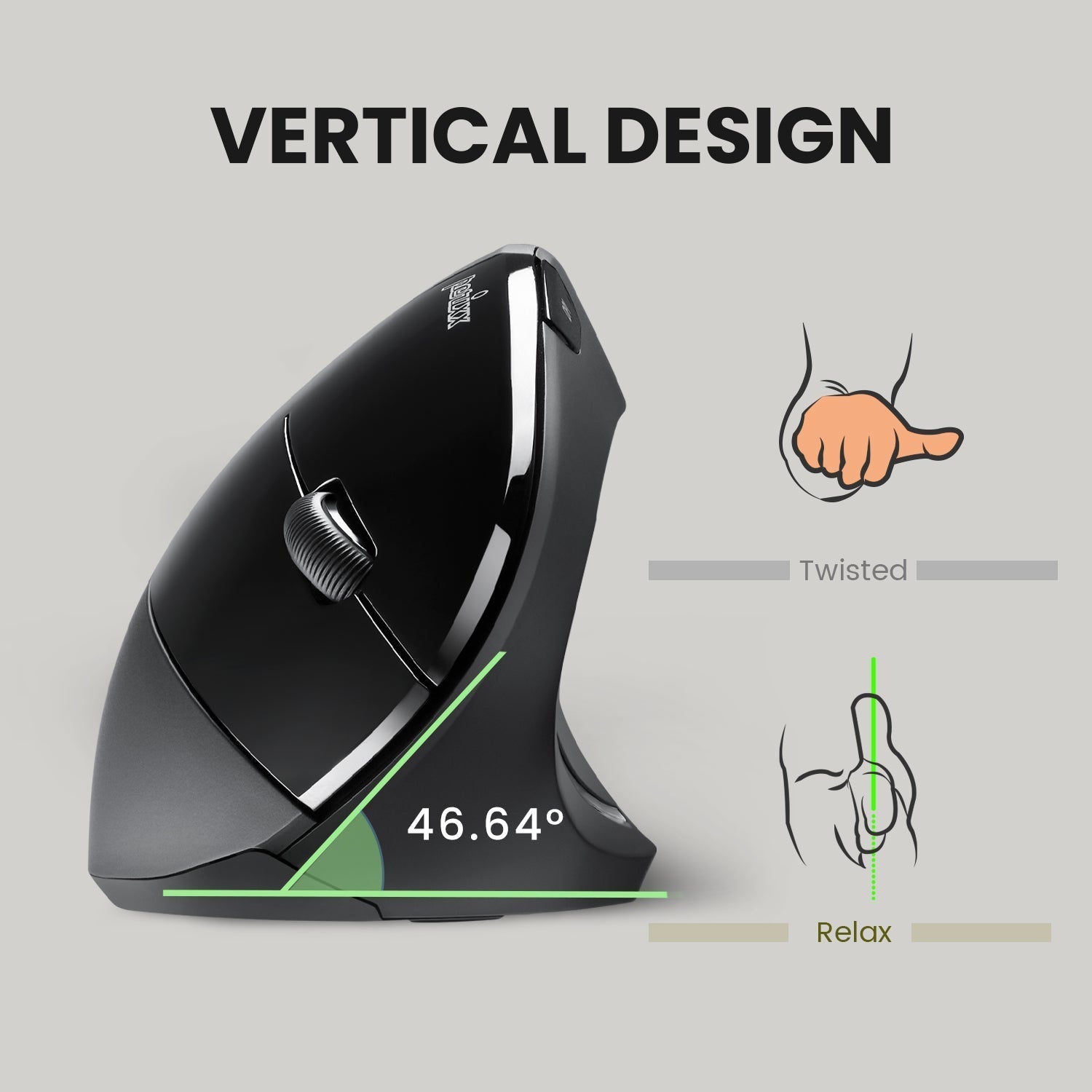
The vertical design encourages a handshake position, reducing pressure on the carpal tunnel and forearm. Ideal for those with repetitive strain injuries.
Use Cases
Perfect for office work, graphic design, and long browsing sessions.
Price Value
At $9.99, this mouse is a budget-friendly ergonomic solution. Use coupon MEKIBO15 for 15% off. Free shipping on orders over $45.
Features
Ergonomic vertical design for right-handed users reduces wrist strain, priced at $9.99.
Adjustable DPI (800/1200/1600) with 6 buttons improves productivity and accuracy.
Wireless 2.4GHz connectivity with 10m range provides clutter-free freedom and flexibility.
Model: PERIMICE-713
Range: 10 meters
Buttons: 6
DPI Levels: 800/1200/1600
Connectivity: 2.4GHz Wireless
Product Type: Wireless Ergonomic Vertical Mouse
Compatibility: Windows, Mac, Linux
Seller: Mekibo
MPN: PERIMICE-713
Product Details
Comfort Meets Productivity
The PERIMICE-713 is engineered to keep your hand in a natural, healthy position. Its adjustable DPI and programmable buttons make it a versatile tool for work or play. At $9.99, it's a smart investment in your well-being.
Save Extra with MEKIBO15
Take advantage of our limited-time offer: use coupon code MEKIBO15 for an additional 15% discount on this already low price. Free shipping on orders over $45.
Frequently Asked Questions
Does the Perixx PERIMICE-713 work with Linux?
Yes, the PERIMICE-713 works with Linux via USB receiver. It uses standard HID protocols, so no additional drivers are needed in most distributions.
How do I set up the PERIMICE-713 on a Mac?
Insert the USB receiver into a USB port on your Mac. The mouse should be recognized automatically. If you need to change DPI, use the DPI button on the mouse. No software installation required.
Can I map the side buttons on the PERIMICE-713 in Linux?
Yes, in Linux you can remap the side buttons using tools like xbindkeys or input-utils. The mouse's buttons are recognized as standard buttons 8 and 9, which can be configured to any action.
How do I change the DPI on the PERIMICE-713?
Press the DPI button (usually located on the top or side of the mouse) to cycle through the three DPI settings: 800, 1200 (default), and 1600. The LED indicator may show the current setting.
4.0★★★★★★★★★★(3)
5 ★1
4 ★1
3 ★1
2 ★0
1 ★0
Customer Reviews
3
★★★★★★★★★★5.0
i*p
Verified
Great value vertical mouse
I've been using this mouse for a couple weeks now and my wrist pain is gone. The vertical design takes a day to get used to, but after that it's super comfortable. For under $10, it's a steal.
★★★★★★★★★★4.0
x**b
Verified
Solid budget vertical mouse
This is my first vertical mouse and it's pretty good. The build feels a bit cheap, but it works well and the buttons are responsive. The DPI adjustment is handy. My only complaint is that it's a bit small for my large hands, but for the price I can't complain.
★★★★★★★★★★3.0
t*****f
Verified
Okay but not great
It's okay for the price. The mouse is comfortable, but the wireless connection sometimes lags. I also wish it had a USB receiver storage. Not bad for a budget option.