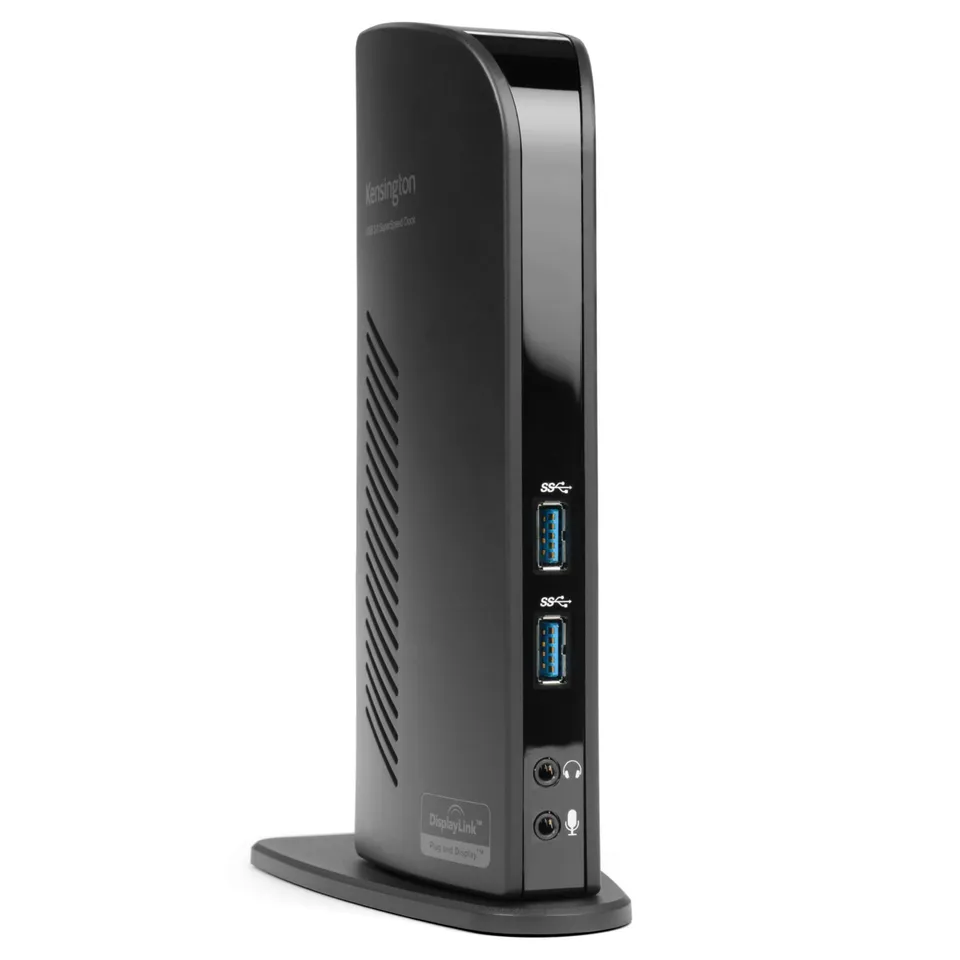
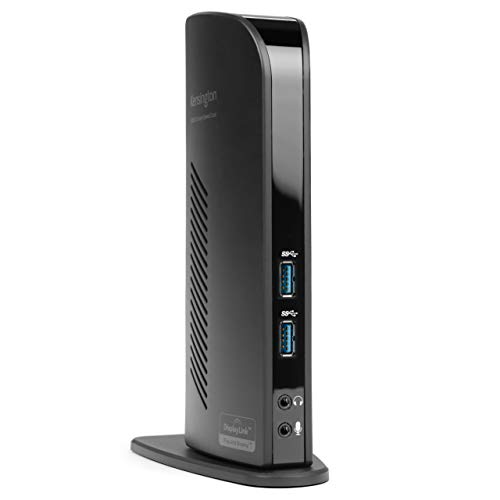
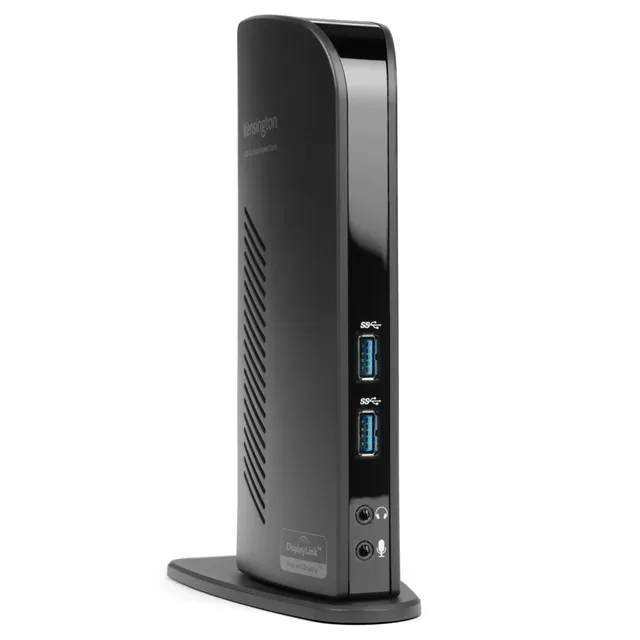
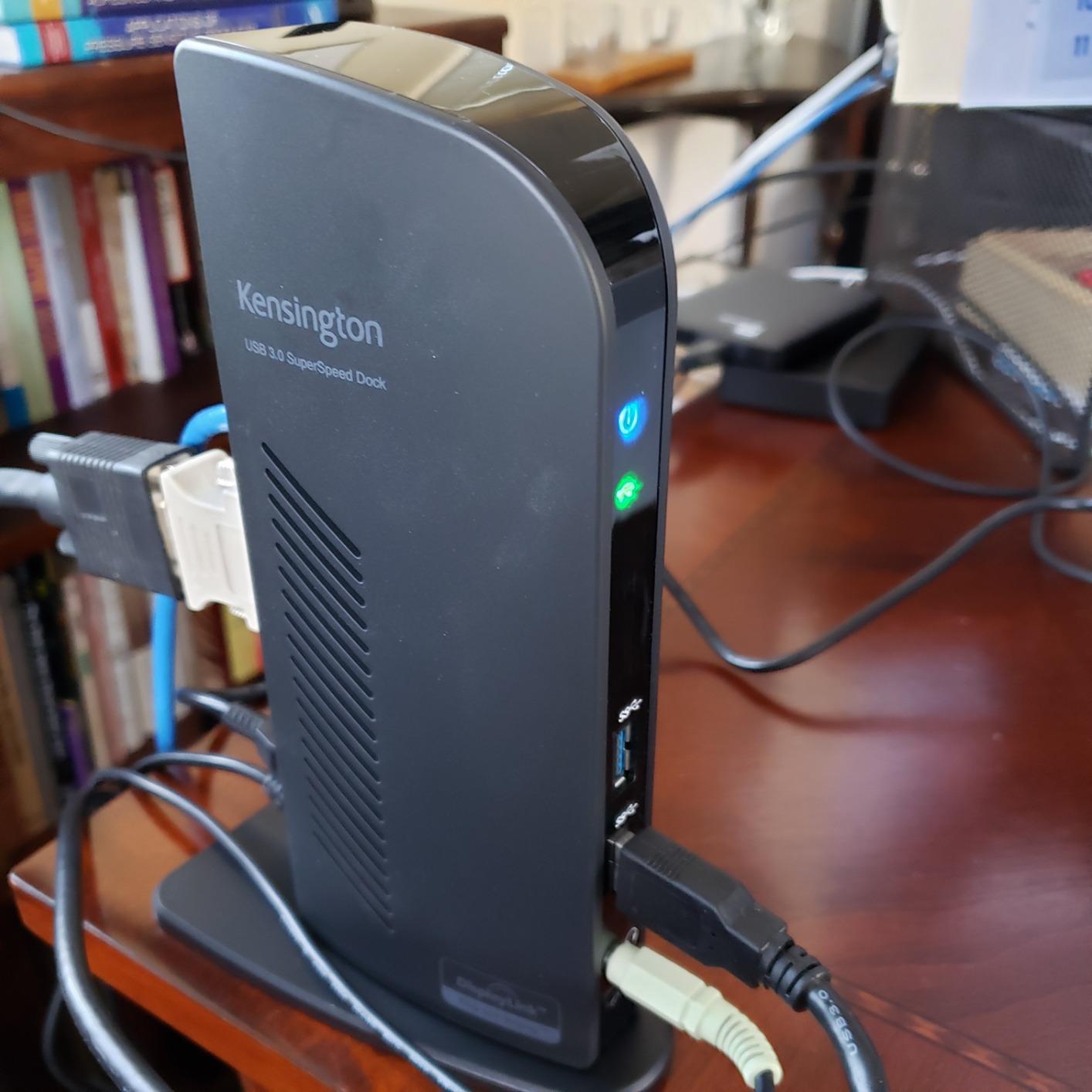
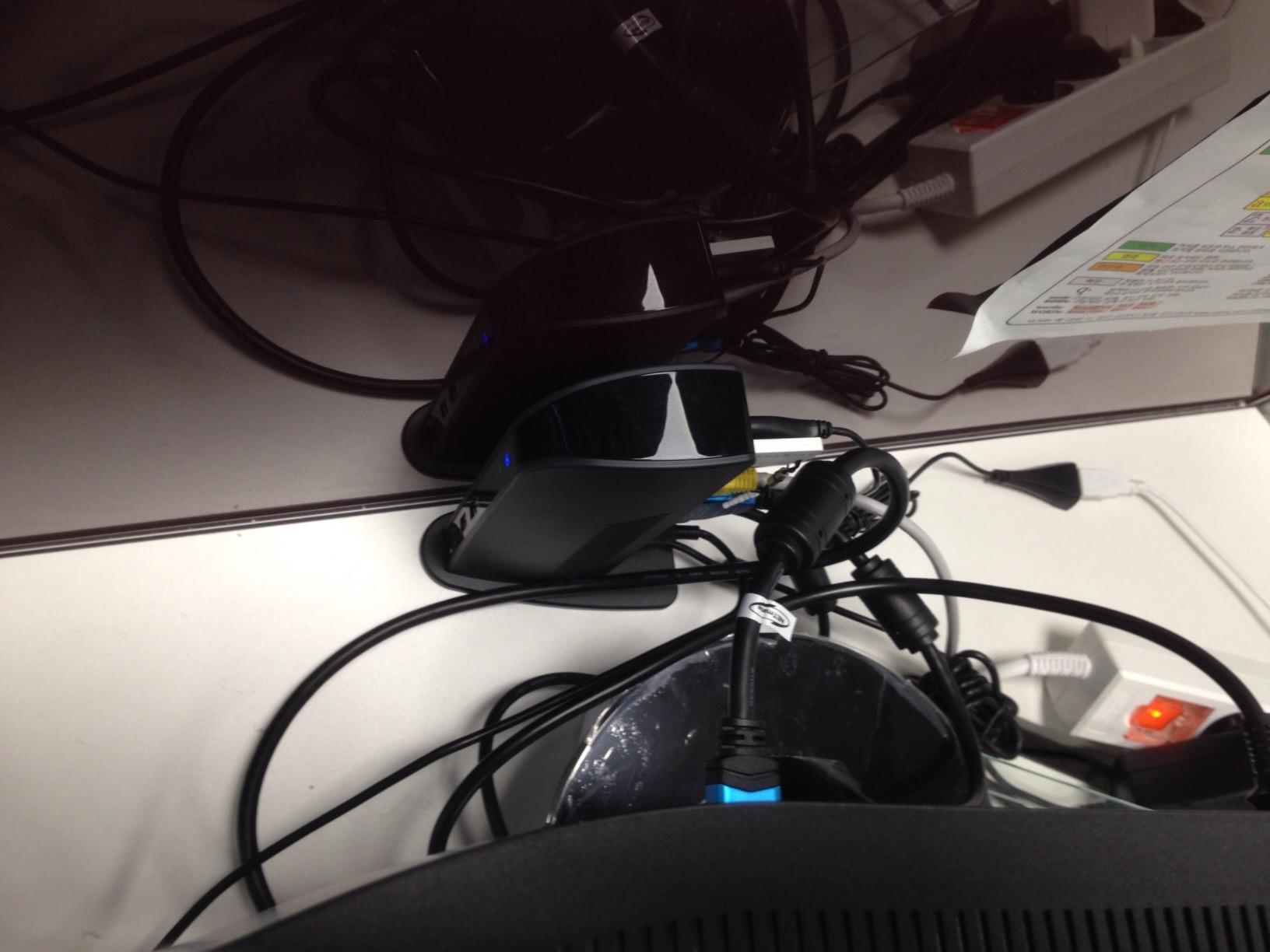
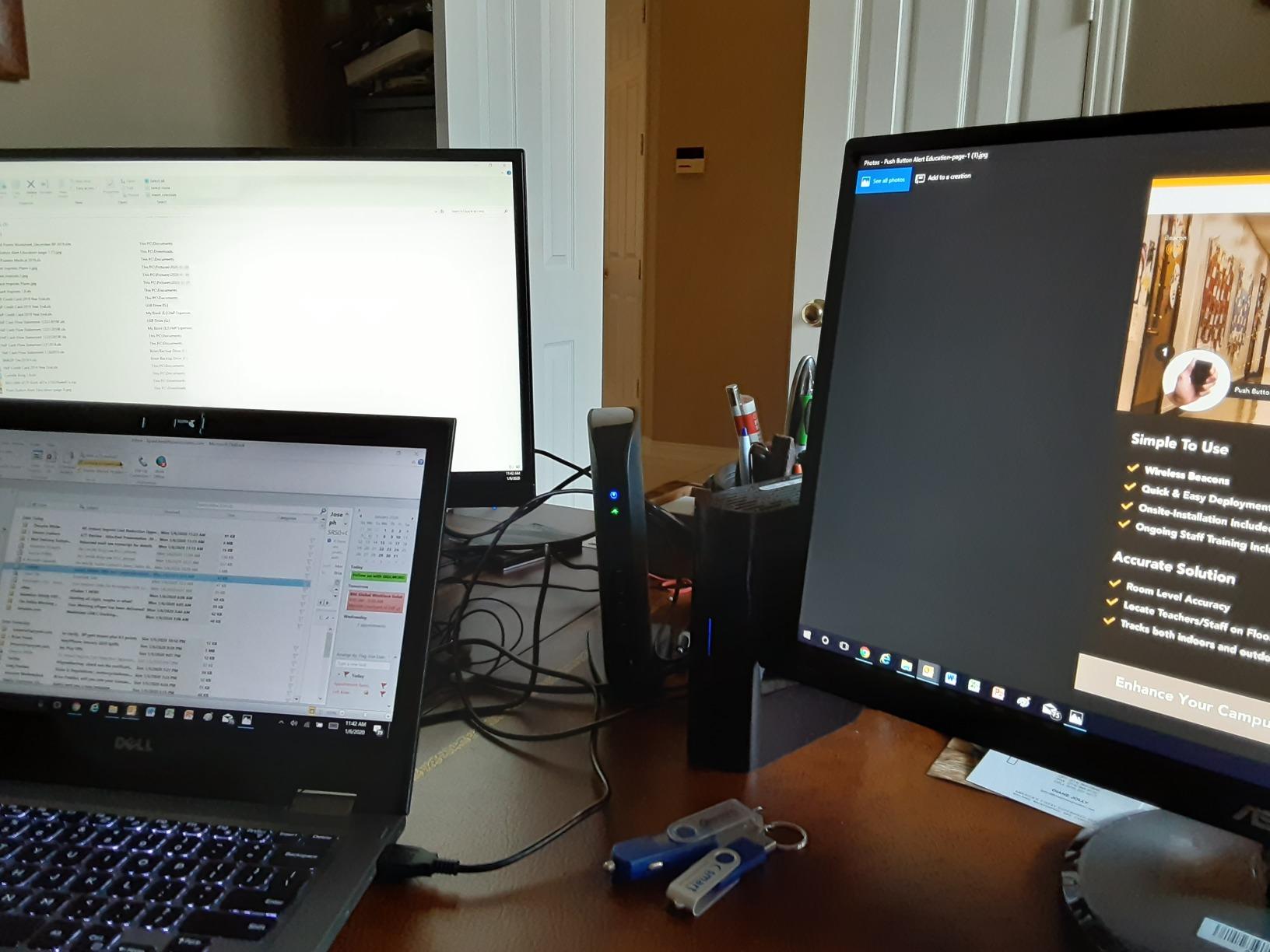
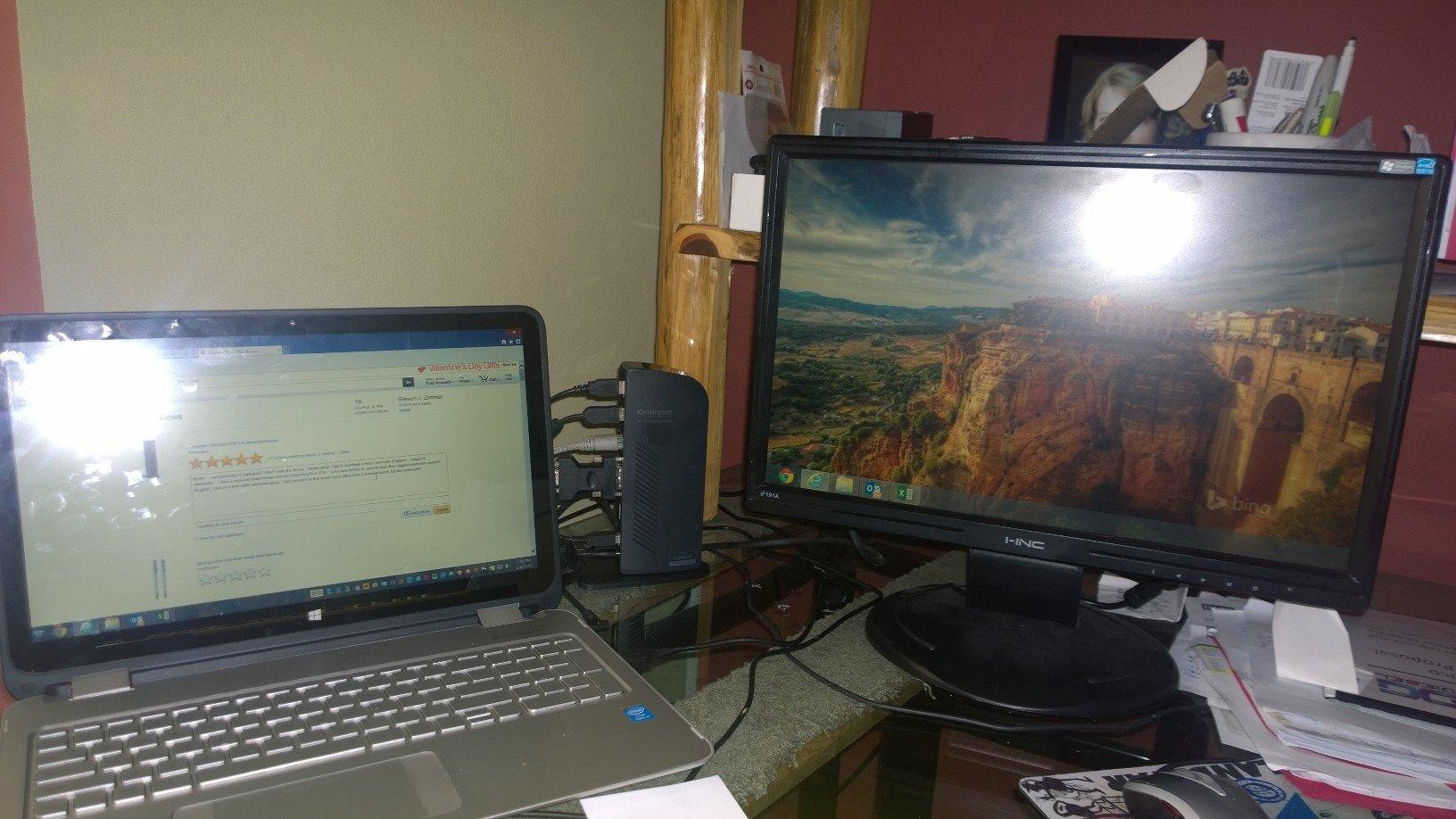
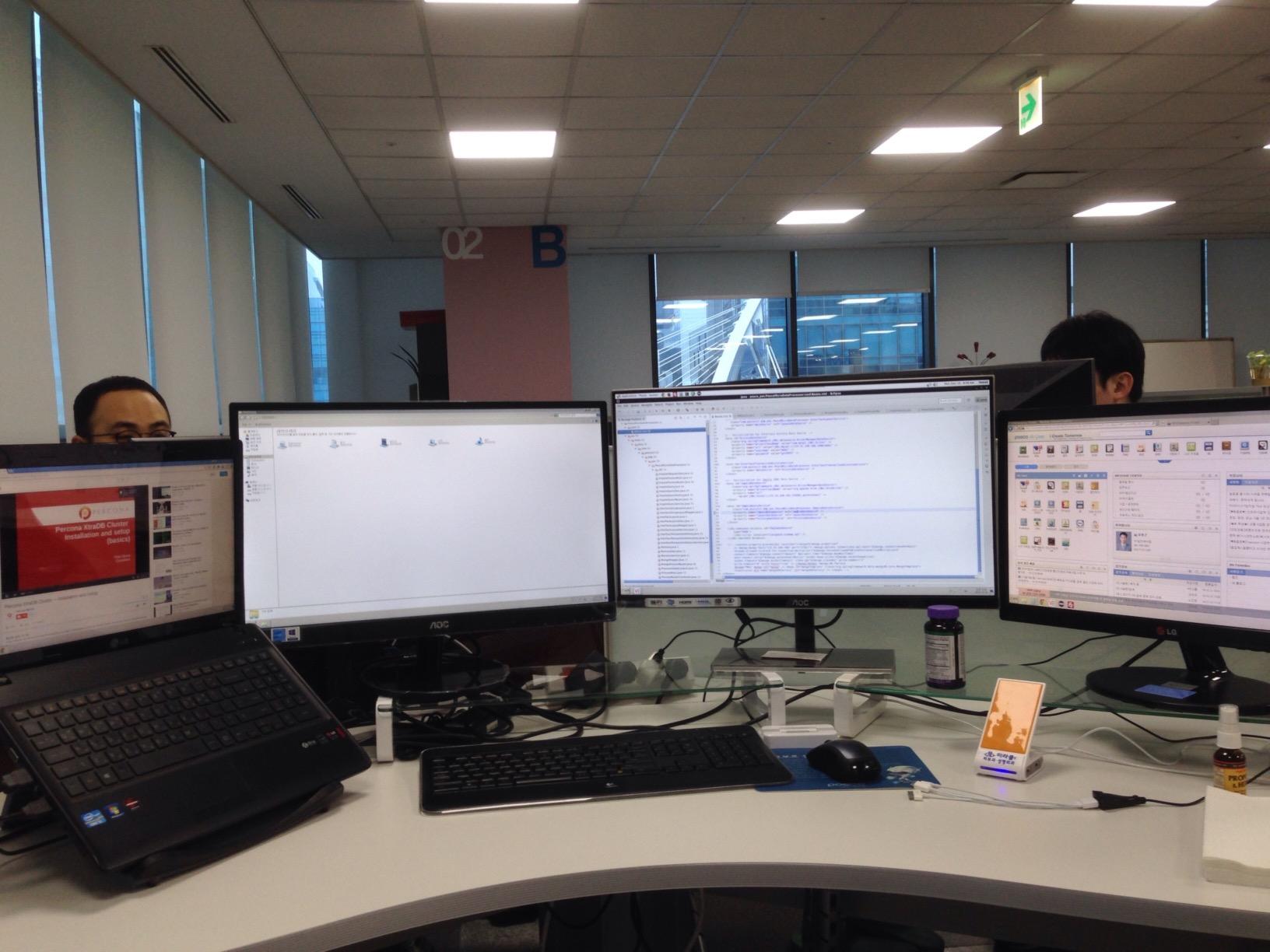
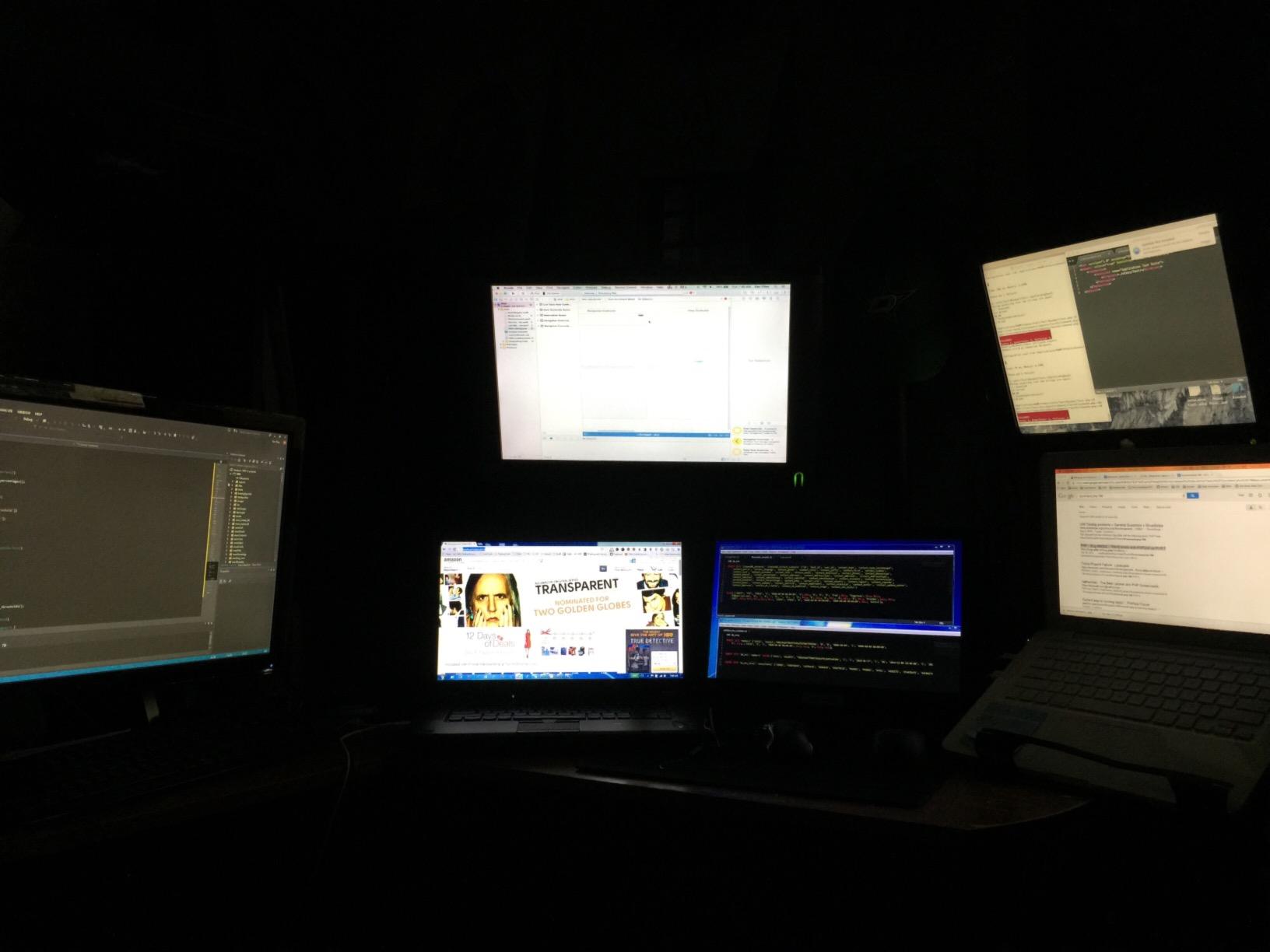
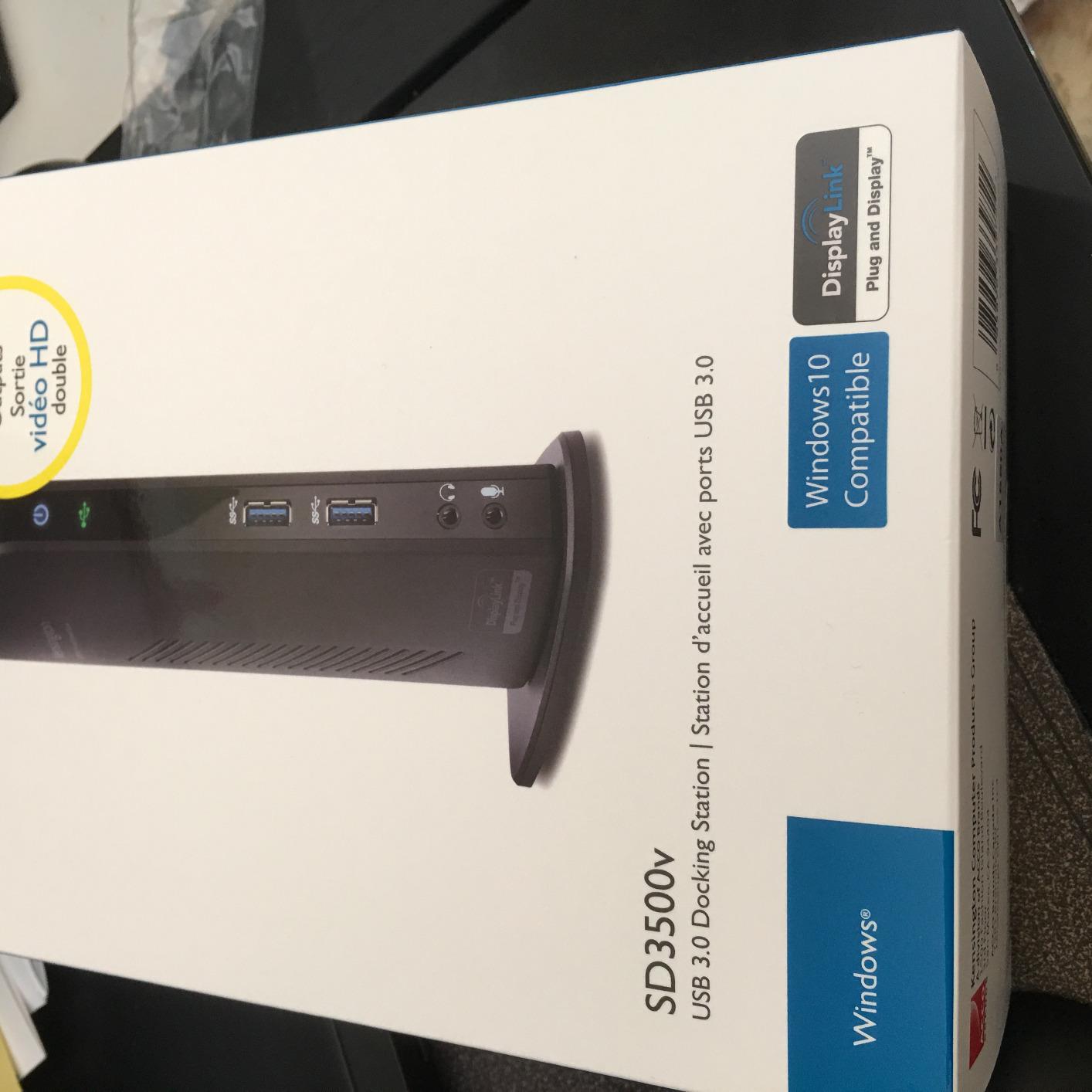
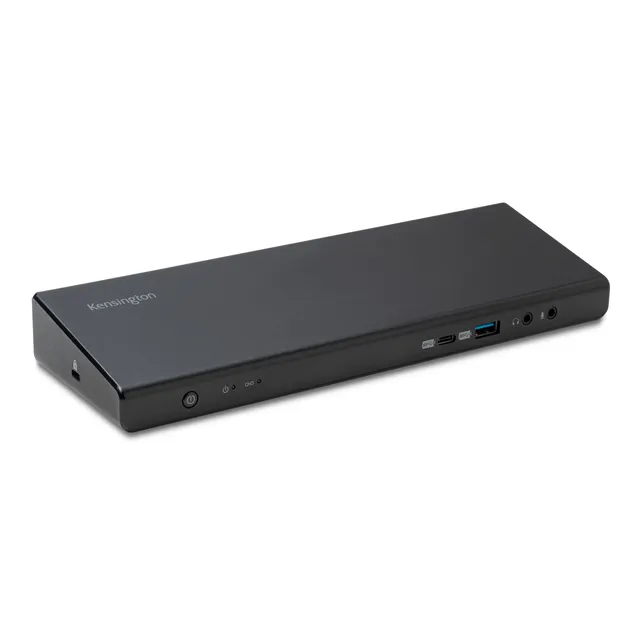
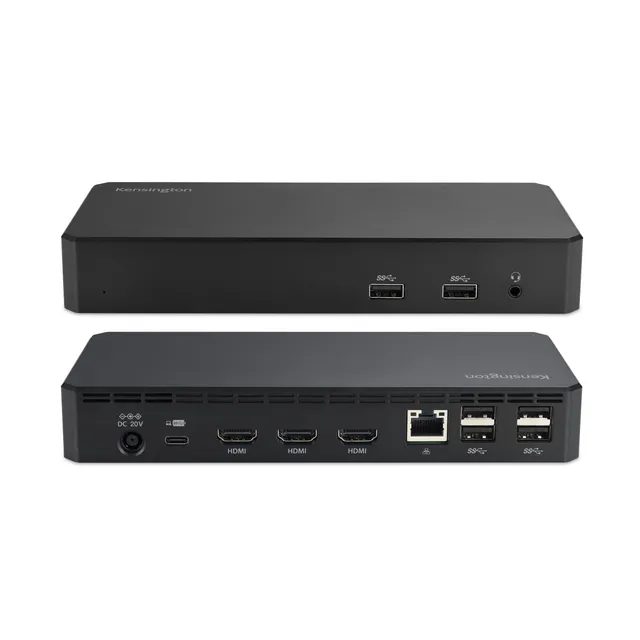
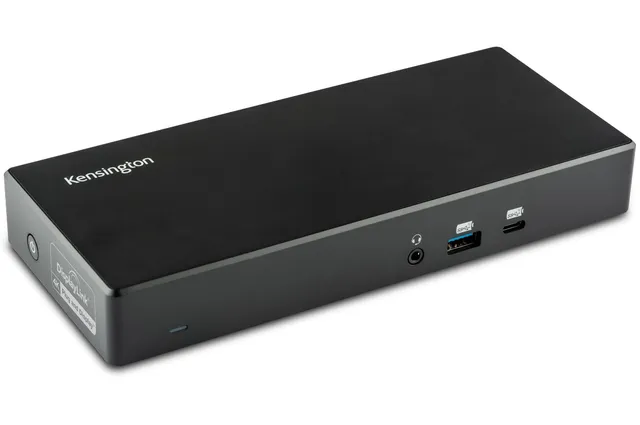
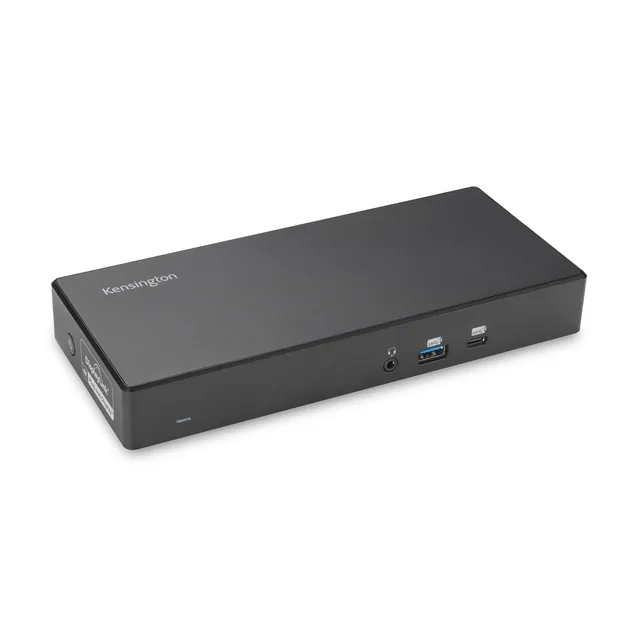
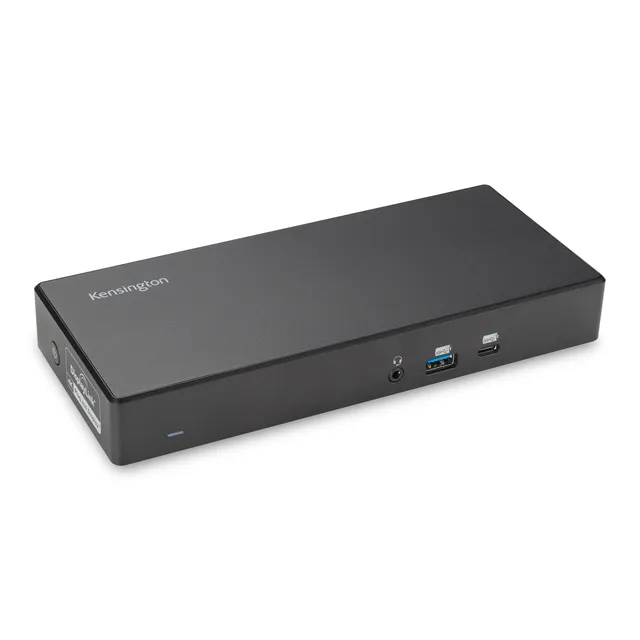
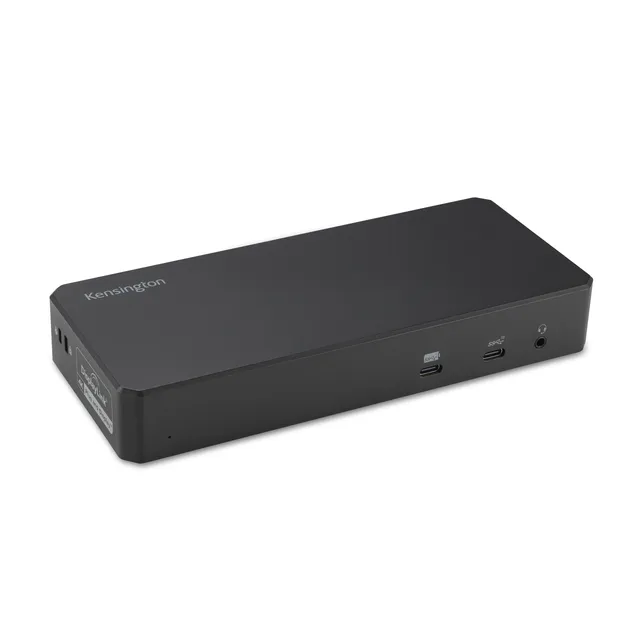
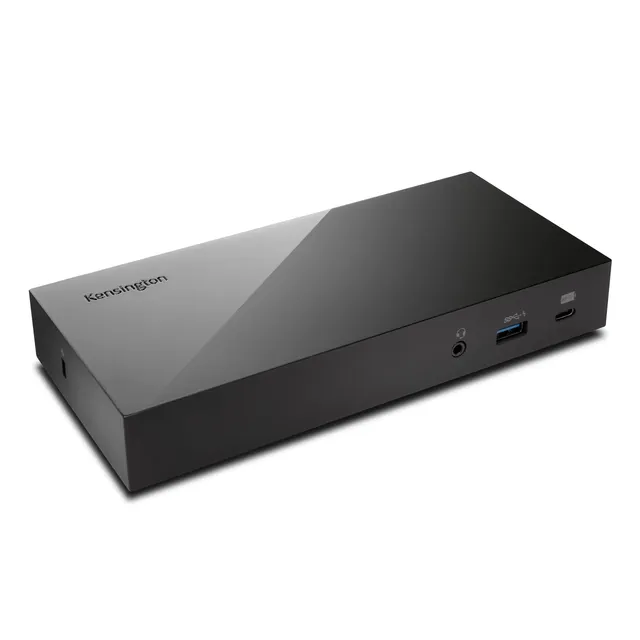
Kensington SD3500v USB 3.0 Dual Display Docking Station (K33972US) for MacBooks, Windows, and Surface
4.4 (9)
$73.25$36.63
Turn one USB-A port into six with the Kensington SD3500v USB 3.0 Dual Display Docking Station (K33972US) – now only $36.63, save 50% off the $73.25 list price, and get dual monitor support for your laptop at an unbeatable price.
In Stock
-
1
+
Get it in 3–5 business days.
23 people are viewing this item.19 sold today.Only 8 left in stock.
Kensington SD3500v USB 3.0 Dual Display Docking Station (K33972US)
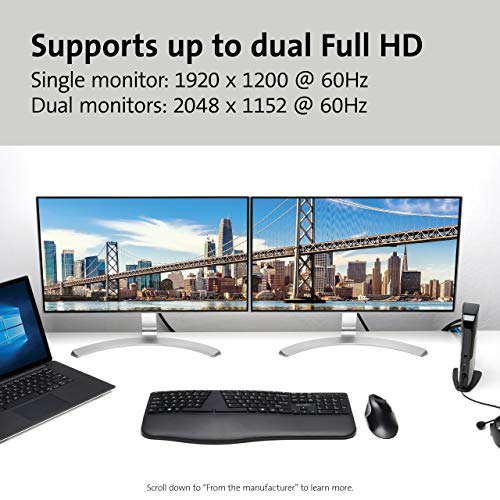
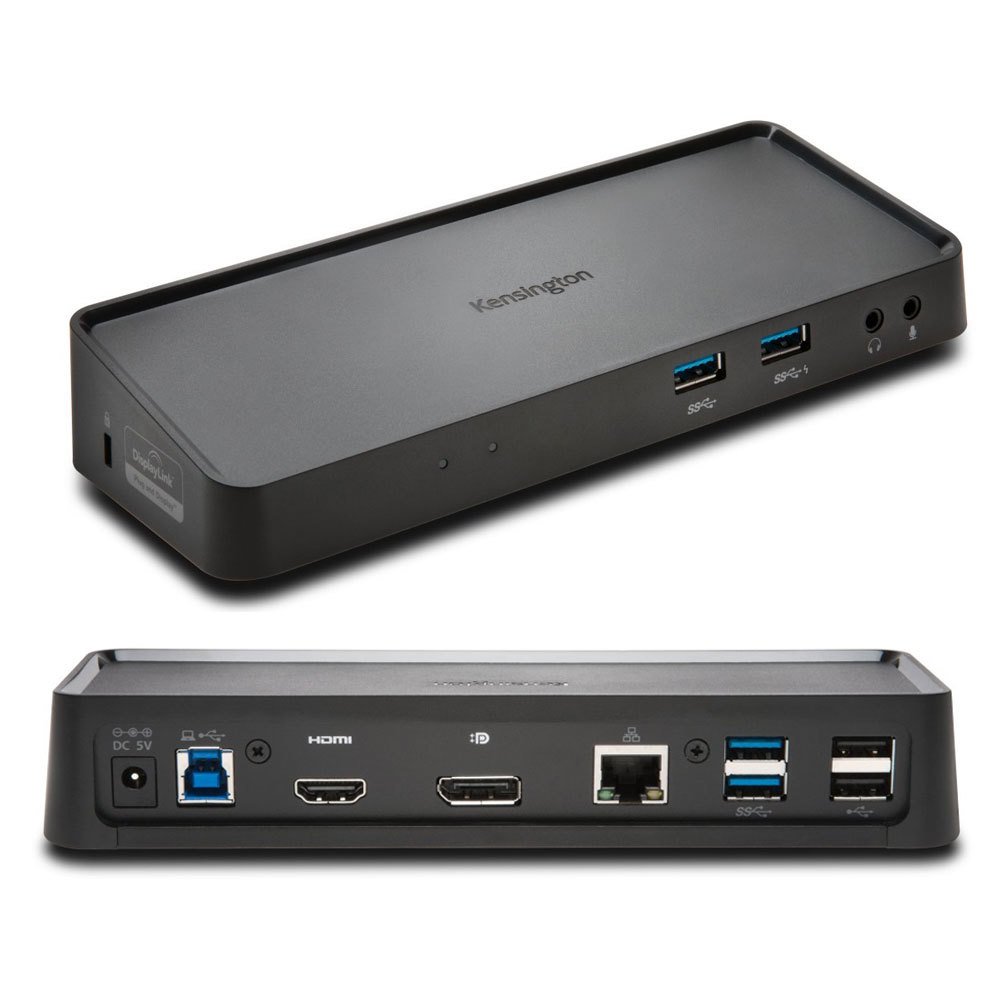
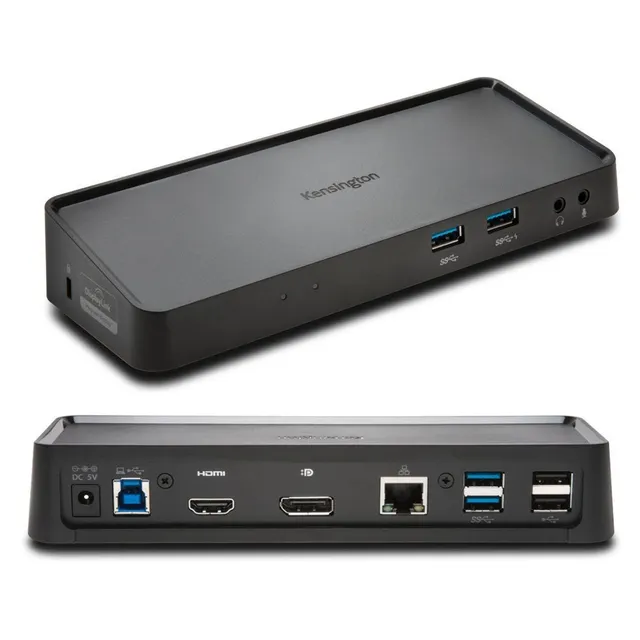
Expand your laptop's connectivity with the Kensington SD3500v USB 3.0 Dual Display Docking Station (K33972US). This universal dock turns a single USB-A port into six essential ports, letting you connect dual monitors (up to 2048x1152@60Hz) and all your peripherals with one hot-swappable connection. Ideal for MacBook (M1/M2), Windows, and Surface users who need a reliable, high-performance docking solution. At today's discounted price of $36.63 (compared to $73.25), you save 50% and get enterprise-grade productivity for less.
Key Specifications
Brand: Kensington
Model: SD3500v (K33972US)
Product Type: USB 3.0 Universal Docking Station
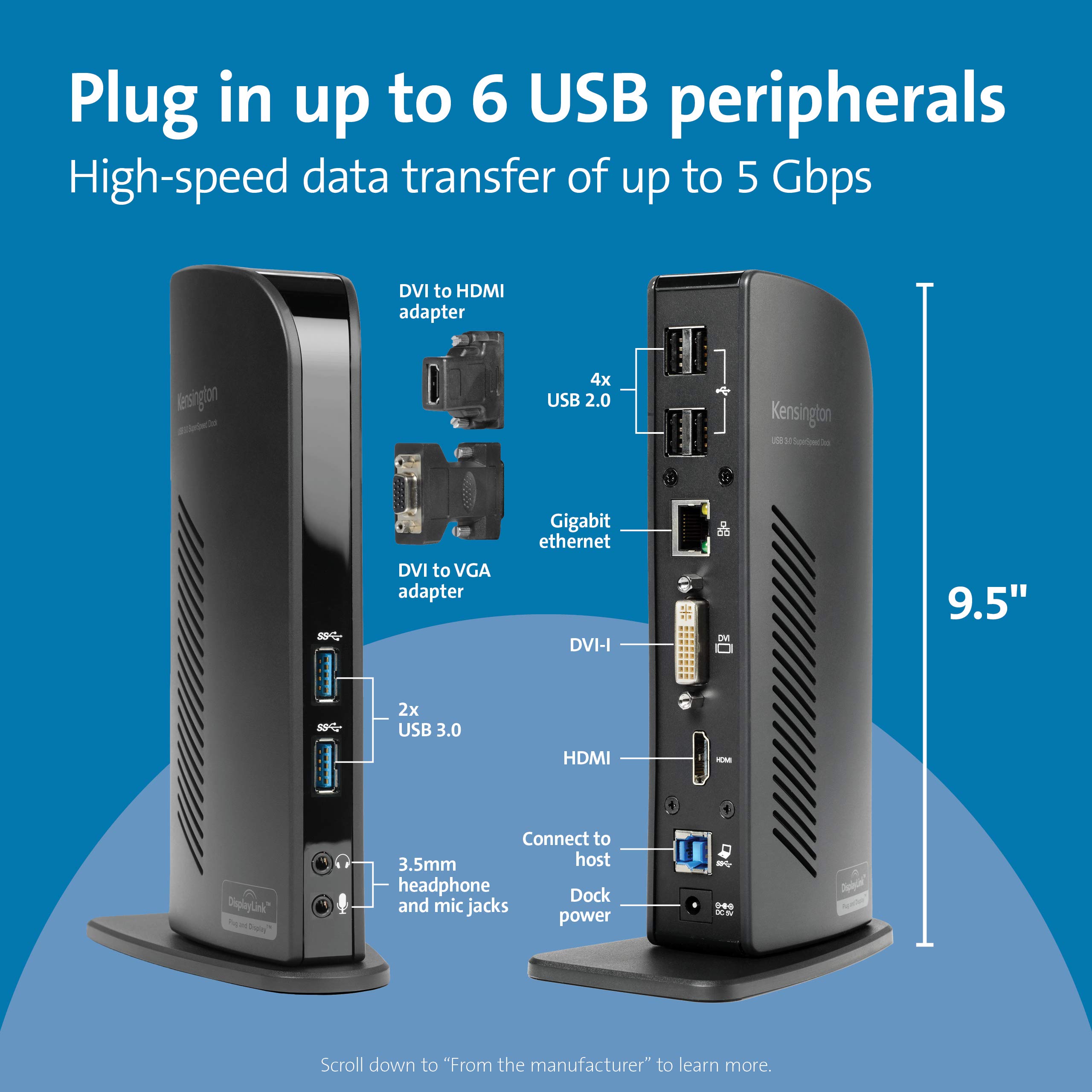
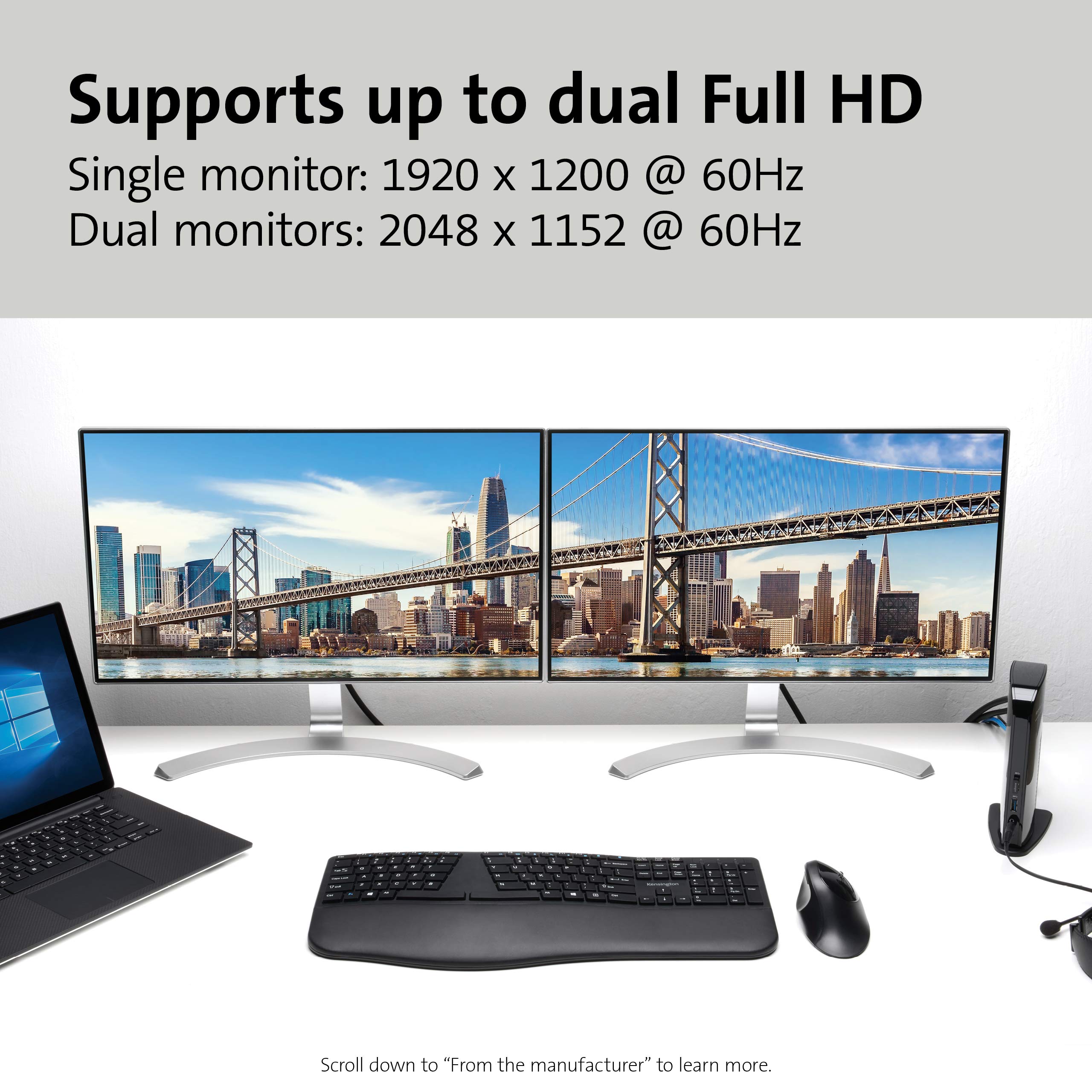
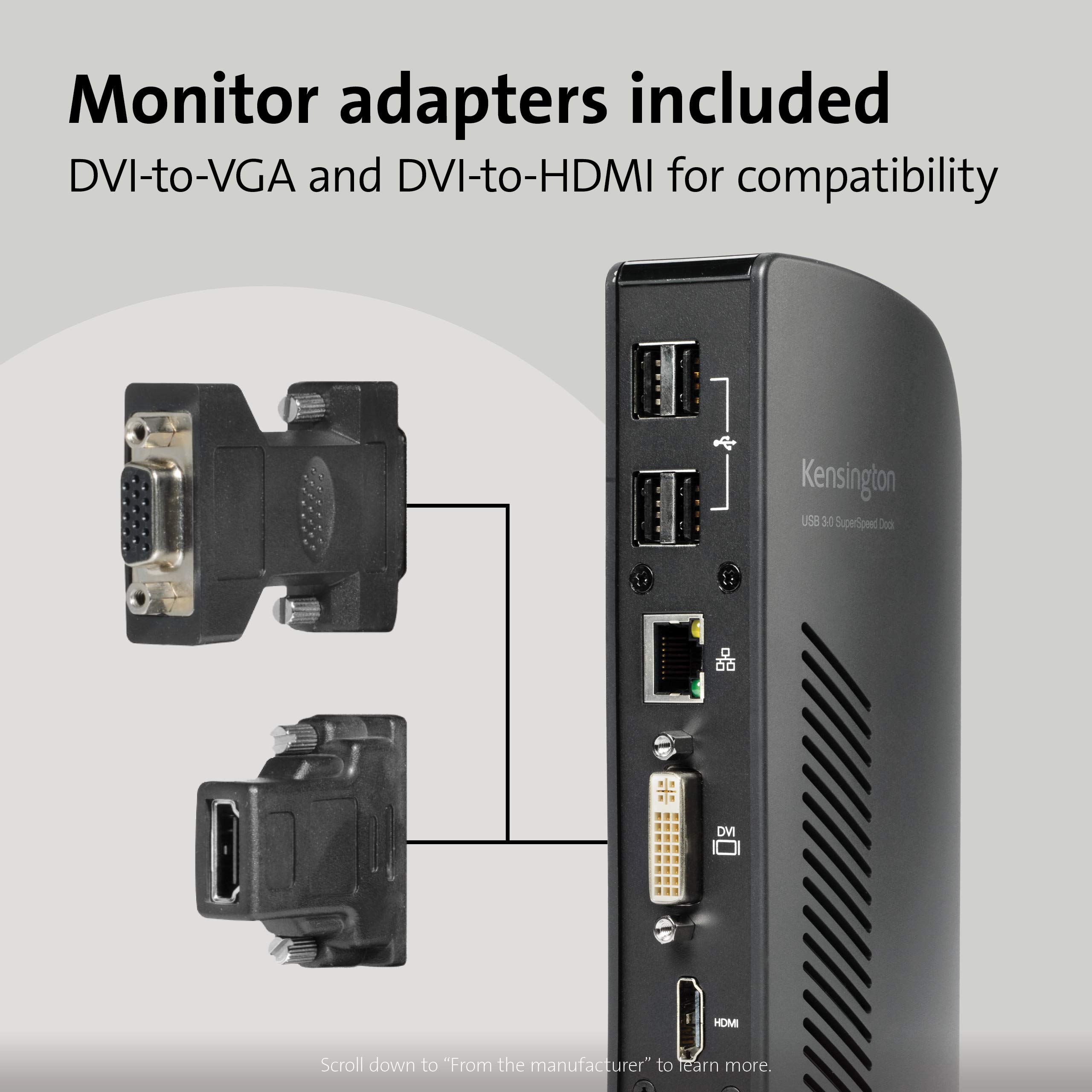
Video Outputs: Dual DisplayLink (HDMI & DVI) up to 2048x1152@60Hz; single display up to 2560x1600@60Hz
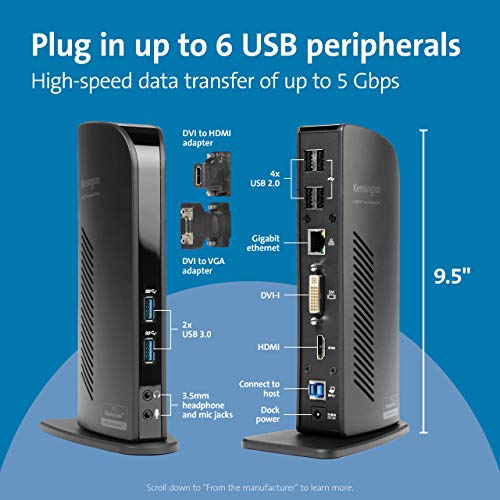
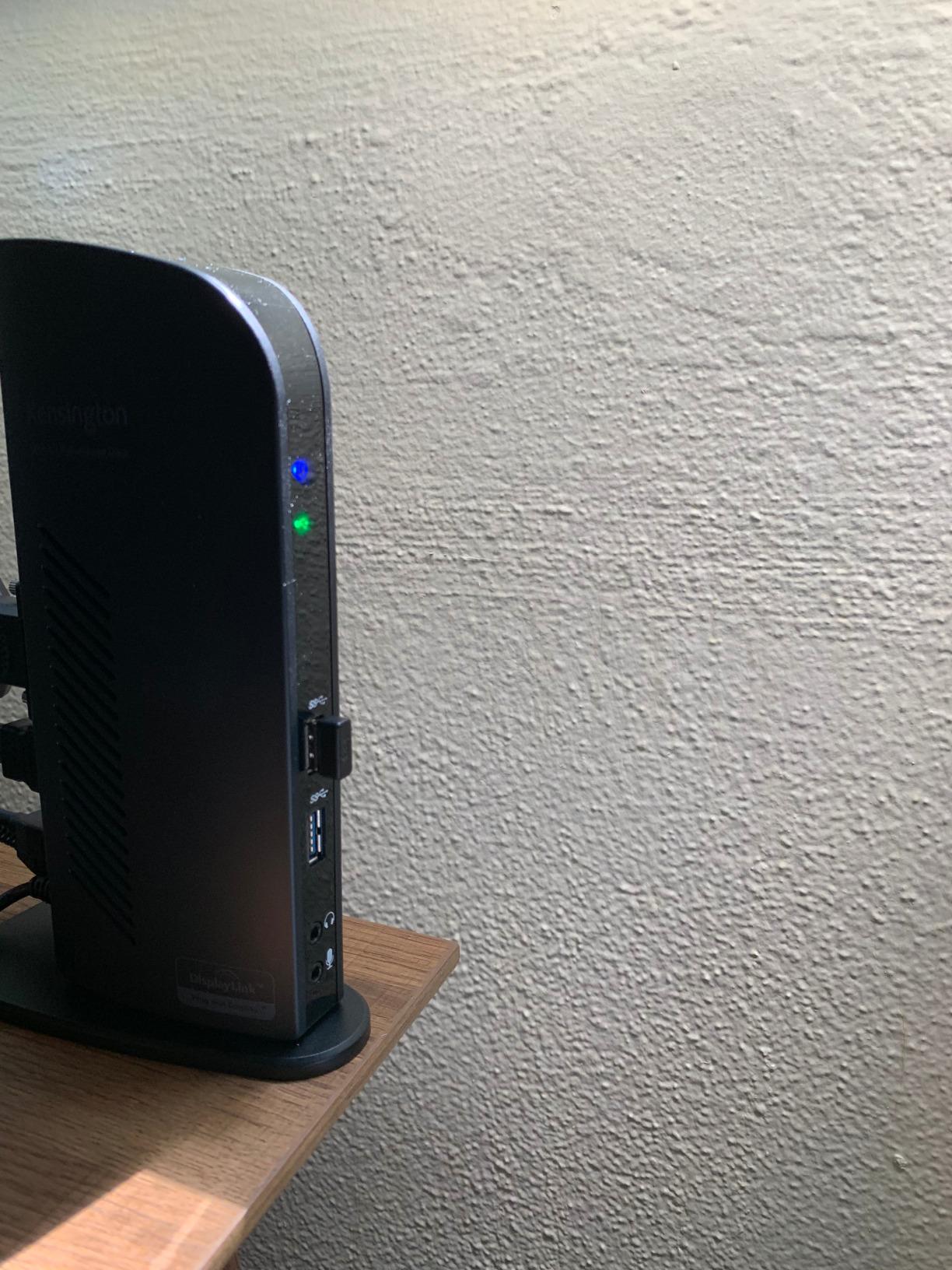
Ports: 2x USB 3.0 (5Gbps), 4x USB 2.0, Gigabit Ethernet, headphone/mic jacks
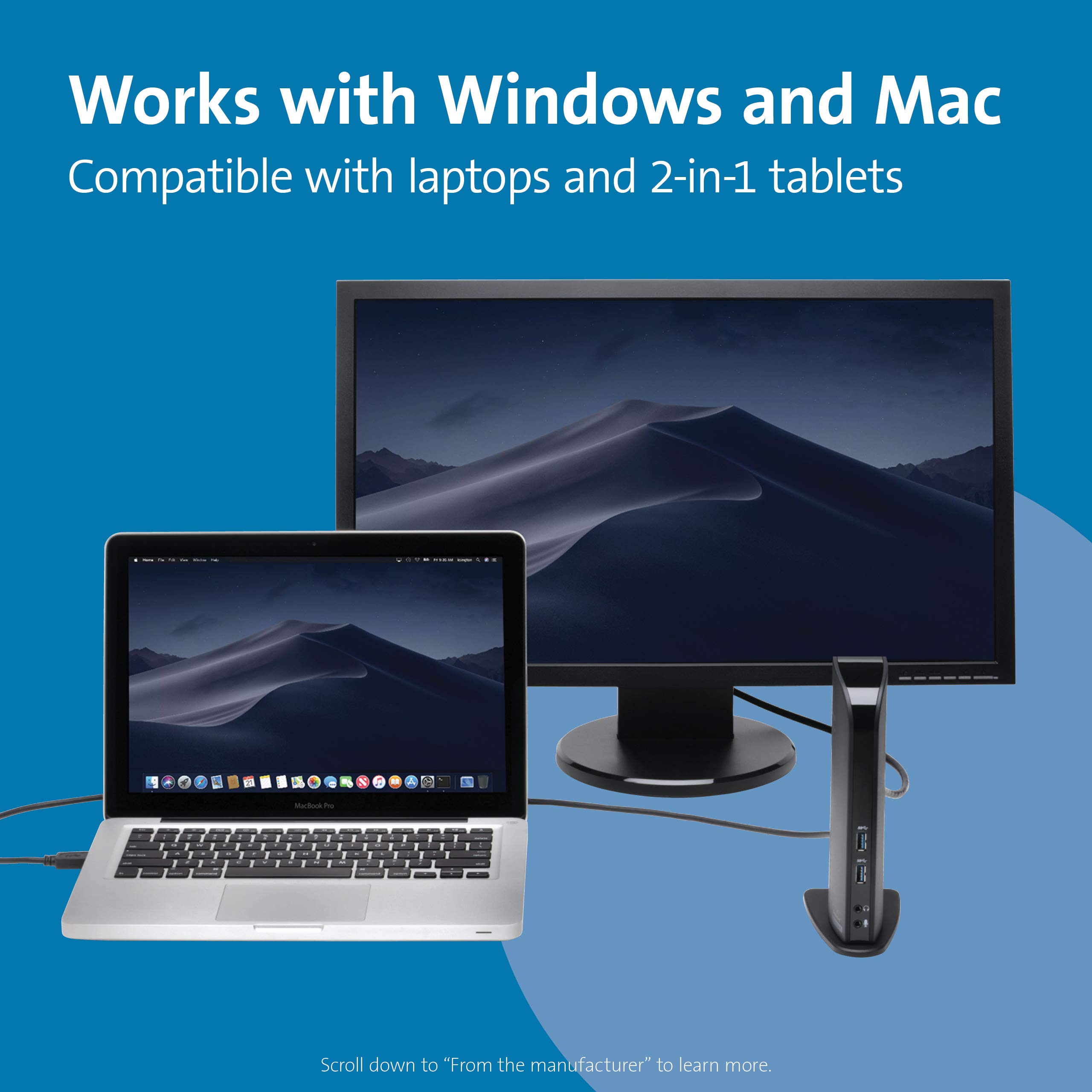
Compatibility: MacBooks (with USB-C to USB-A adapter), Windows laptops, Surface Pro/Laptop/Book/Go (with USB-A)
Power: Included power adapter (does not charge laptop)
Why Choose This Product?
If you're struggling with a non-working dual monitor setup, this dock is the fix. Its DisplayLink technology ensures reliable multi-display performance. With a 50% discount and free shipping over $45, this is the best value in laptop docking stations. Buy now and boost your productivity instantly.
Features
Dual monitor support up to 2048x1152 via DisplayLink – perfect for multitasking, at 50% off today.
Six USB ports plus Gigabit Ethernet and audio – expands any USB-A laptop for under $40.
Universal compatibility with Mac, Windows, and Surface – one dock for all your devices, saving you $36.62.
Model: SD3500v (K33972US)
Ports: 2x USB 3.0, 4x USB 2.0, Gigabit Ethernet, headphone/mic
Power: Included power adapter
Product Type: USB 3.0 Universal Docking Station
Compatibility: MacBooks (USB-C with adapter), Windows, Surface Pro/Laptop/Book/Go (USB-A)
Video Outputs: Dual DisplayLink: HDMI & DVI (up to 2048x1152@60Hz); single: up to 2560x1600@60Hz
Seller: Mekibo
MPN: SD3500v (K33972US)
Product Details
Get More Done with Dual Monitors
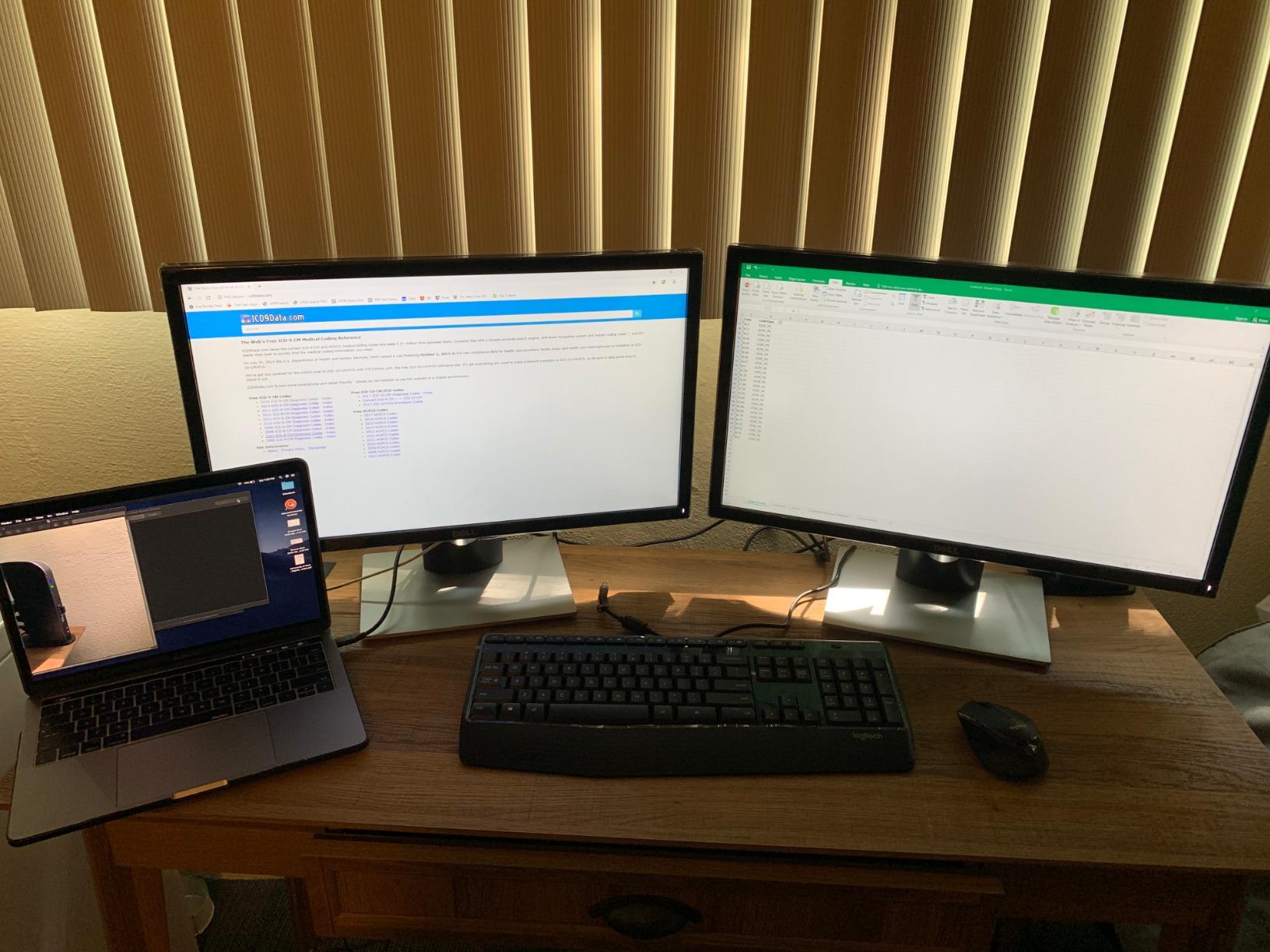
This Kensington docking station lets you connect two external monitors via HDMI and DVI, giving you a spacious desktop for spreadsheets, coding, or creative work. With DisplayLink technology, setup is simple and reliable.
Perfect for Mac, Windows, and Surface
Whether you use a MacBook Pro, a Windows ultrabook, or a Surface Pro, this dock works with any USB-A port. For MacBooks with USB-C, use the included USB-C to USB-A adapter. It's a universal solution that saves you from buying multiple docks.
Value That's Hard to Beat
At $36.63 (50% off the original $73.25), you're getting a premium dock at a budget price. Plus, order over $45 for free shipping and apply coupon MEKIBO15 for an extra 15% off. That's a total savings of over $60 – a steal for this level of productivity.
Frequently Asked Questions
How do I fix the Kensington K33972US not working with dual monitors?
Ensure you have the latest DisplayLink drivers installed from the DisplayLink website. For Mac, download the macOS driver. Check that your monitors are connected to the HDMI and DVI ports. If issues persist, try a different USB port or restart your computer.
How do I install DisplayLink drivers for the Kensington K33972US on macOS?
Visit the DisplayLink download page, select macOS, download the latest driver, and run the installer. After installation, restart your Mac and grant necessary permissions in System Preferences > Security & Privacy.
Why does my Kensington K33972US keep disconnecting monitors?
Common causes include a loose USB connection, outdated drivers, or power issues. Try a different USB port, update drivers, and ensure the power adapter is connected. If using a USB hub, connect directly.
Can the Kensington K33972US support three monitors?
Yes, you can add a third monitor using a USB-A to DVI DisplayLink adapter (like Kensington K33974AM), but it uses one of the USB ports. The dock supports up to three displays total when combined with a USB graphics adapter.
4.4★★★★★★★★★★(9)
5 ★5
4 ★3
3 ★1
2 ★0
1 ★0
Customer Photos
9
Customer Reviews
9
★★★★★★★★★★5.0
o**u
Verified
Perfect for my home office
This docking station works flawlessly with my MacBook Pro. I now have dual monitors, plus extra ports for everything. Plug-and-play, no issues. Great price.
★★★★★★★★★★4.0
m*****b
Verified
Works well, but power adapter is bulky
The docking station does its job – connects two monitors and all my peripherals. Setup was easy. The only downside is the power adapter is large and takes up space. But it's reliable.
★★★★★★★★★★5.0
y****u
Verified
Excellent docking station
I was skeptical about using a USB-A dock, but this works perfectly with my Dell laptop. I get dual 1080p monitors and a ton of ports. It's stable and fast. The price is unbeatable for the functionality.
★★★★★★★★★★4.0
y*****q
Verified
Mostly good, but display drivers needed
It works as expected once I installed the DisplayLink drivers. The instructions could be clearer. After setup, it's been smooth. Dual monitors are a game-changer for productivity. Just be prepared for a bit of software installation.
★★★★★★★★★★5.0
r***r
Verified
Great for my Surface
I needed a dock to connect my Surface Pro to two monitors. This one did the trick. The USB 3.0 speeds are fine. I appreciate the 6 ports. It's compact and doesn't clutter my desk. Highly recommended.
★★★★★★★★★★3.0
p*u
Verified
Works, but occasionally disconnects
It gets the job done, but my monitors occasionally flicker or disconnect when I plug in a USB drive. Not sure if it's a driver issue or a hardware limitation. It's annoying, but I got it cheap.
★★★★★★★★★★5.0
a*****t
Verified
Excellent value
I was going to spend $200 on a dock, but decided to try this one first. I'm glad I did. It gives me dual monitors, Ethernet, and several USB ports. It's fast and reliable. The price is a no-brainer.
★★★★★★★★★★4.0
x**f
Verified
Good dock for the price
I use this with a Windows 10 laptop. It was mostly plug-and-play, though I did need to update drivers for the display to work. Once that was done, it's been stable. Dual monitors look great. The only con is the dock gets warm.
★★★★★★★★★★5.0
a*****q
Verified
Awesome docking station
This dock has changed my work setup. I now have two large monitors and a bunch of ports for my keyboards, mouse, and external drives. Everything just works. I'm extremely happy with this purchase.